
Selling your content
How the paywall works
Why a new video is not free, what an offer covers, and the one switch that makes a channel free.
By the end you know why viewers see Unlock this content, which offers cover which videos, and how to make content free.
Before you start
- Three rules decide what a viewer can watch:
- Everything is paywalled until you say otherwise. A newly uploaded video shows "not yet available" to viewers, even with no offers at all.
- An active offer covers everything beneath it. An offer on a video covers that video; an offer on a channel or organization covers every video inside.
- Free wins. A channel marked Free Channel plays for everyone, whatever offers exist on the organization above it.
Steps
Step 1: Open a video that has an active offer
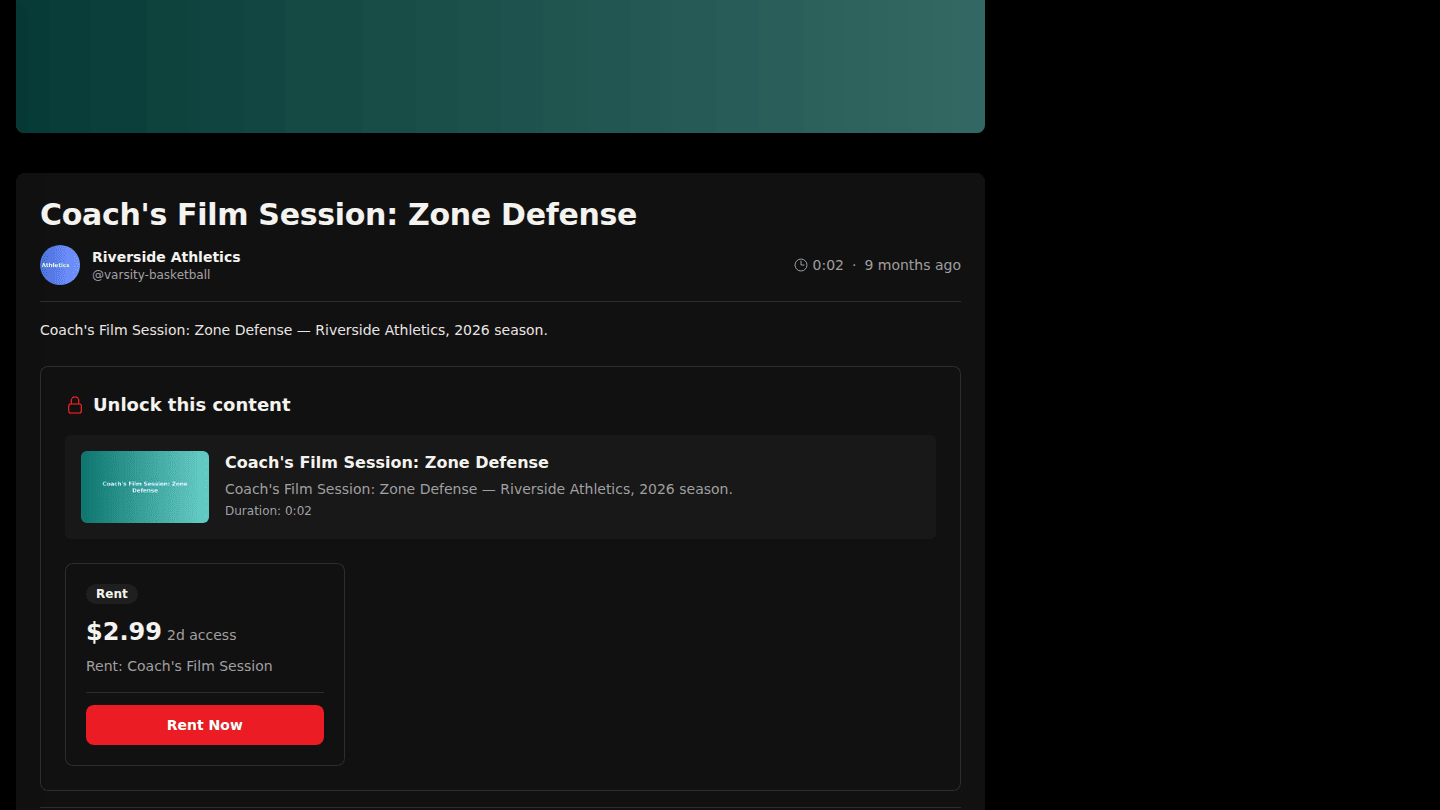
This video has an active rental offer, so viewers see Unlock this content with the price instead of the player.
Step 2: Open a channel with a subscription
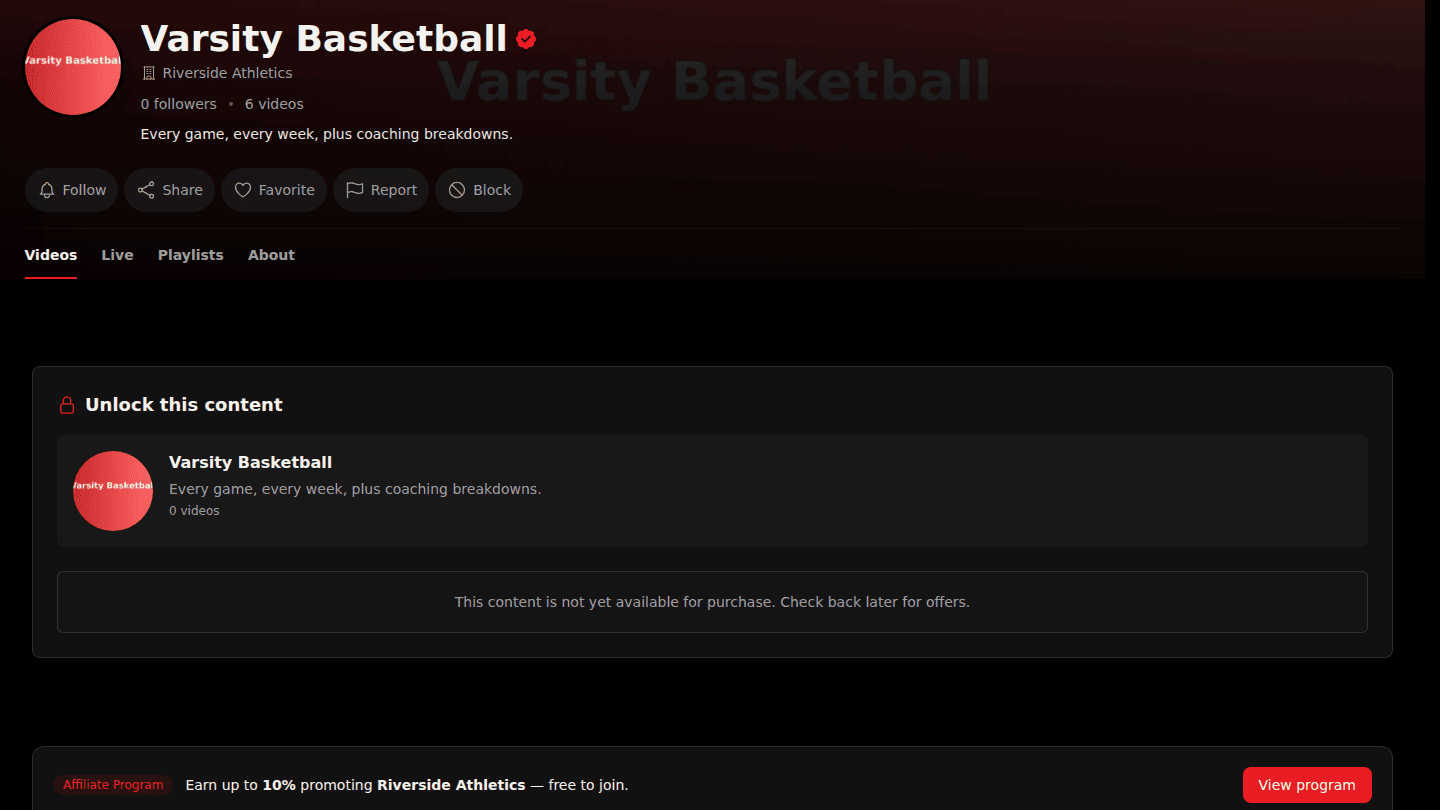
An active offer on a channel or organization covers everything inside it. Here the monthly pass on Varsity Basketball gates every video in the channel.
Step 3: Open a free channel
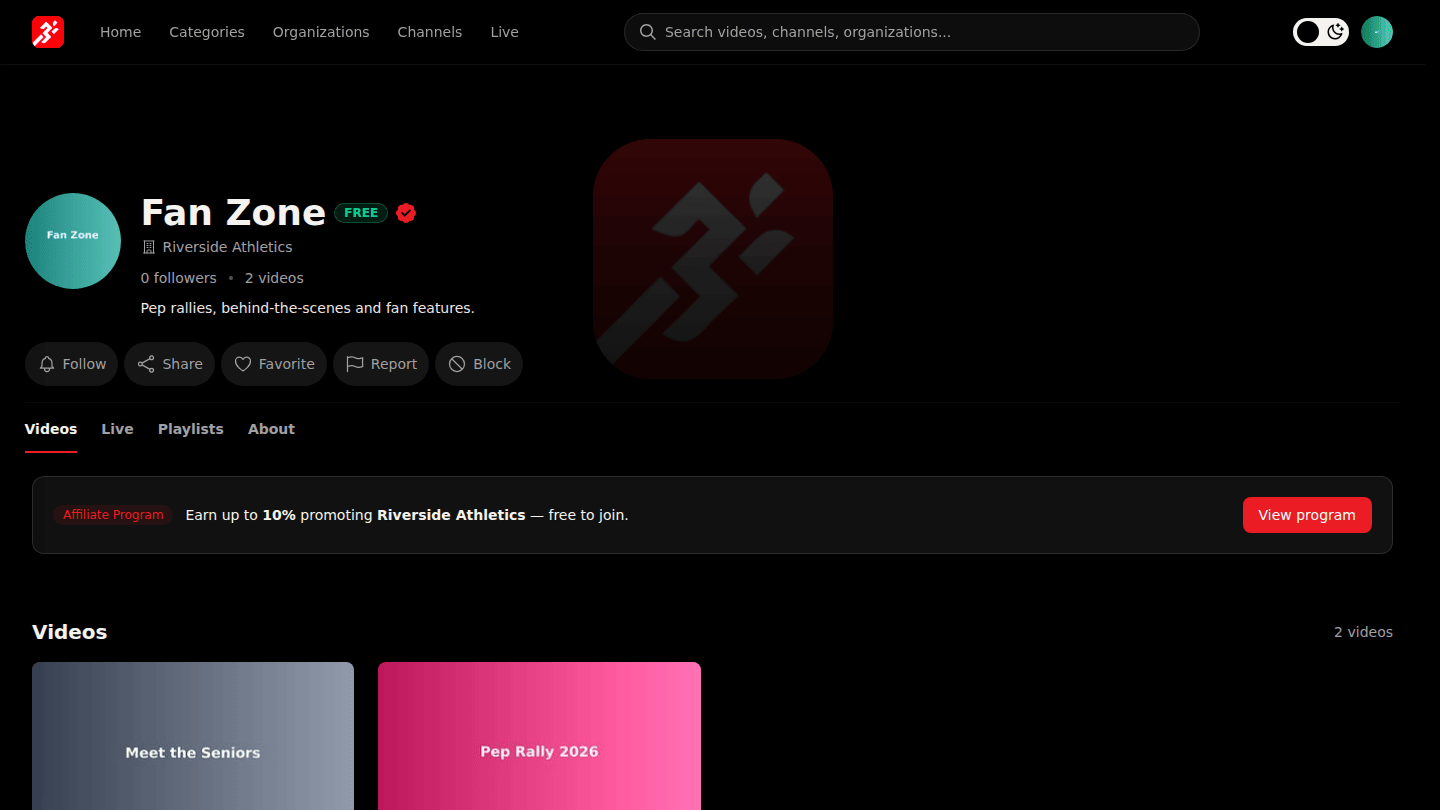
When a channel is marked free there is no paywall: the channel page lists its videos and they play for everyone, no matter what offers exist on the organization above it.
You should see
Paid videos and channels show Unlock this content with the offer and its price; videos in a free channel play straight away.
How it works
Only Active offers count. A Draft or Archived offer changes nothing for viewers, so you can prepare prices in advance and switch them on together. See Sell a video and Activate an offer.