
Selling your content
Check the paywall as a viewer
See exactly what viewers see on your paid content before you announce it.
For creators
Roles: Owner, Accounting manager, Channel manager
Before you start
By the end you have seen your offer exactly as a viewer does.
Before you start
- Your offer is Active (Activate an offer).
- Owners and team members always see the player, so use a second account or a private browser window.
Steps
Step 1: Open the video as a viewer
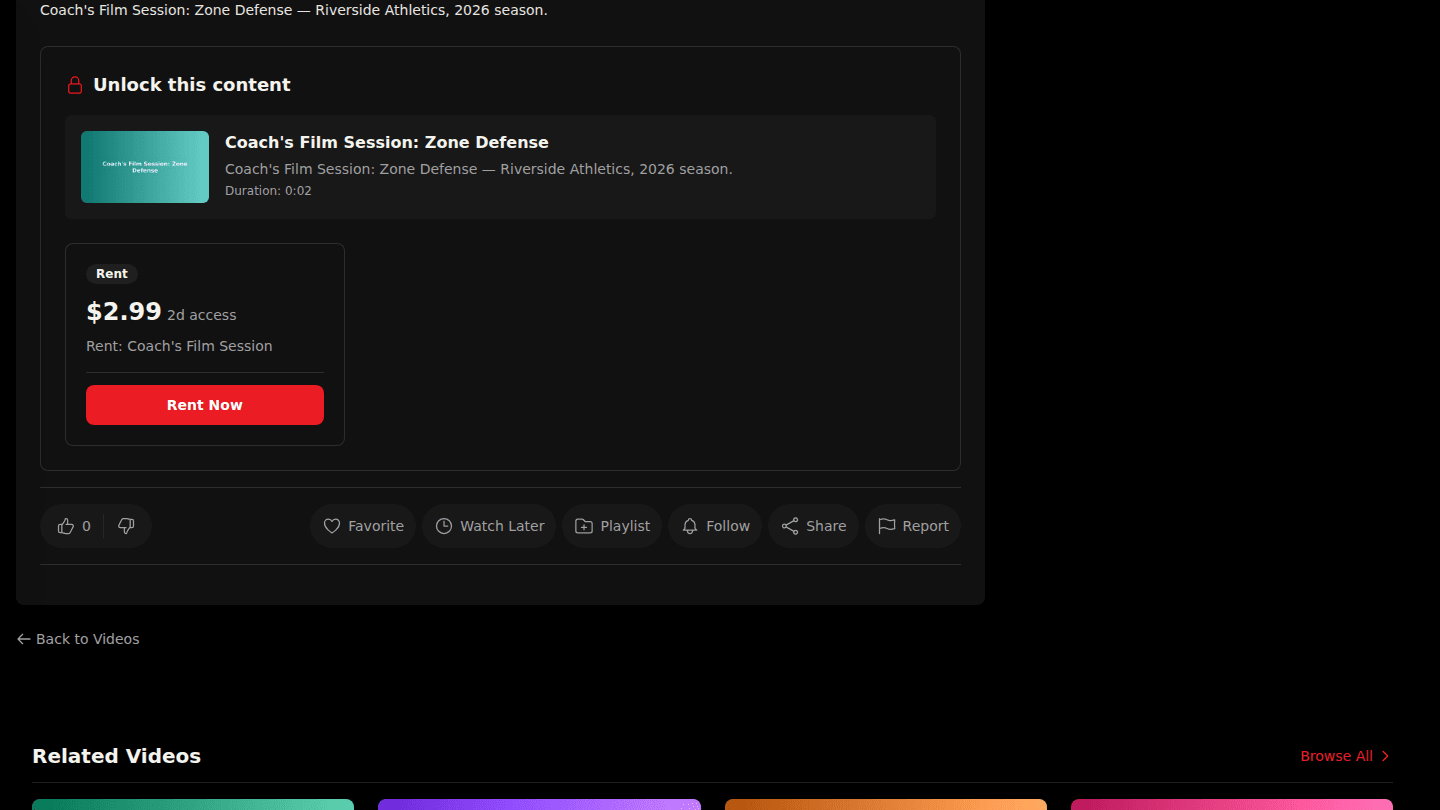
Sign in with a viewer account that has not bought anything, or use a private browser window. Open the video: the paywall shows the active offer, the price and the button viewers press to pay.
Step 2: Open the channel page
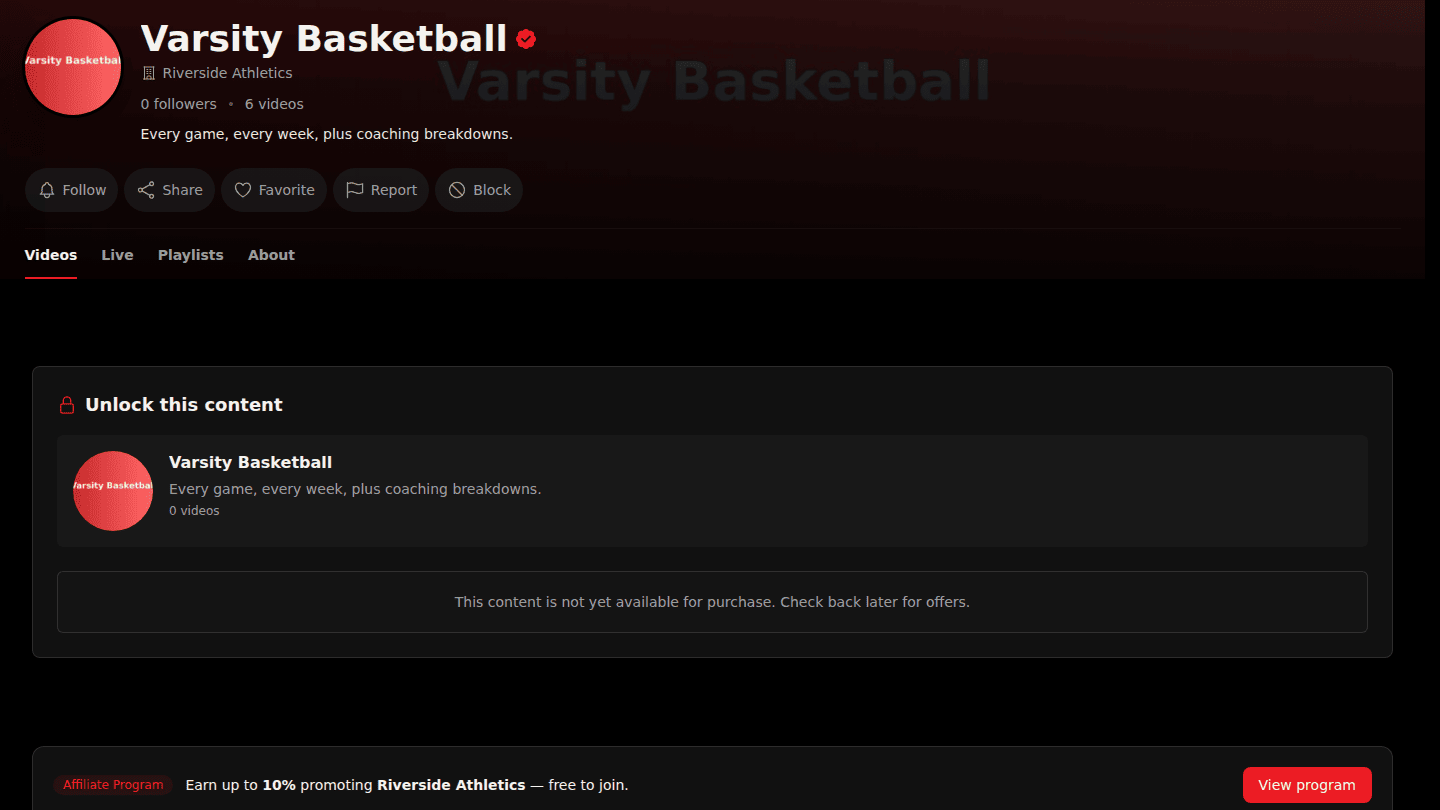
Open the channel or organization page as the same viewer. Subscription offers appear here with their monthly price.
You should see
The player shows Premium Content, and below it Unlock this content with the offer card, its price and the Buy Now, Rent Now or Subscribe button. If the button is missing, the offer is active but not yet published for payment; see Activate an offer.