
Selling your content
Create a discount
Take a percentage or a fixed amount off one of your offers.
Before you start
By the end a discount is attached to an offer and ready to apply at checkout.
Before you start
- You are an owner or accounting manager of the organization.
- The offer you want to discount exists (Sell a video).
Steps
Step 1: Open your organization and choose Manage → Discounts
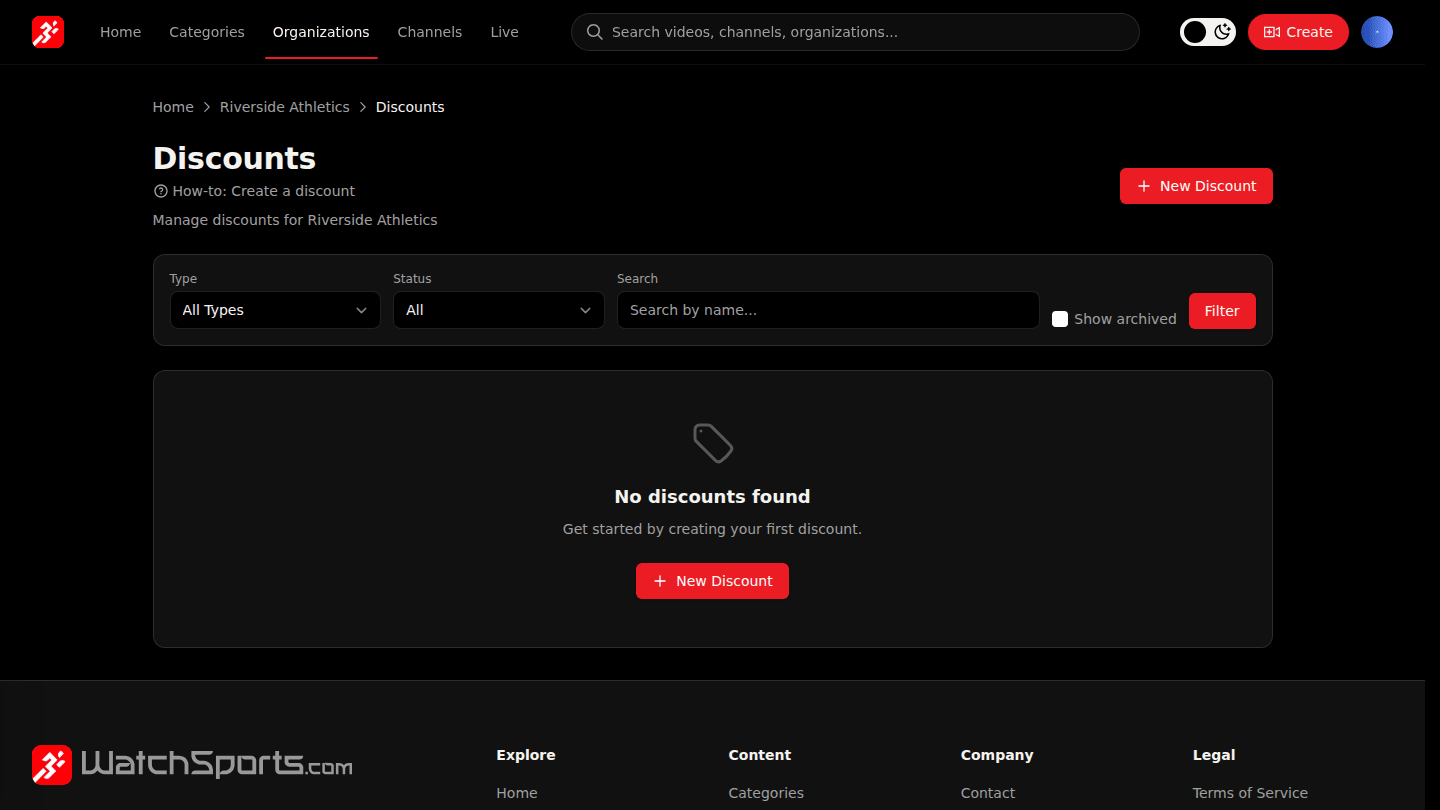
Open your organization page and choose Manage → Discounts, then New Discount.
Step 2: Pick the type, the offer and the amount
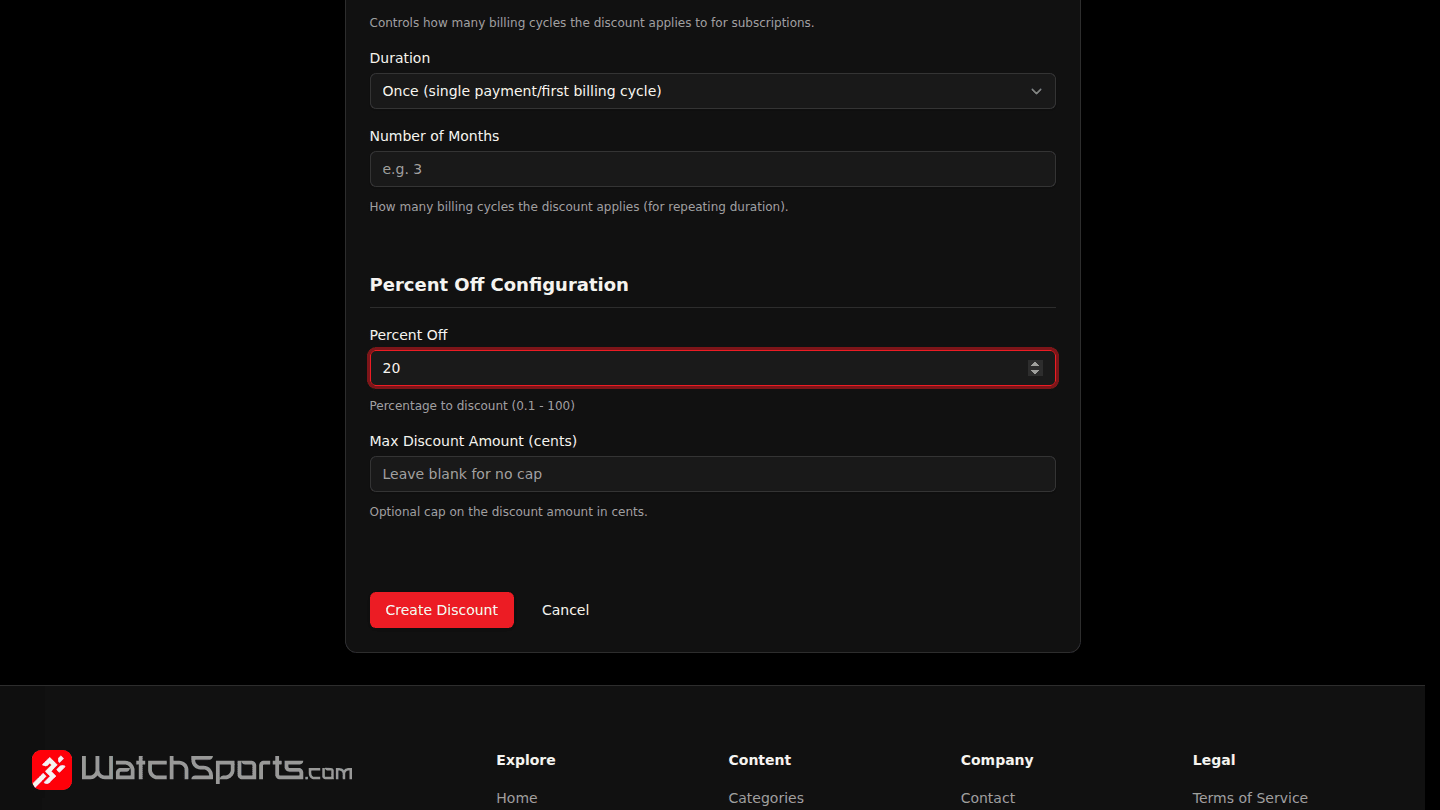
Choose a Type (percent off or a fixed amount off), give the discount a Name, pick the Offer it applies to and enter the amount. Set Max Redemptions or dates to limit it.
Step 3: Choose Create Discount
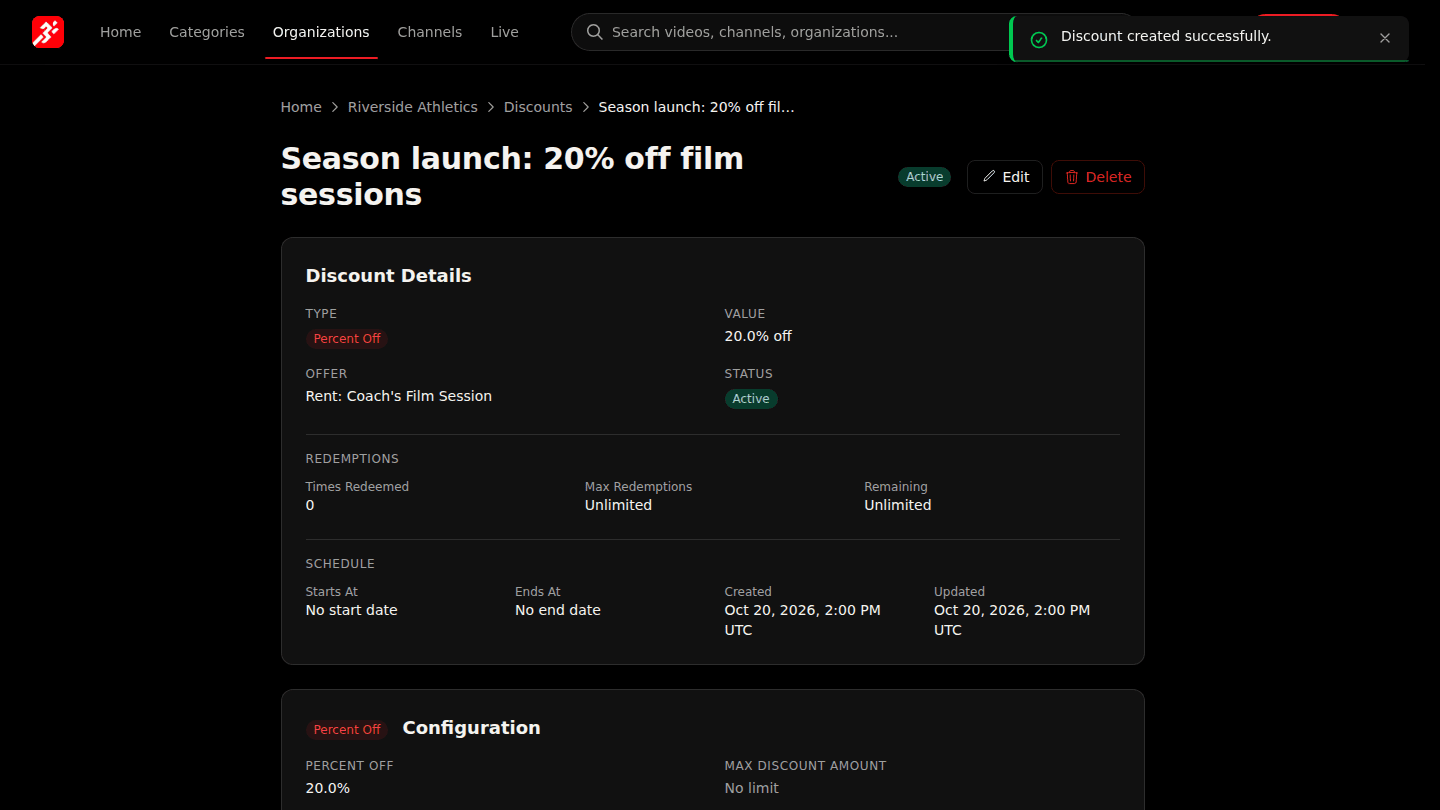
Choose Create Discount. Active discounts apply at checkout once the platform has published them to the payment processor.
You should see
The discount page with its type, value, the offer it applies to and Active status.
How it works
A discount lowers the price of one offer (or all your offers if you leave Offer blank). Limit it with Max Redemptions or start and end dates. Subscriptions can be discounted once, for a number of months, or forever using Duration.