
Videos
Edit video details
Change a video's title, description, channels and tags after uploading.
For creators
Roles: Owner, Channel manager, Video editor
Before you start
By the end the video shows its new title, description, channels and tags.
Before you start
- You can edit the video (owner, channel manager or video editor on its channel).
Steps
Step 1: Open the video and choose Edit
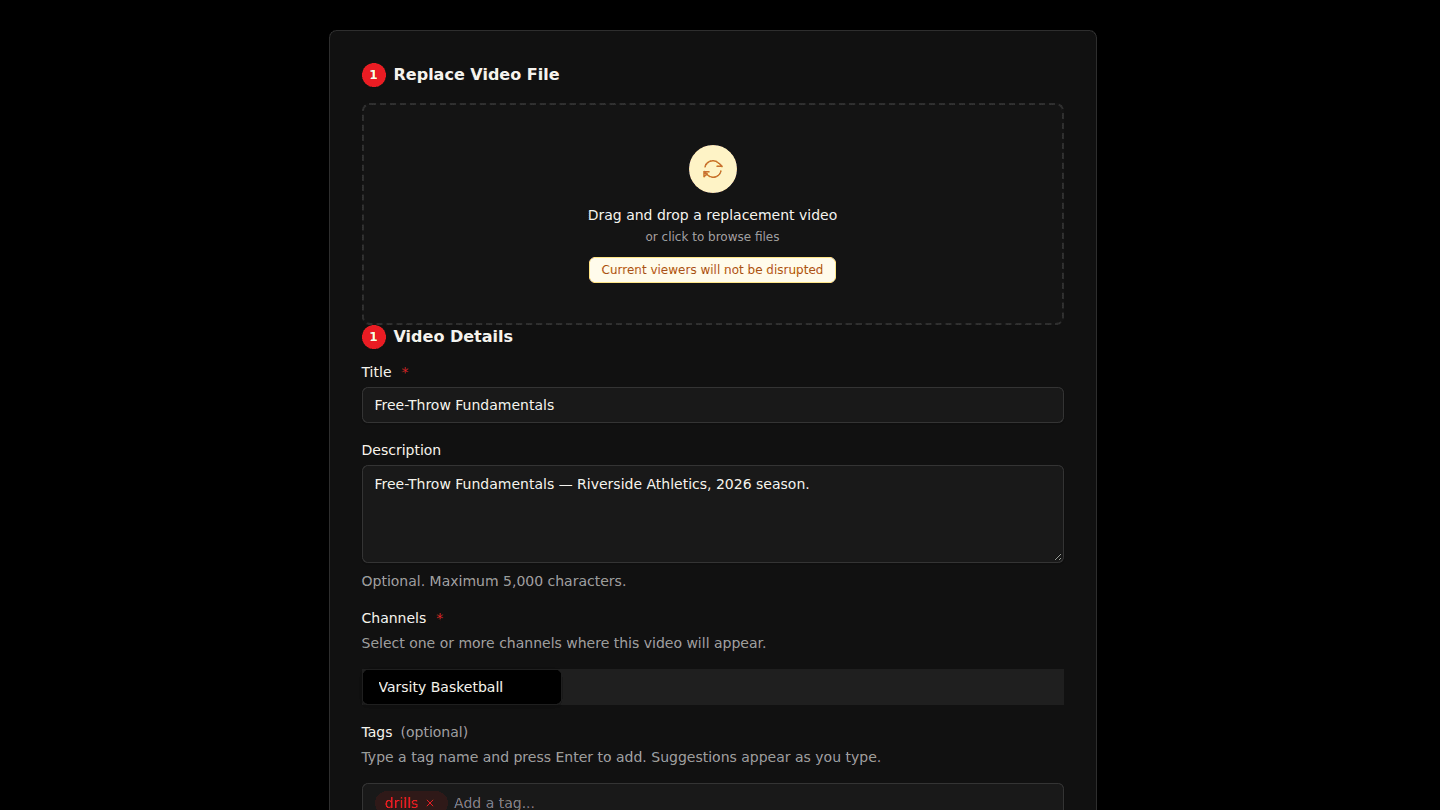
Open the video page and choose Edit, next to Manage.
Step 2: Change the title, description, channels or tags
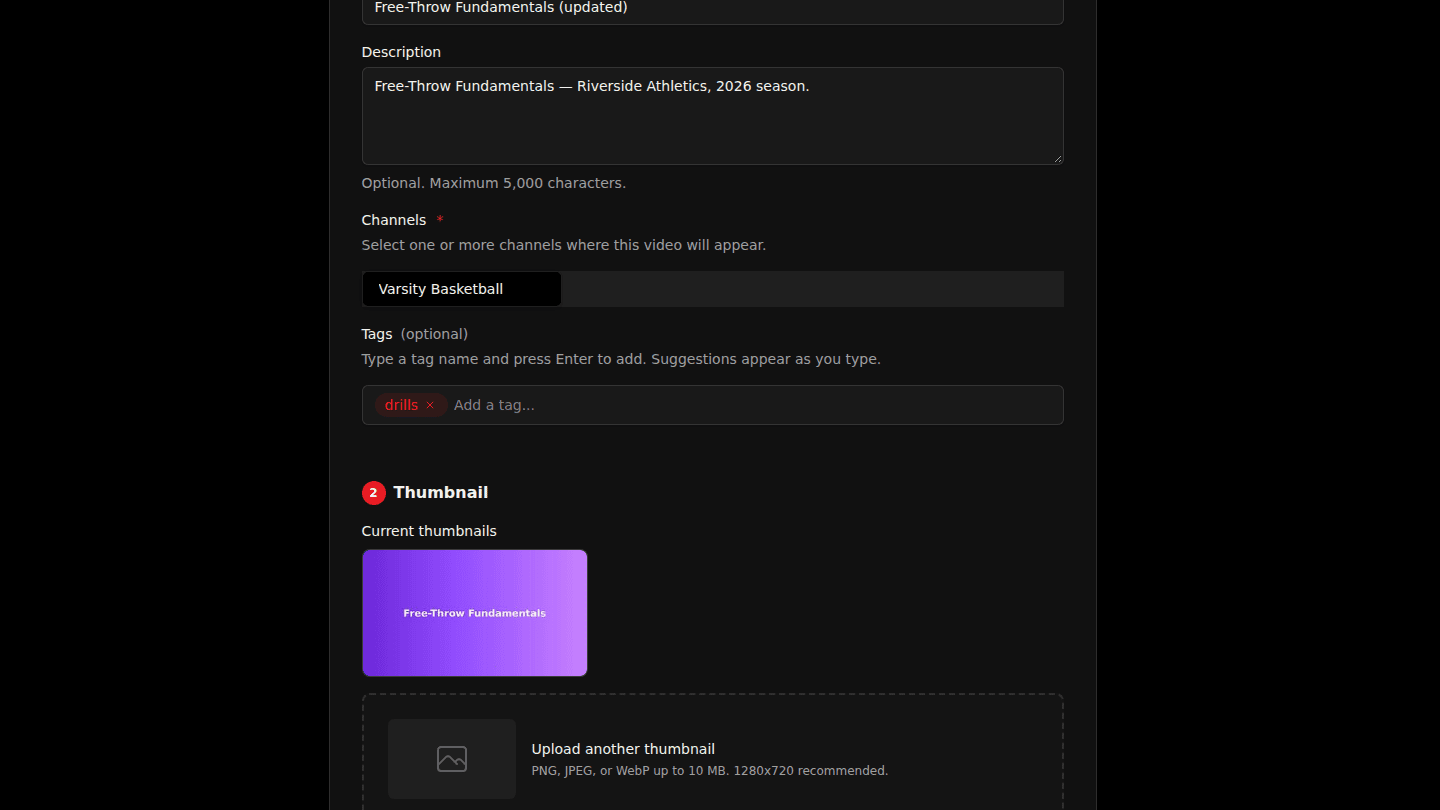
Change the Title or Description, pick different Channels, or add Tags (type a tag and press Enter).
Step 3: Choose Update Video
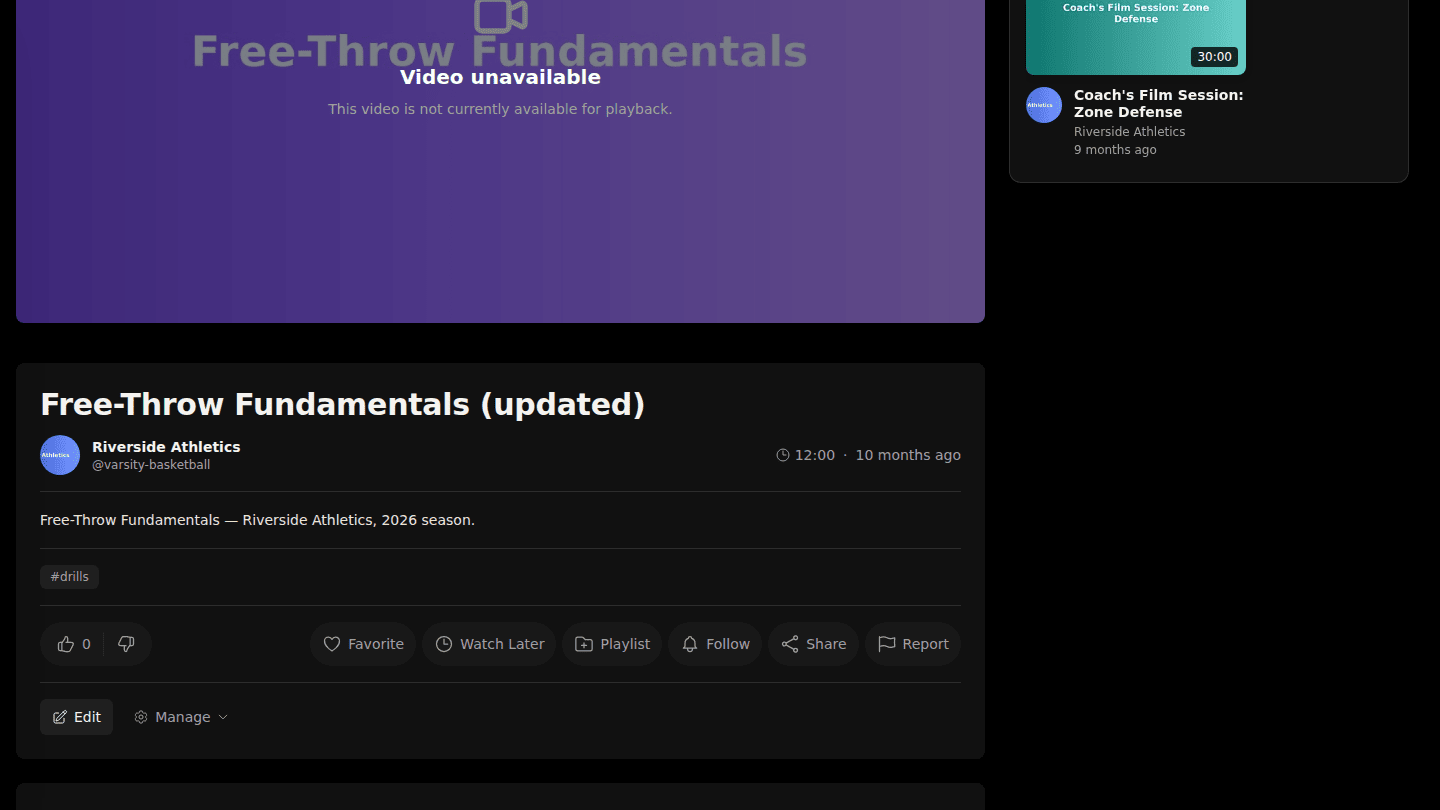
Choose Update Video. The video page shows the new details straight away.
You should see
Video updated successfully and the new details on the video page.