
Getting started
Create an account
Sign up to watch, follow and buy.
For viewers
By the end you are signed in with your own account.
Before you start
- An email address you can read, for the confirmation link.
Steps
Step 1: Choose Sign Up in the header
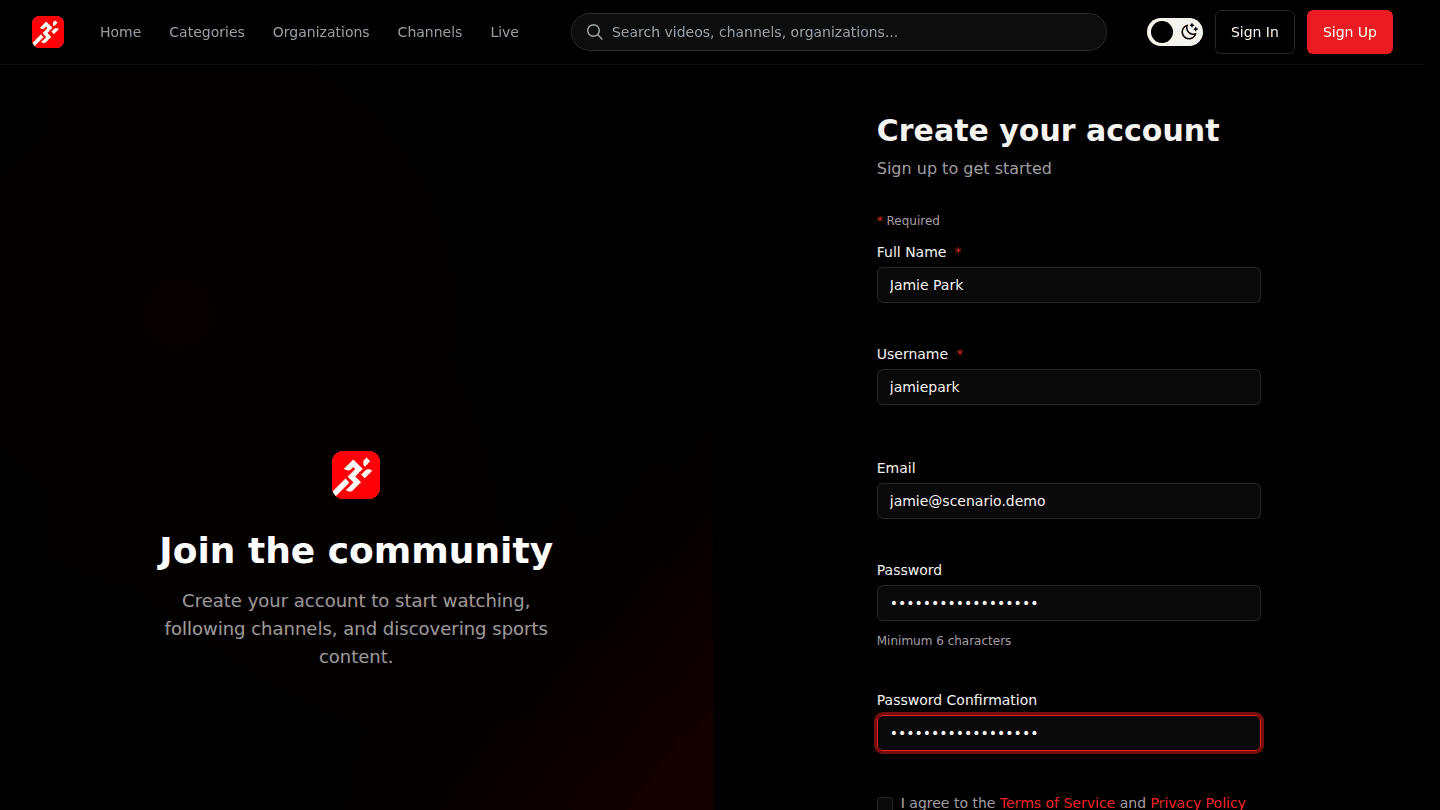
Choose Sign Up at the top right. Enter your Full Name, a Username (the page tells you if it is taken), your Email and a Password of at least 6 characters.
Step 2: Agree to the terms and choose Create
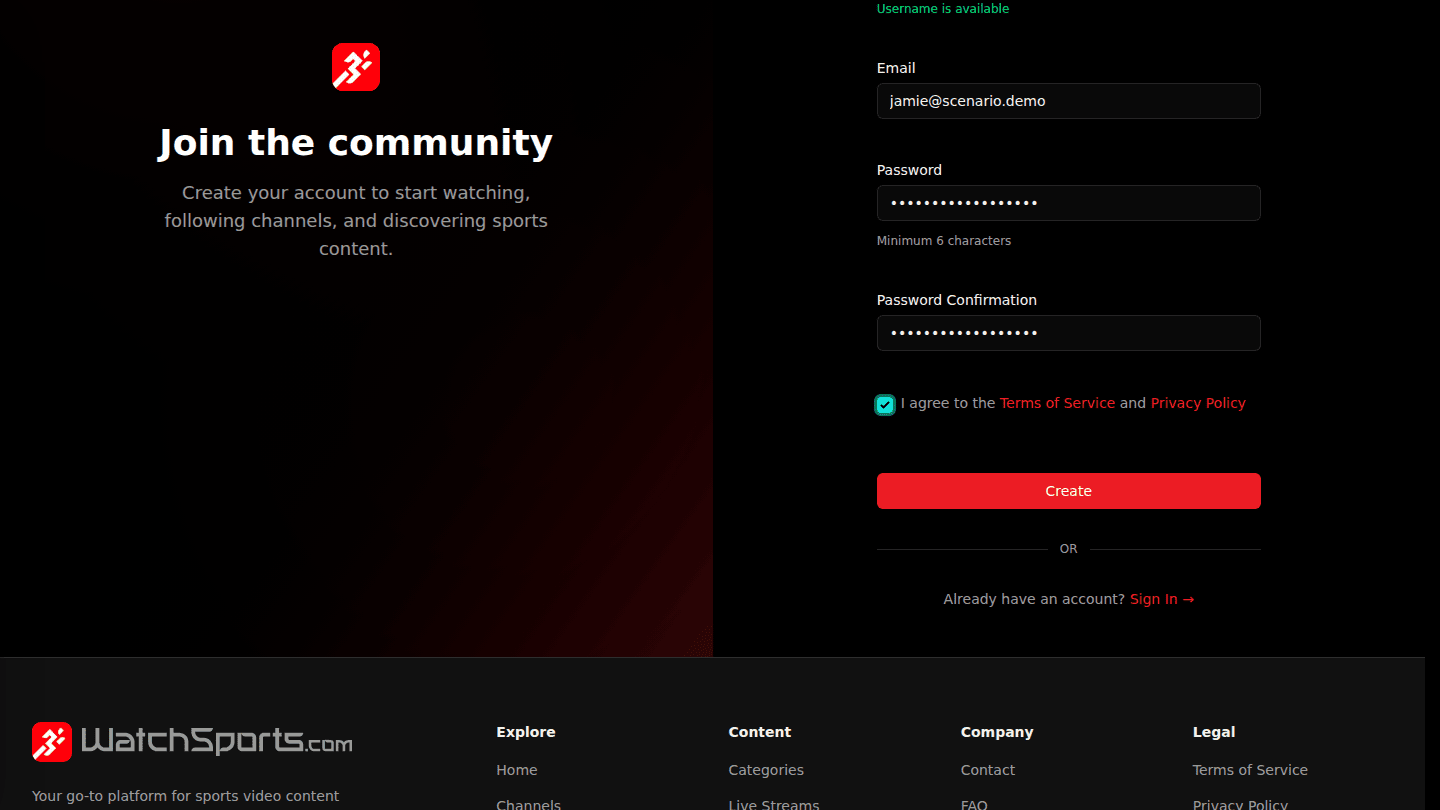
Tick I agree to the Terms of Service and Privacy Policy and choose Create.
Step 3: You are signed in; confirm your email when it arrives

You are signed in straight away. A confirmation email follows; open the link in it within a day to keep full access and to be able to create an organization.
You should see
Welcome! You have signed up successfully. and your avatar at the top right.