
Getting started
Update your account
Change your name, photo, email, password and preferences.
For viewers
By the end your profile shows the new details.
Before you start
- You are signed in.
Steps
Step 1: Open Settings from your avatar menu
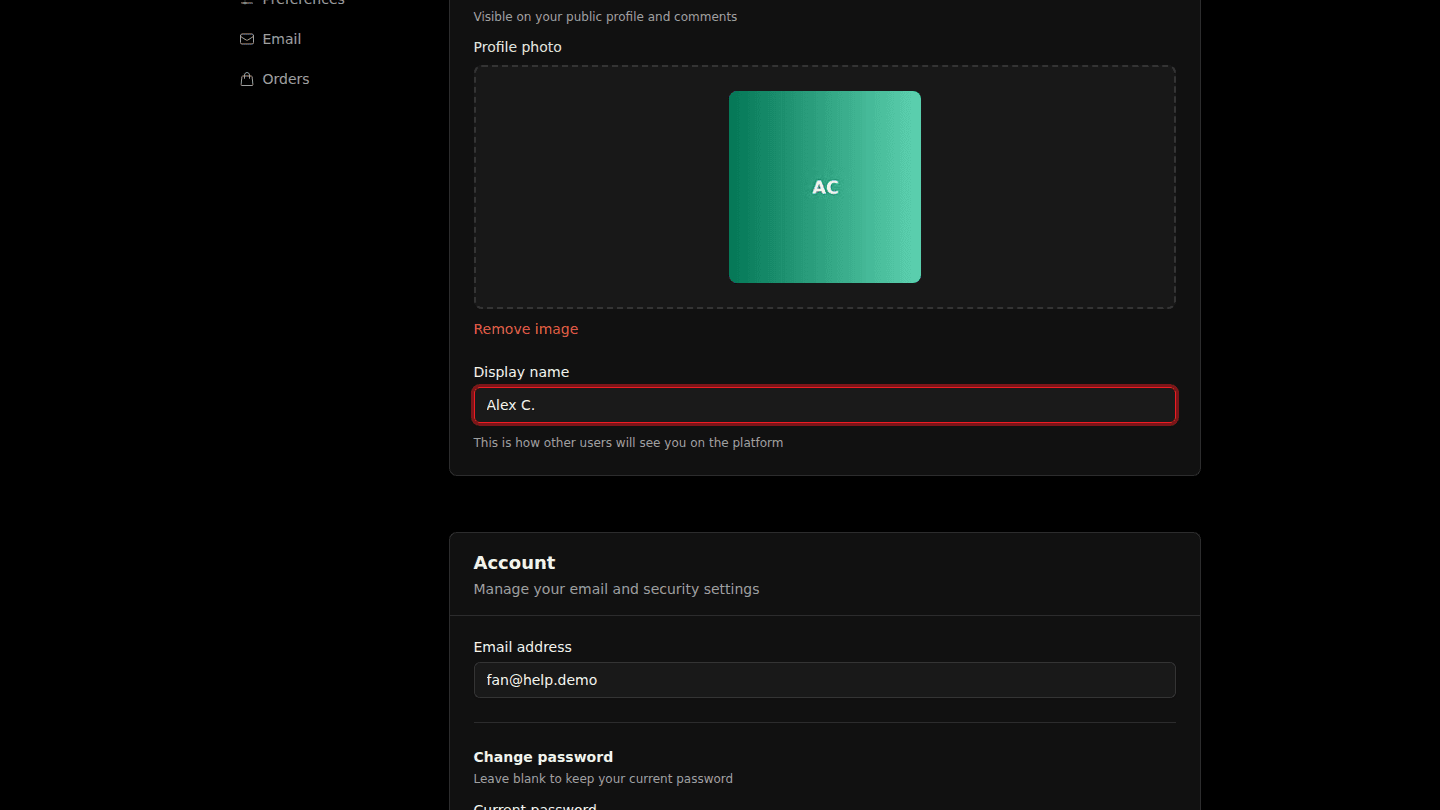
Open your avatar menu at the top right and choose Settings. Under Profile change your Display name or upload a Profile photo.
Step 2: Change your email or password under Account
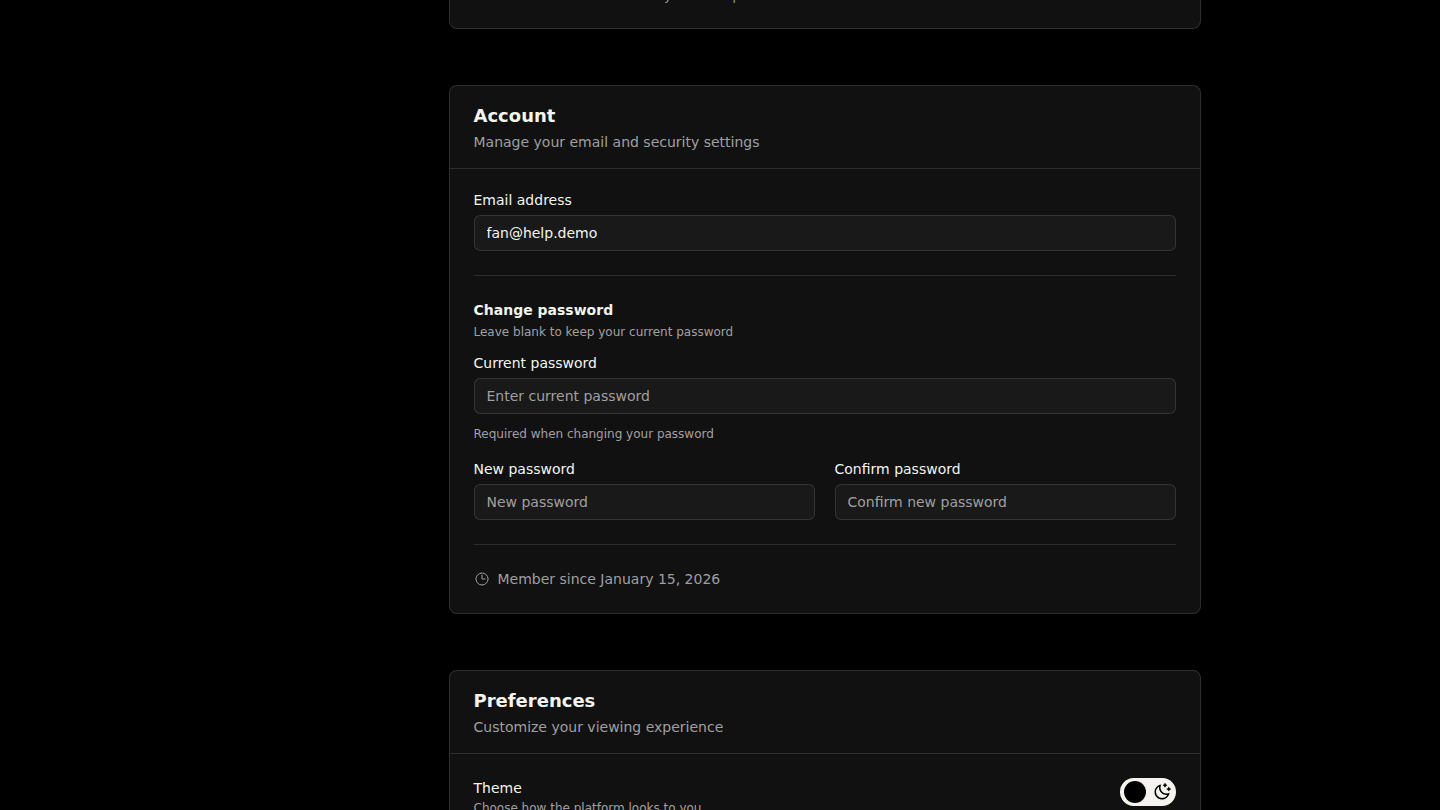
Under Account change your Email address, or enter your Current password and a New password twice. Preferences holds the theme and autoplay switches.
Step 3: Choose Update
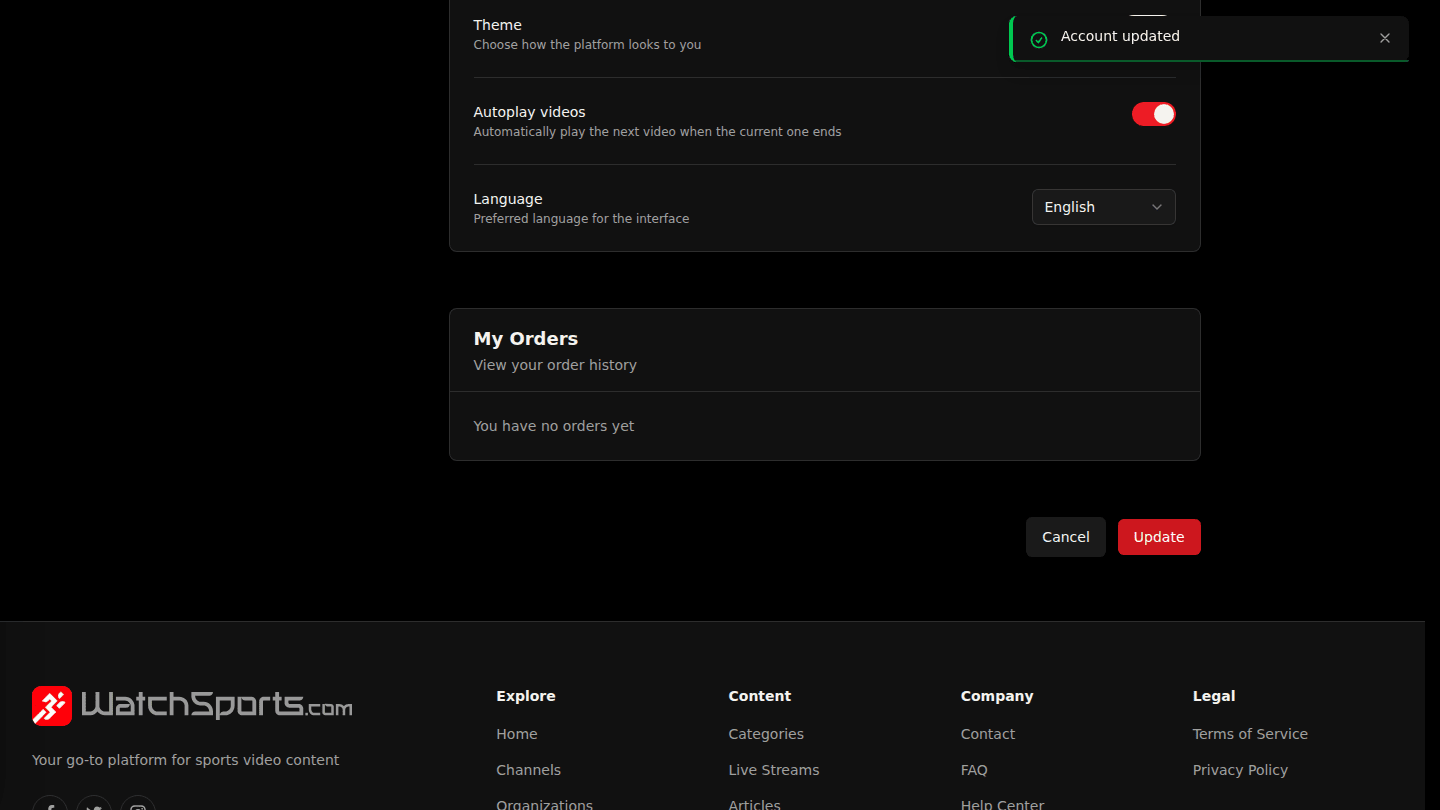
Choose Update.
You should see
Account updated.