
Getting started
Set your email preferences
Choose which emails you receive, or unsubscribe.
For viewers
By the end you only get the emails you want.
Before you start
- You are signed in.
Steps
Step 1: Open Settings → Email and choose what you want
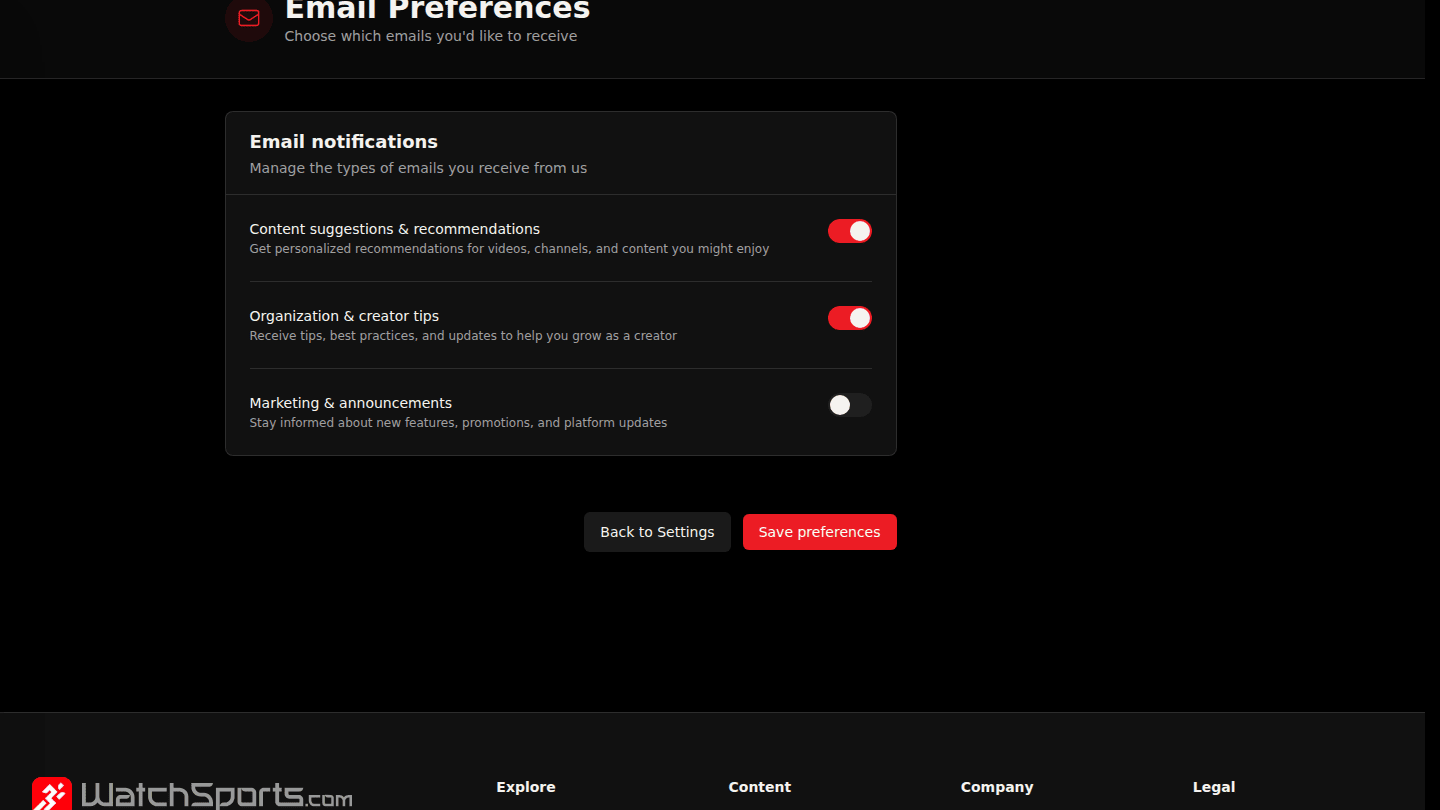
From Settings open Email. Switch Content suggestions & recommendations, Organization & creator tips and Marketing & announcements on or off. Reminders you asked for, receipts and account emails are always sent.
Step 2: Choose Save preferences
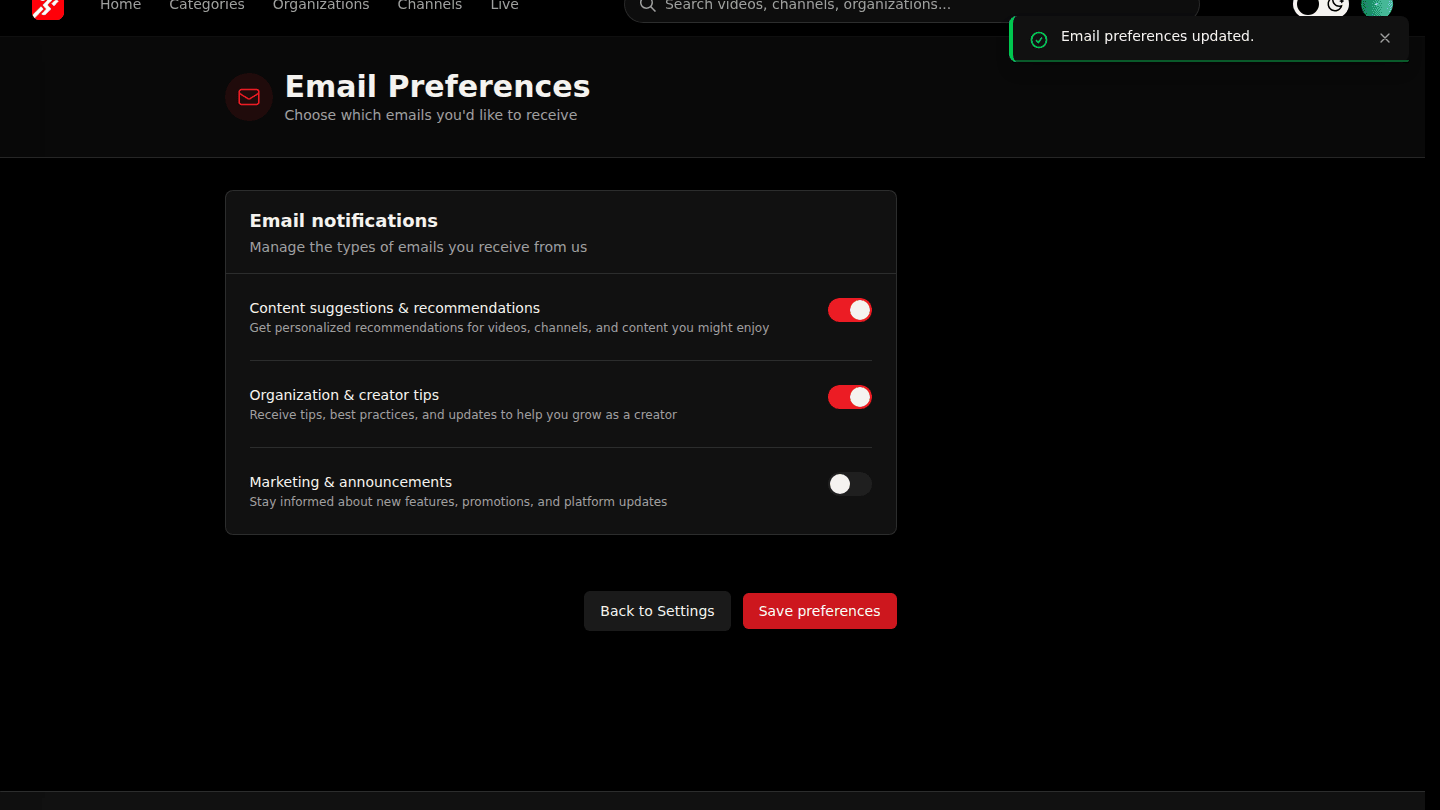
Choose Save preferences. Every marketing email also has an unsubscribe link at the bottom that works without signing in.
You should see
Email preferences updated.