
Getting started
Recover your password
Reset a forgotten password by email.
For viewers
By the end you have a new password and are signed in.
Before you start
- Access to the email address on your account.
Steps
Step 1: Choose Forgot Password? and enter your email
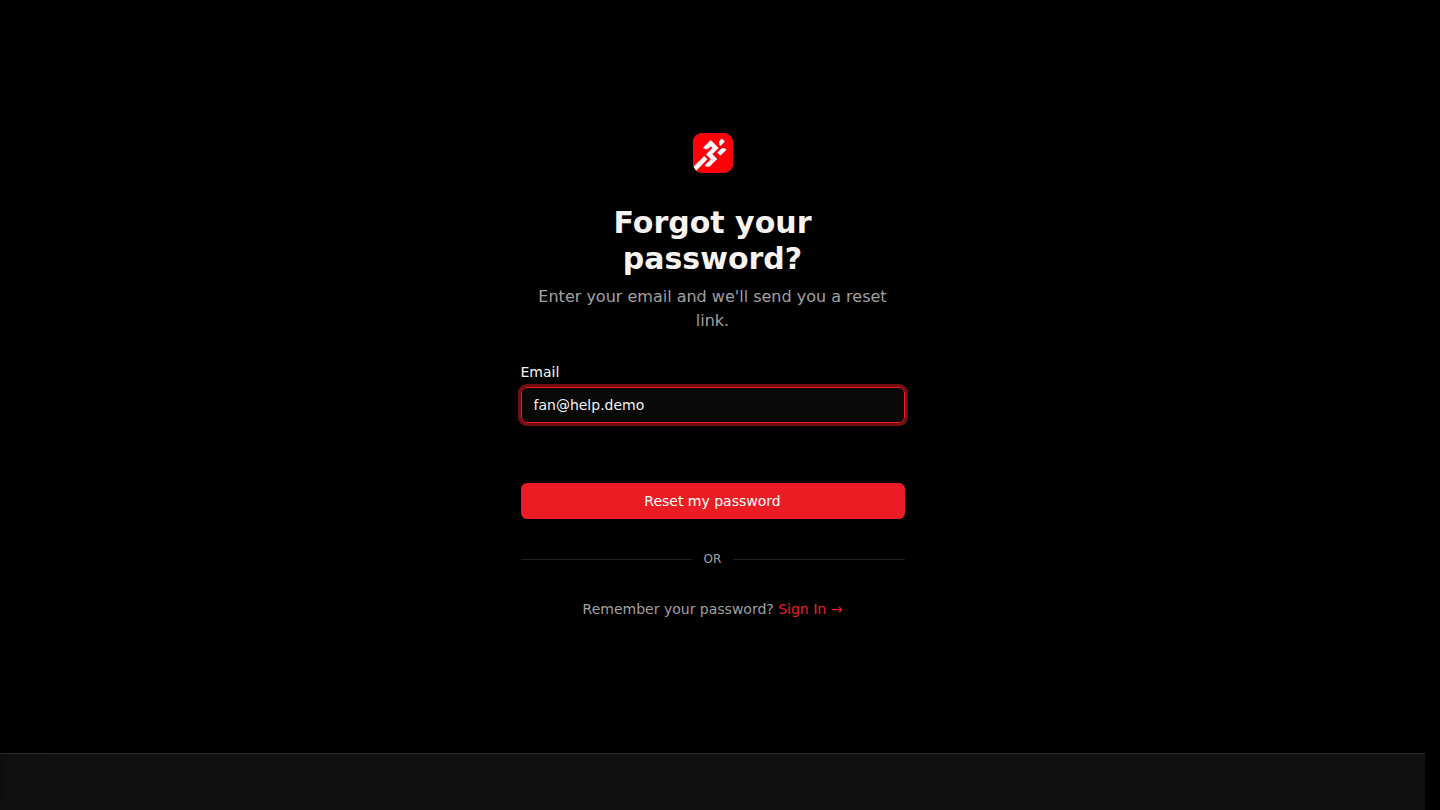
On the sign-in page choose Forgot Password?. Enter your Email and choose Reset my password.
Step 2: Open the link in the email
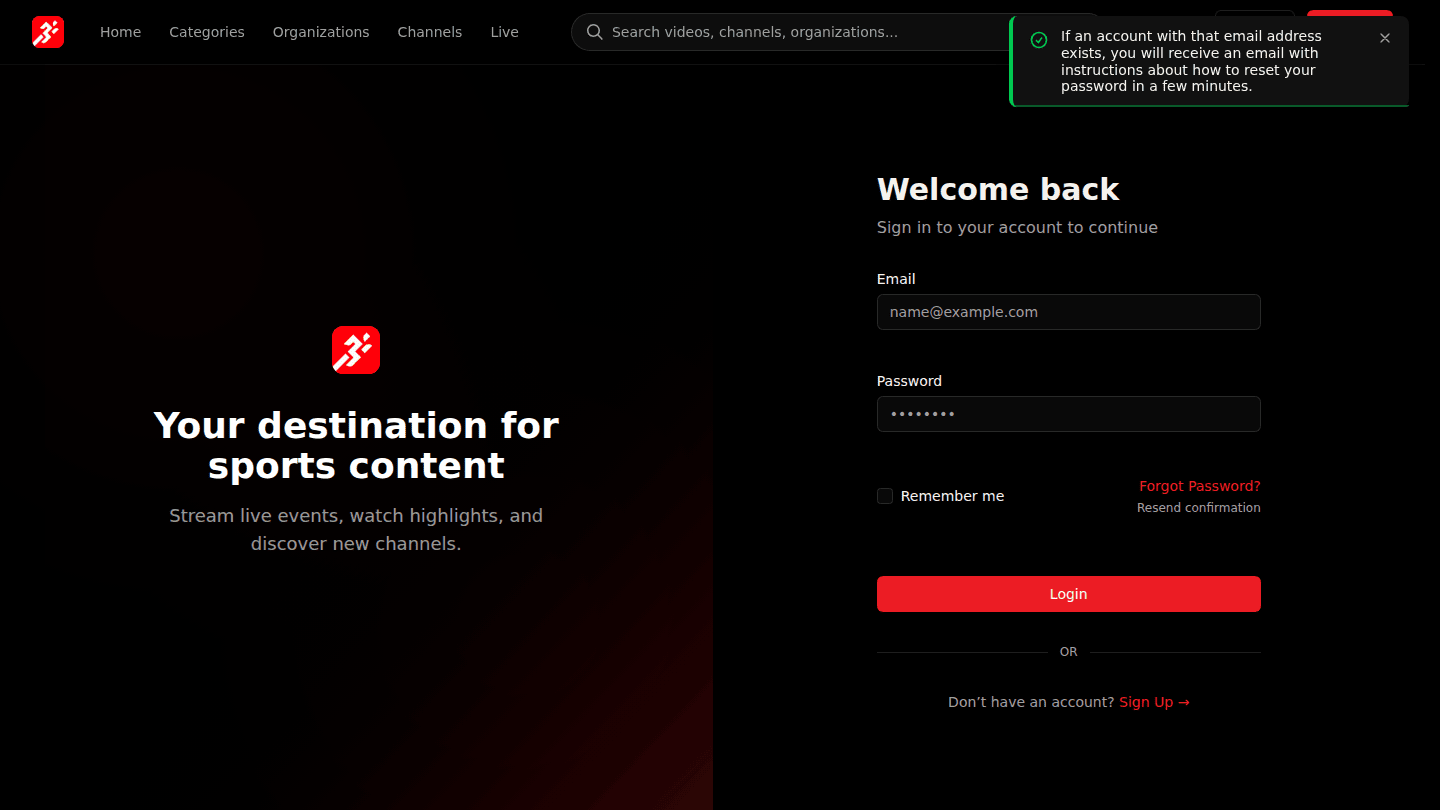
If an account exists for that address, an email with a reset link arrives within a few minutes. The link opens Set new password; enter the new password twice and choose Update. You are signed in afterwards.
You should see
A new-password page from the email link, then Your password was changed successfully. You are now signed in.