
Watching and your library
Watch a video
Play a video and use the controls under it.
For viewers
By the end you can play a video and know what the buttons under it do.
Before you start
- Nothing for free videos. Paid ones need a purchase or subscription.
Steps
Step 1: Open a video and press play
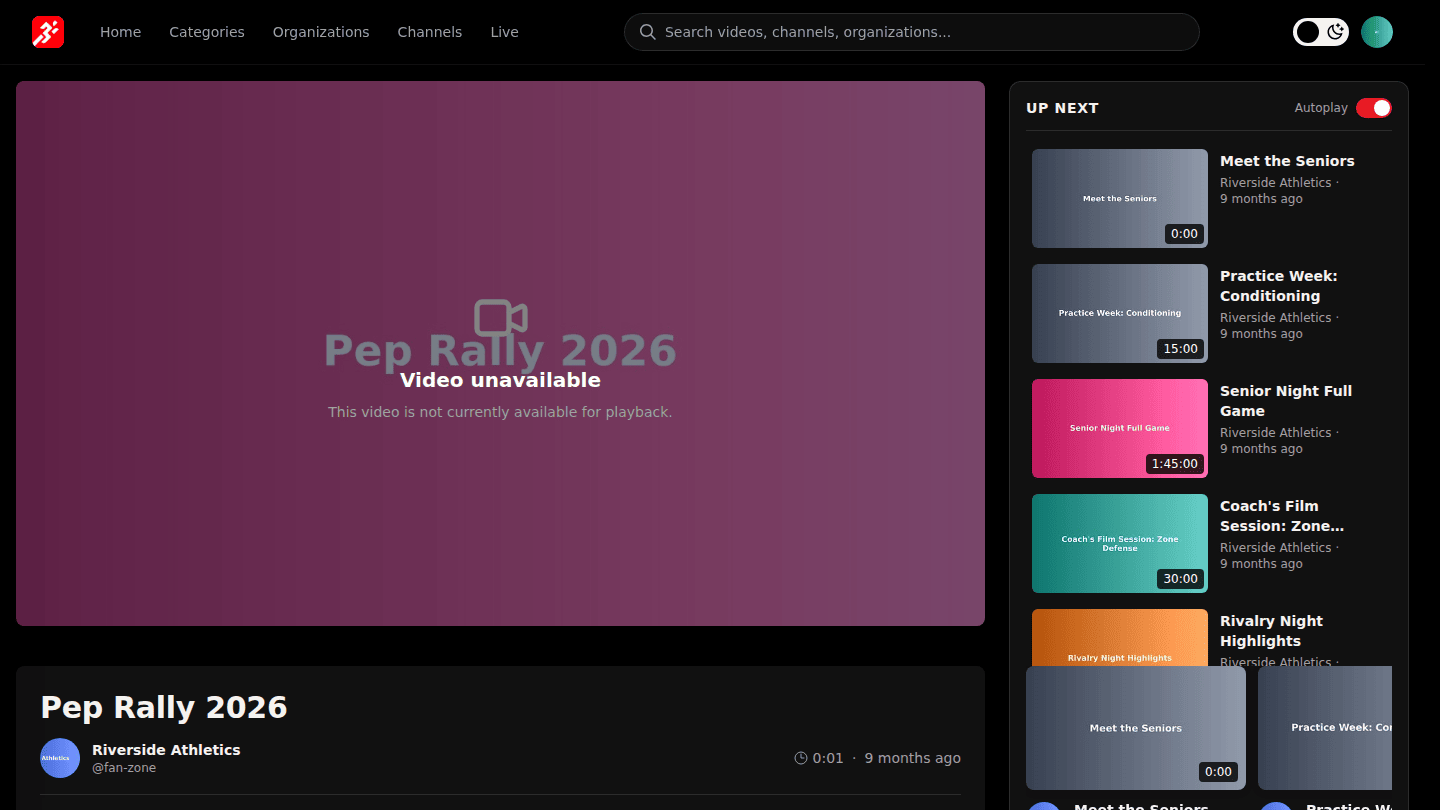
Open a video from the home page, a channel or search. Free videos play right away; a paid video shows Unlock this content instead of the player (Buy or rent a video).
Step 2: Like, save, share or follow from the bar under the video
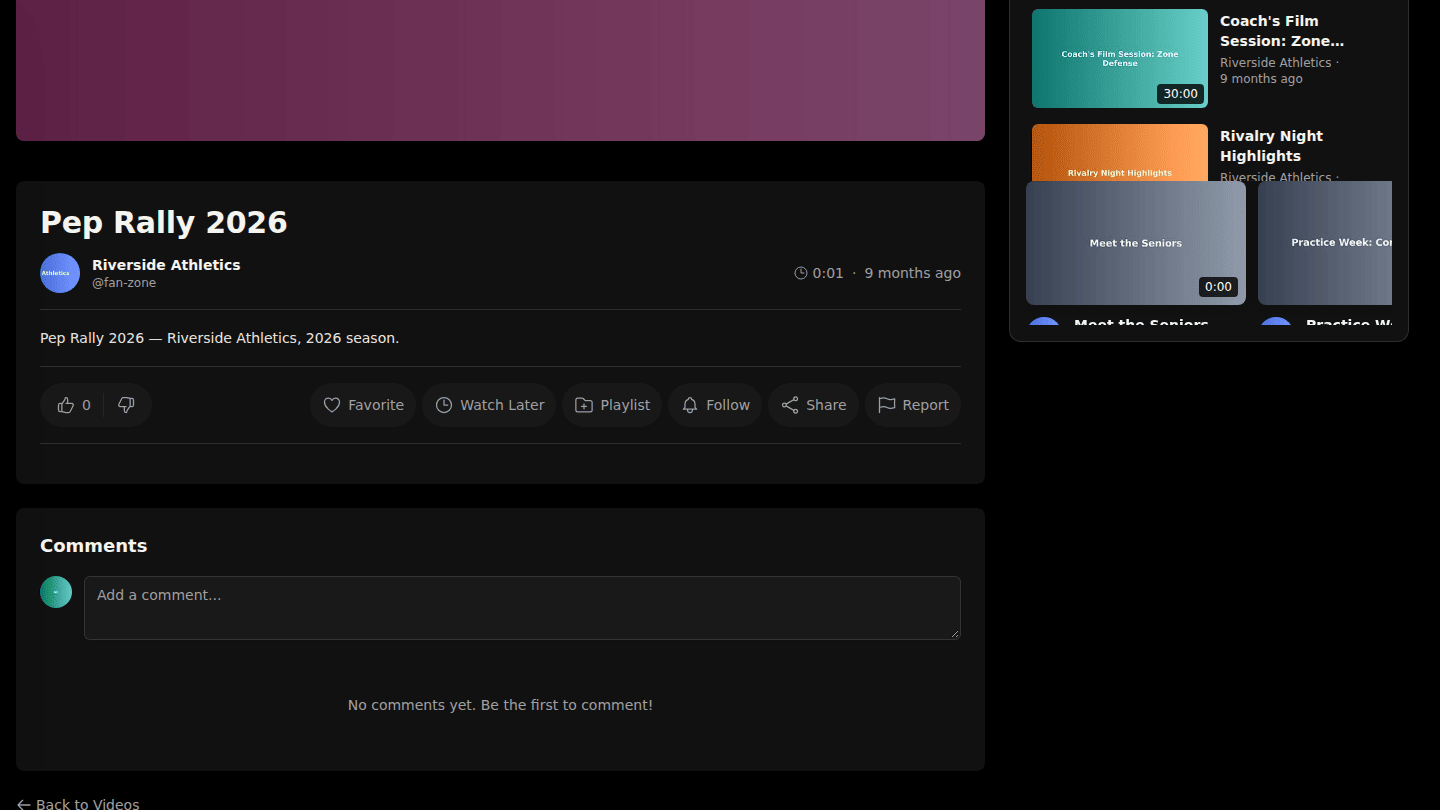
Under the video you can like or dislike it, Favorite it, add it to Watch Later or a Playlist, Follow the organization, Share the link, or Report it. Your position is remembered, so you can pick up where you left off from Watch History.
You should see
The video playing, and your place remembered next time you open it.