
Getting started
Find videos
Browse, search and filter to find something to watch.
For viewers
By the end you know the three ways to find content.
Before you start
- Nothing; browsing works without an account.
Steps
Step 1: Start on the home page or search
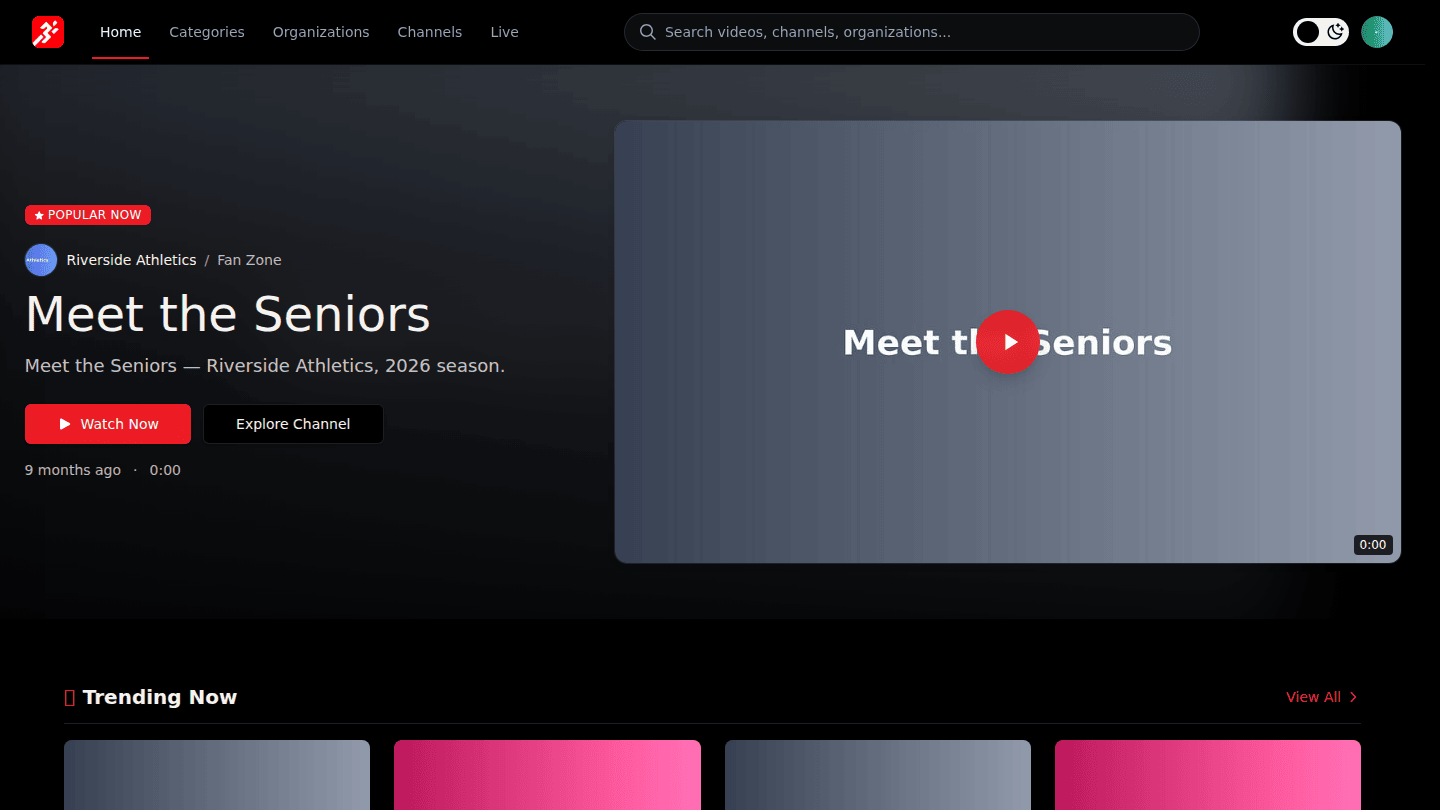
The home page shows trending and featured content. Type in the Search box to find videos, channels and organizations by name; results appear as you type.
Step 2: Browse Channels and Categories
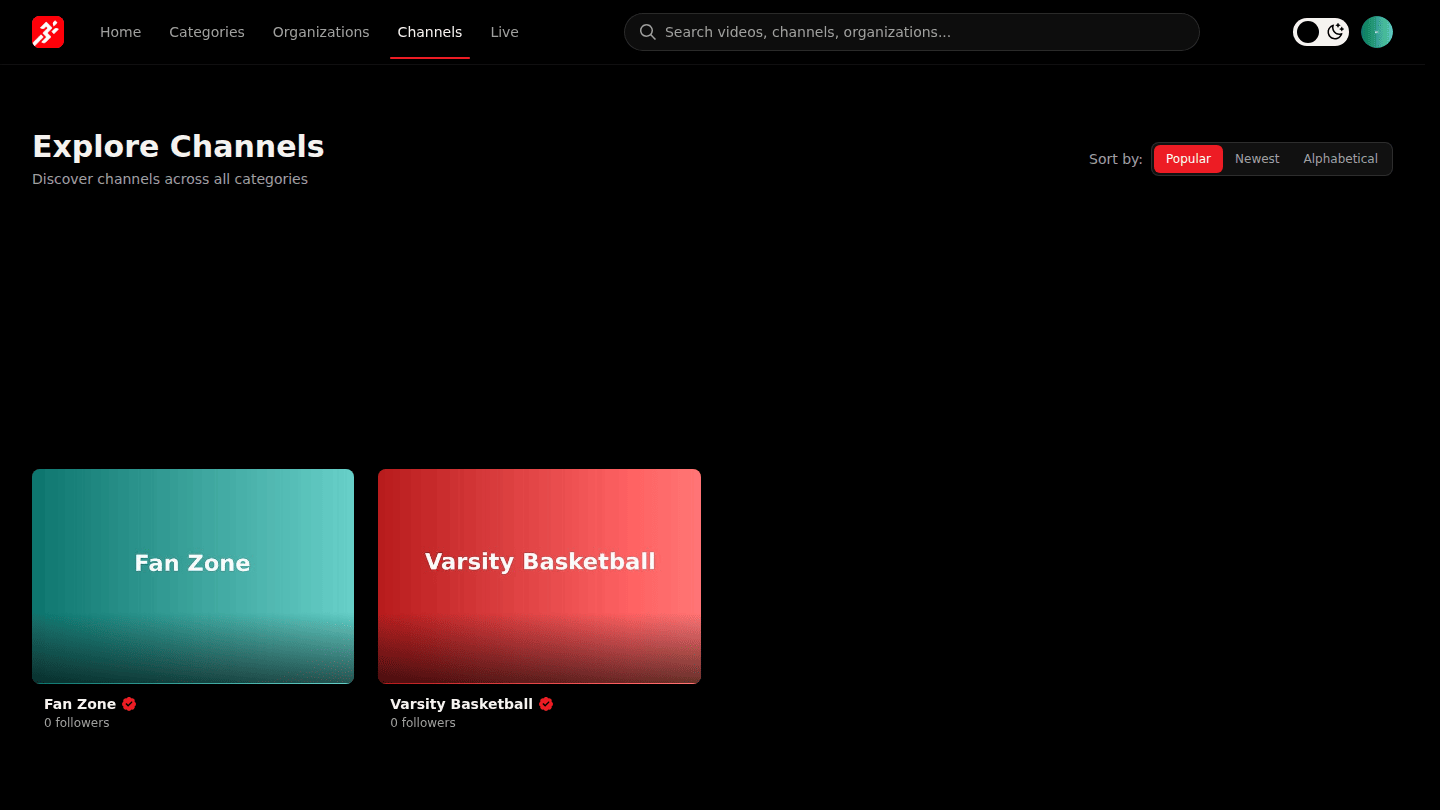
Channels in the header lists every channel; sort by Popular, Newest or Alphabetical and filter by category. Categories groups content by sport, and Organizations lists the teams and creators.
Step 3: Use the full search results page
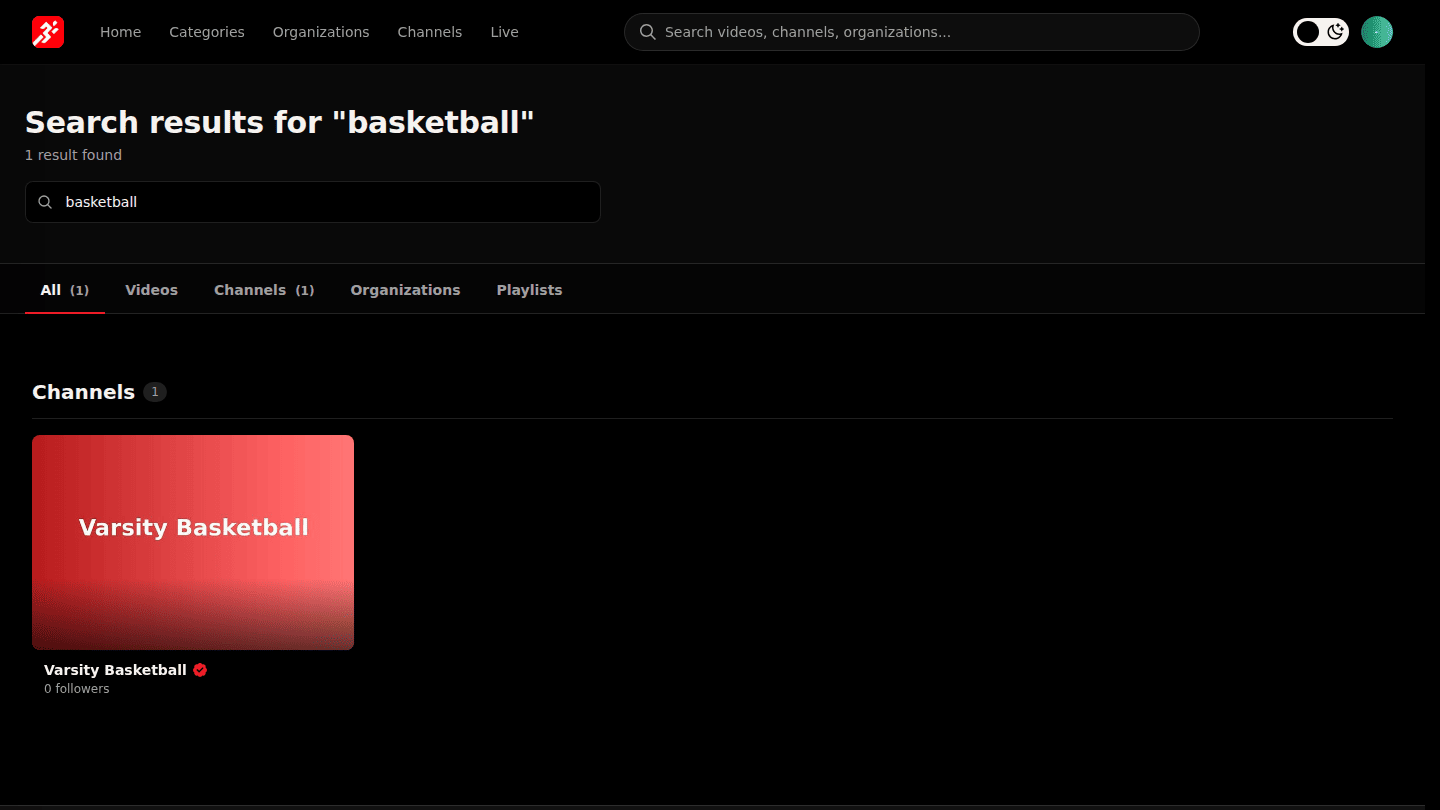
Press Enter in the search box for the full results page, with tabs for Videos, Channels, Organizations and Playlists.
You should see
Channel and video cards; open one to watch, or follow it to keep up.