
Buying, renting and subscribing
Buy or rent a video
Pay for a single video and watch it.
By the end the video plays and you have a receipt.
Before you start
- You are signed in, and have a card ready.
Steps
Step 1: Open the video and pick an offer
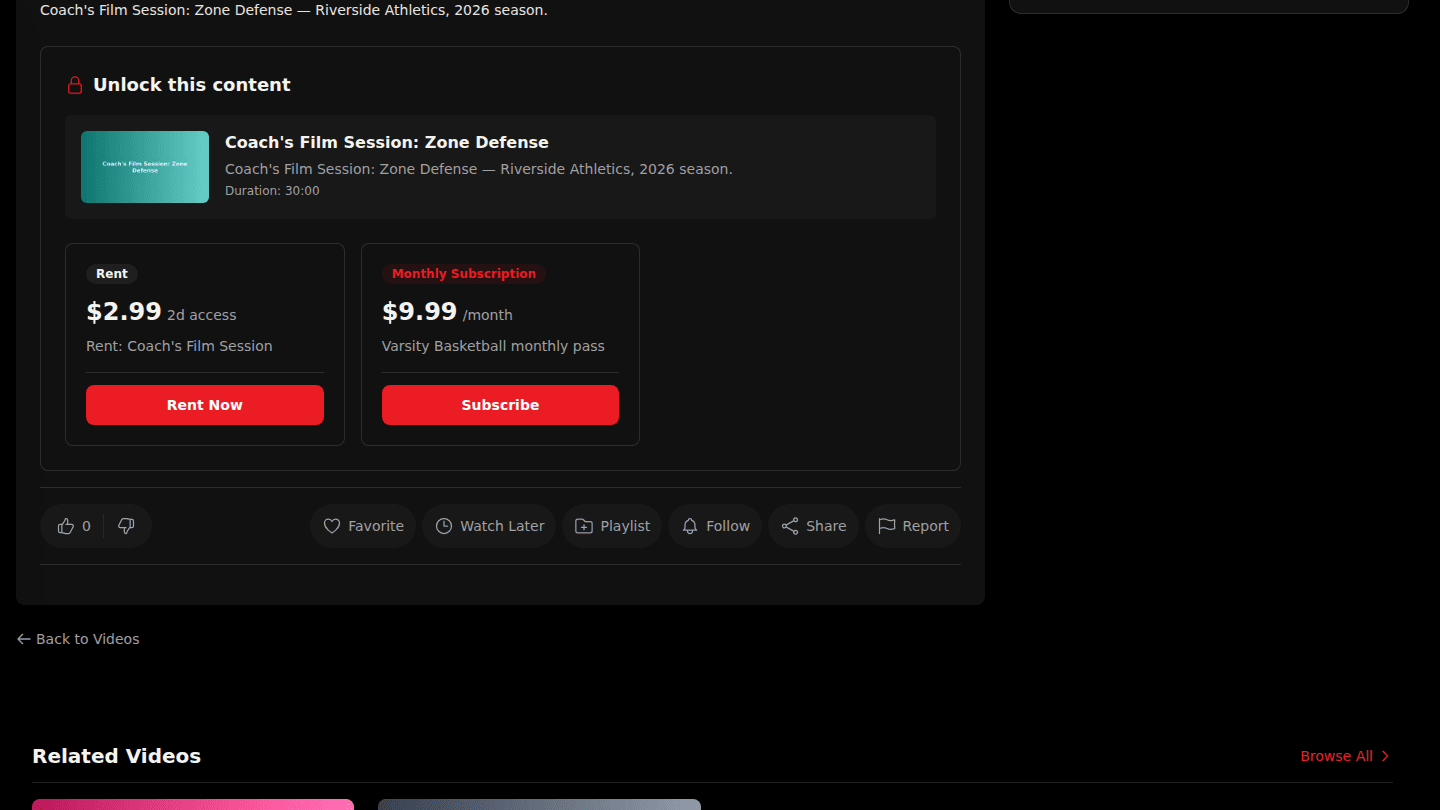
A paid video shows Unlock this content with its offers. Buy keeps it forever; Rent gives you a viewing window that starts the first time you press play; Pay-per-view gives a set number of plays. Choose Buy Now, Rent Now or Watch Now.
Step 2: Pay on the secure checkout page
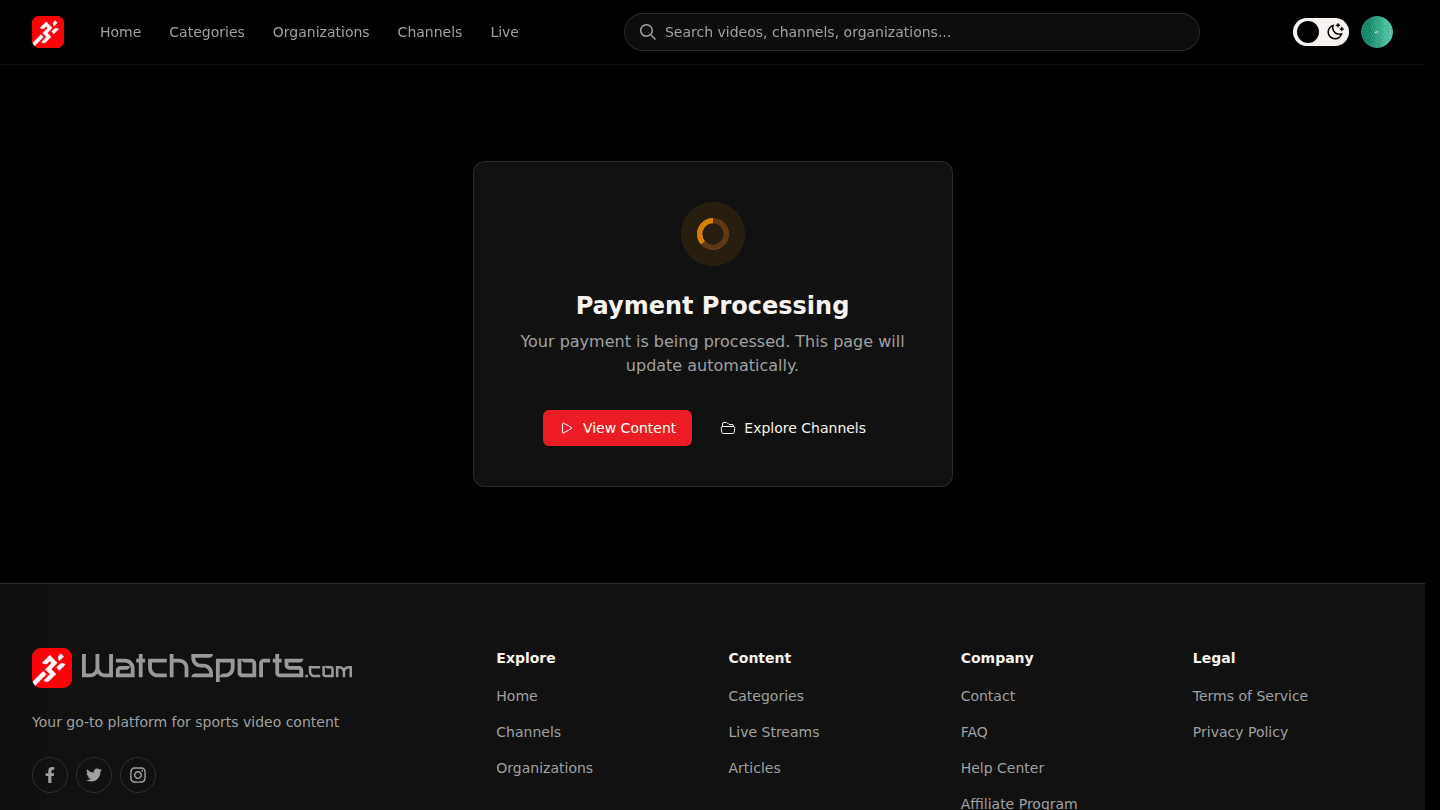
You are taken to a secure checkout page to pay by card (and to enter a promo code if you have one). Afterwards you return here, the video unlocks, and a receipt is emailed to you.
You should see
The player instead of Unlock this content, and the video under Purchases on your profile.
How it works
Rentals have two clocks: a window to start watching after you pay, then a viewing window that begins the first time you press play. Both are shown on the offer before you pay.