
Watching and your library
Review your watch history
Pick up where you left off, or clear what you watched.
For viewers
By the end you can find anything you watched and resume it.
Before you start
- You are signed in.
Steps
Step 1: Open Watch History on your profile
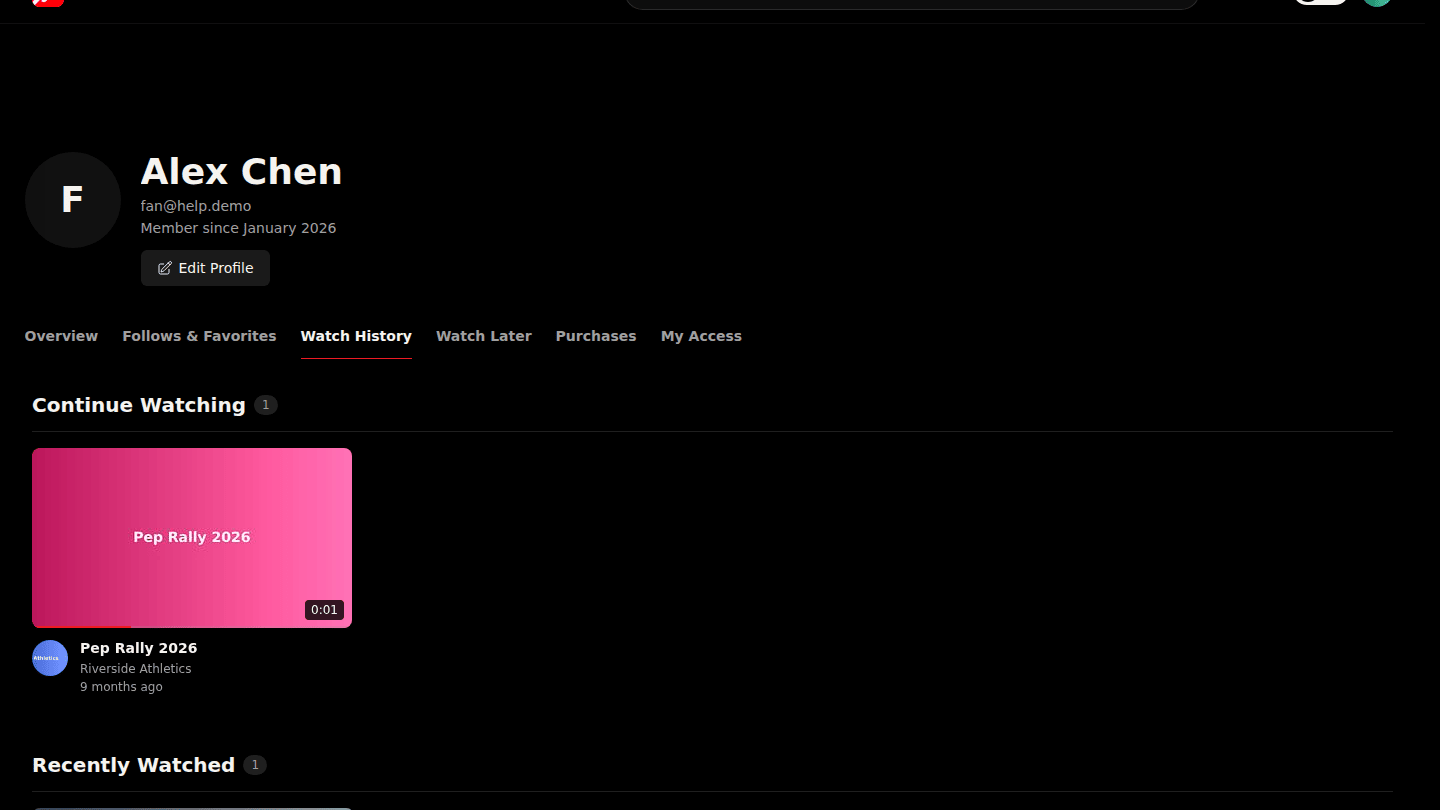
Open your profile from the avatar menu and choose Watch History. Continue Watching holds videos you stopped part-way through; Recently Watched lists everything else.
Step 2: Remove one item or clear everything
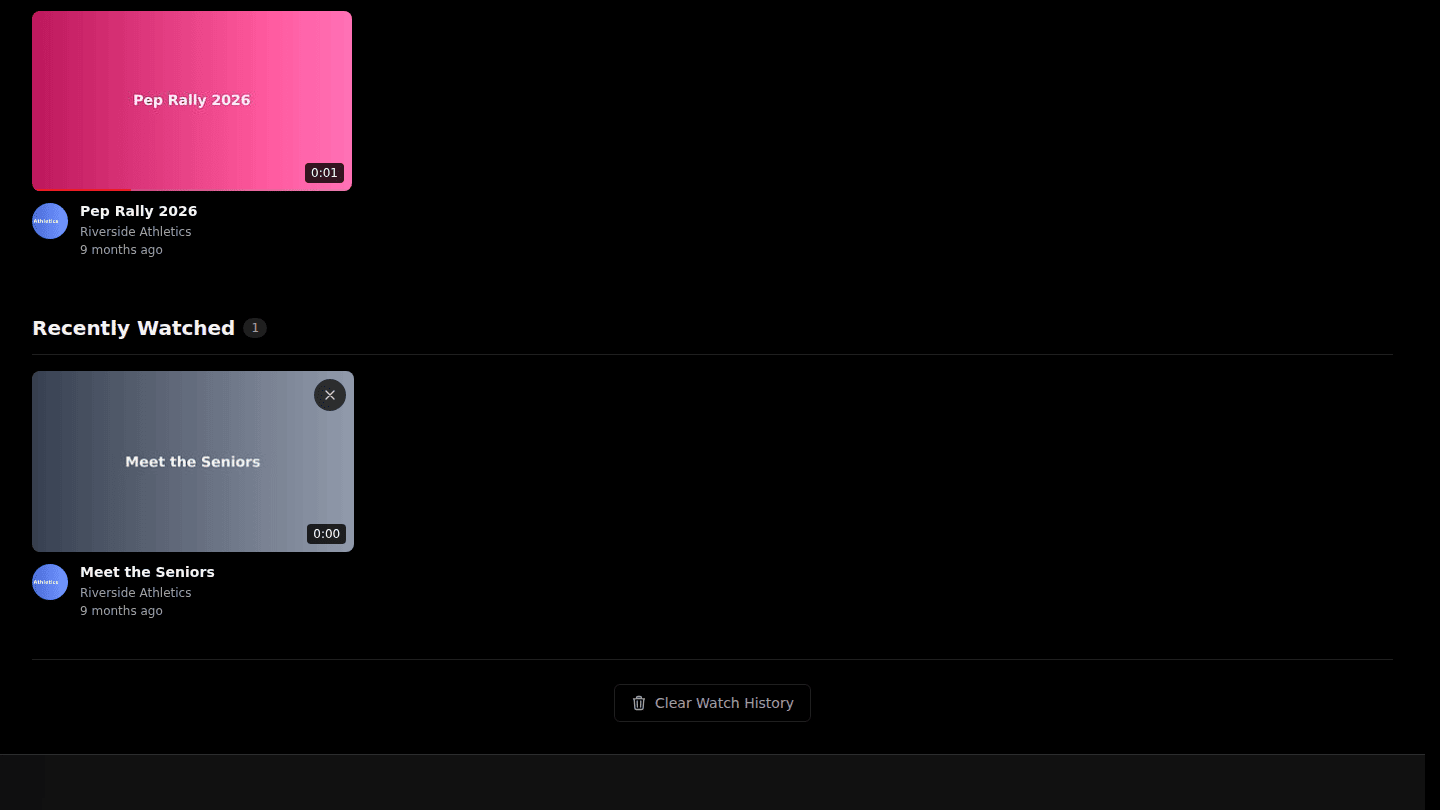
Each card has a Remove from history button; Clear Watch History wipes the whole list. History is private to you.
You should see
Videos under Continue Watching and Recently Watched, or an empty list after clearing.