
Watching and your library
Save favorites and Watch Later
Keep videos you love and queue the ones you have not got to yet.
For viewers
By the end the video is in your Favorites or Watch Later list.
Before you start
- You are signed in.
Steps
Step 1: Choose Favorite or Watch Later under a video
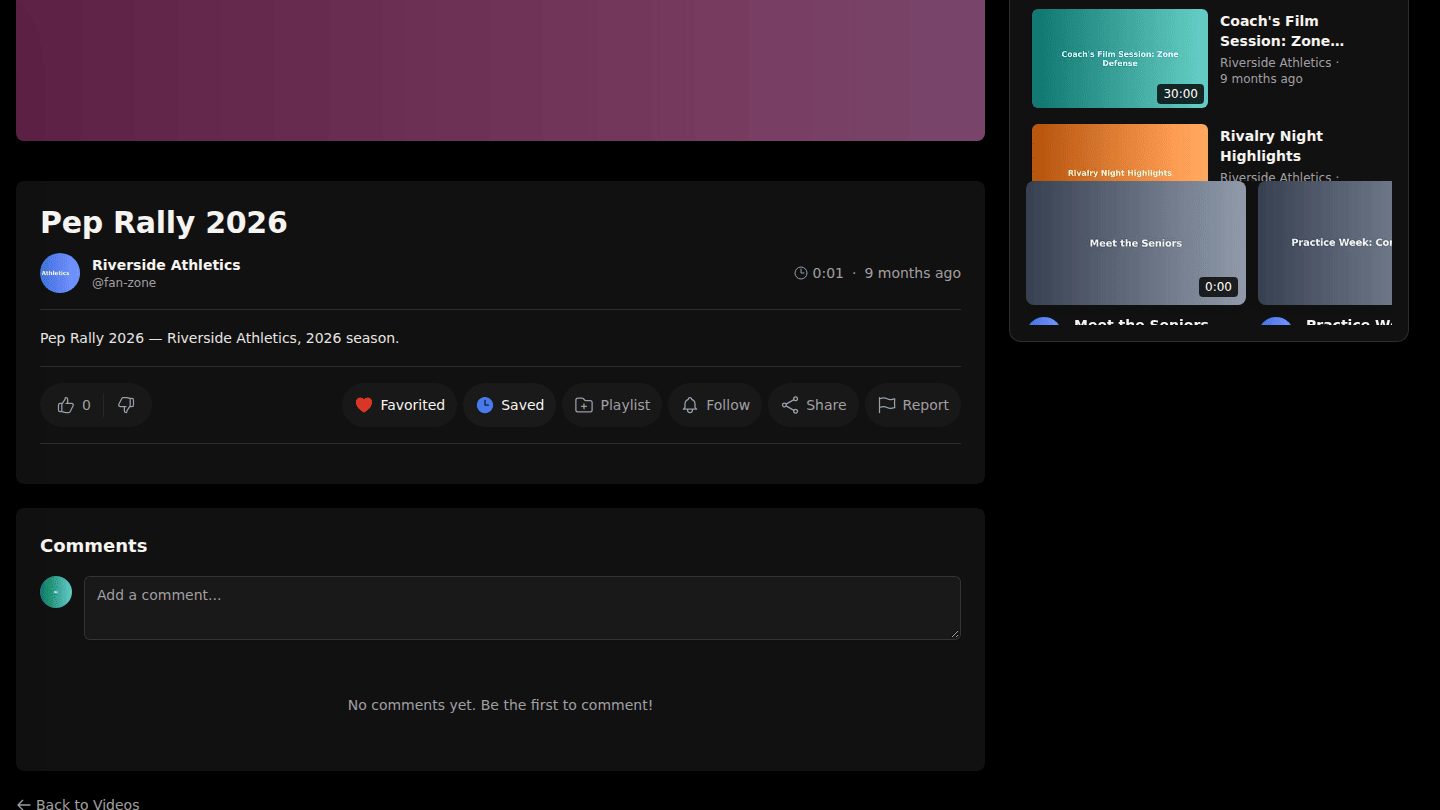
Under any video choose Favorite to keep it, or Watch Later to queue it for your next session. Choose again to remove it.
Step 2: Find your lists under your avatar menu
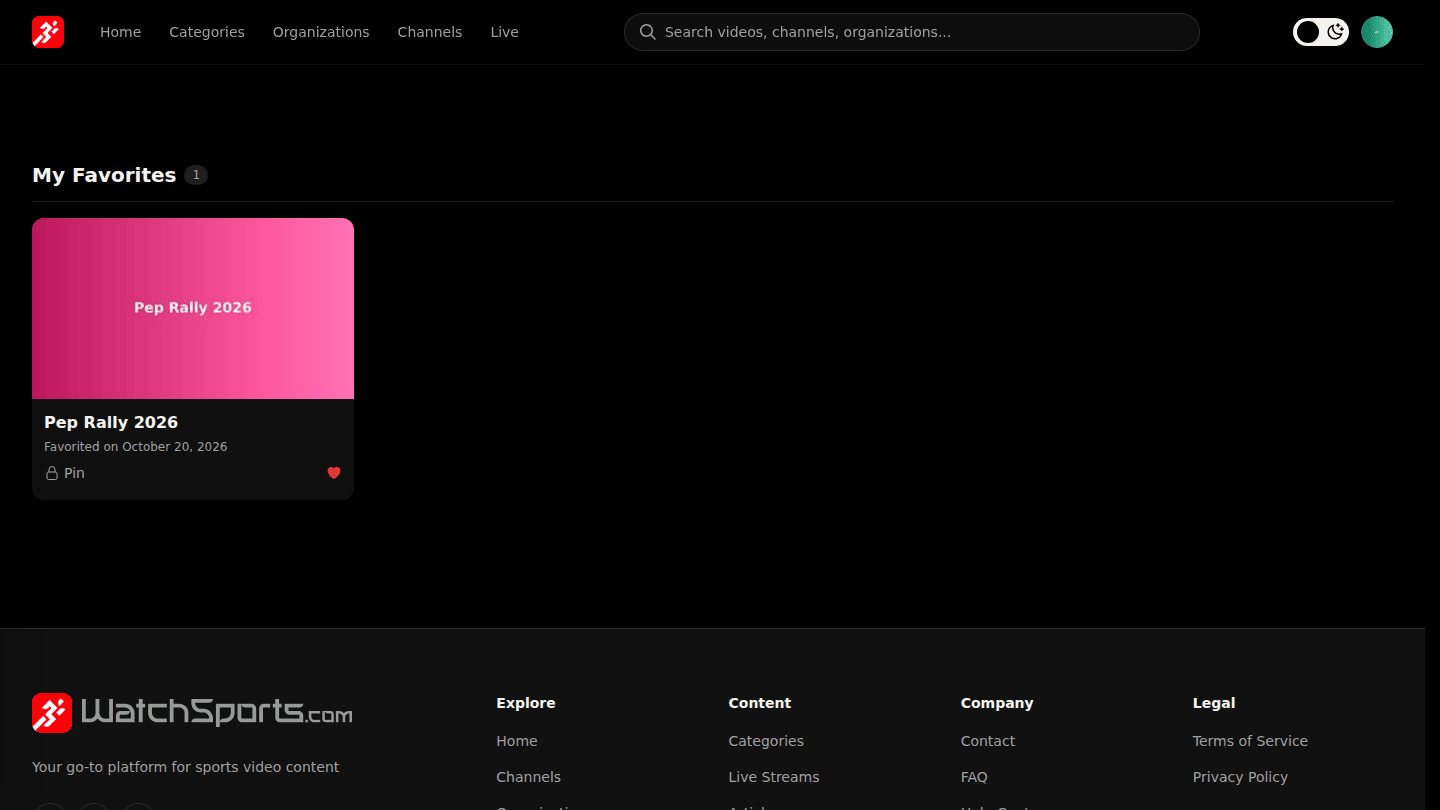
Open your avatar menu and choose Favorites; Watch Later is on your profile. Clear either list from its page.
You should see
Favorited or Saved on the button, and the video on the matching list.