
Comments, chat, ads and analytics
Turn ads on or off
Control whether free content shows ads, per organization, channel or video.
For creators
Roles: Owner, Ad campaign manager
By the end ads show, or do not show, exactly where you decided.
Before you start
- Ads only ever appear on free content; paid content never shows them.
Steps
Step 1: Choose Manage → Ad Settings
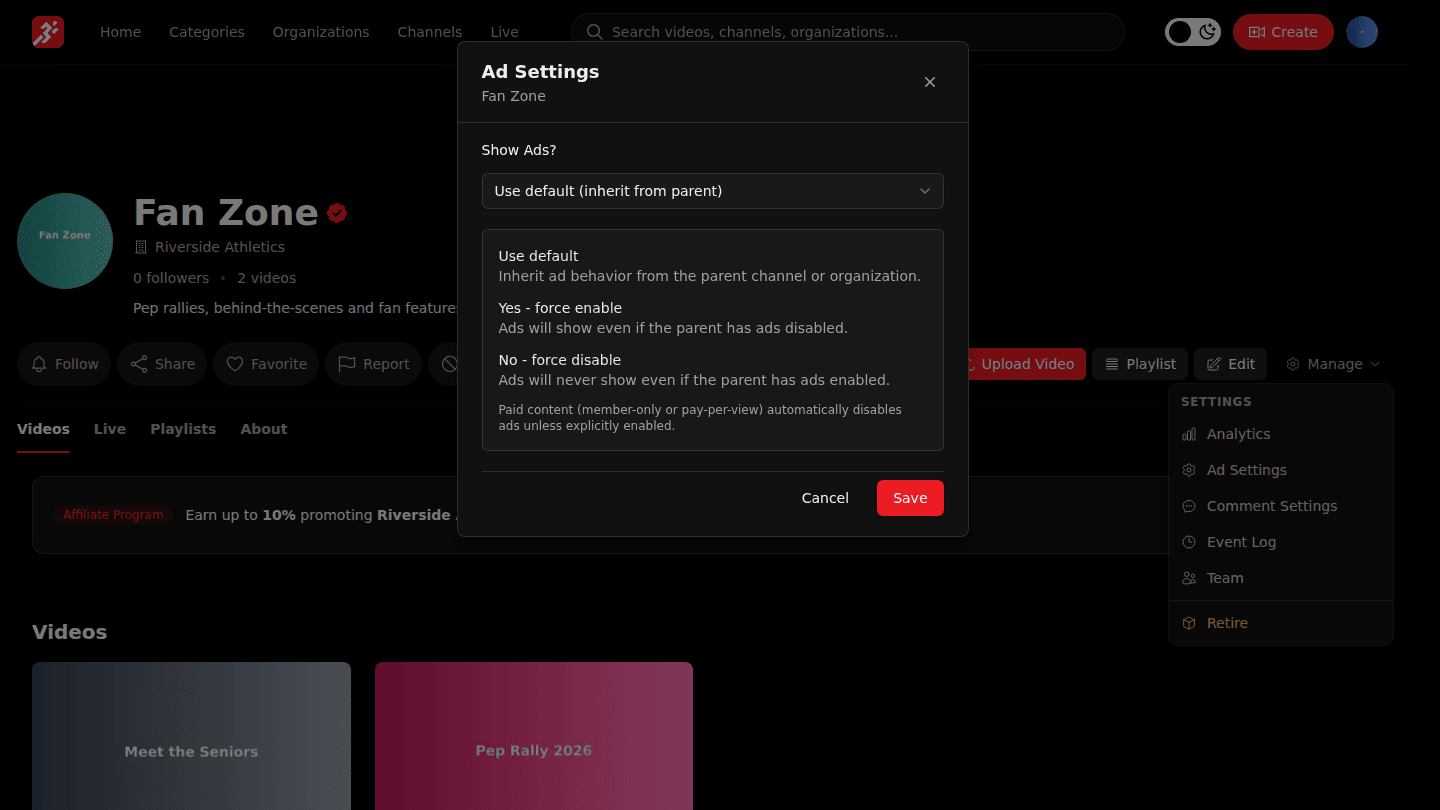
On your organization, a channel or a video page choose Manage → Ad Settings. Paid content never shows ads; this setting matters for free content.
Step 2: Choose whether to show ads, then Save
Under Show Ads? pick Use default (inherit from parent), Yes - force enable or No - force disable, then choose Save.
You should see
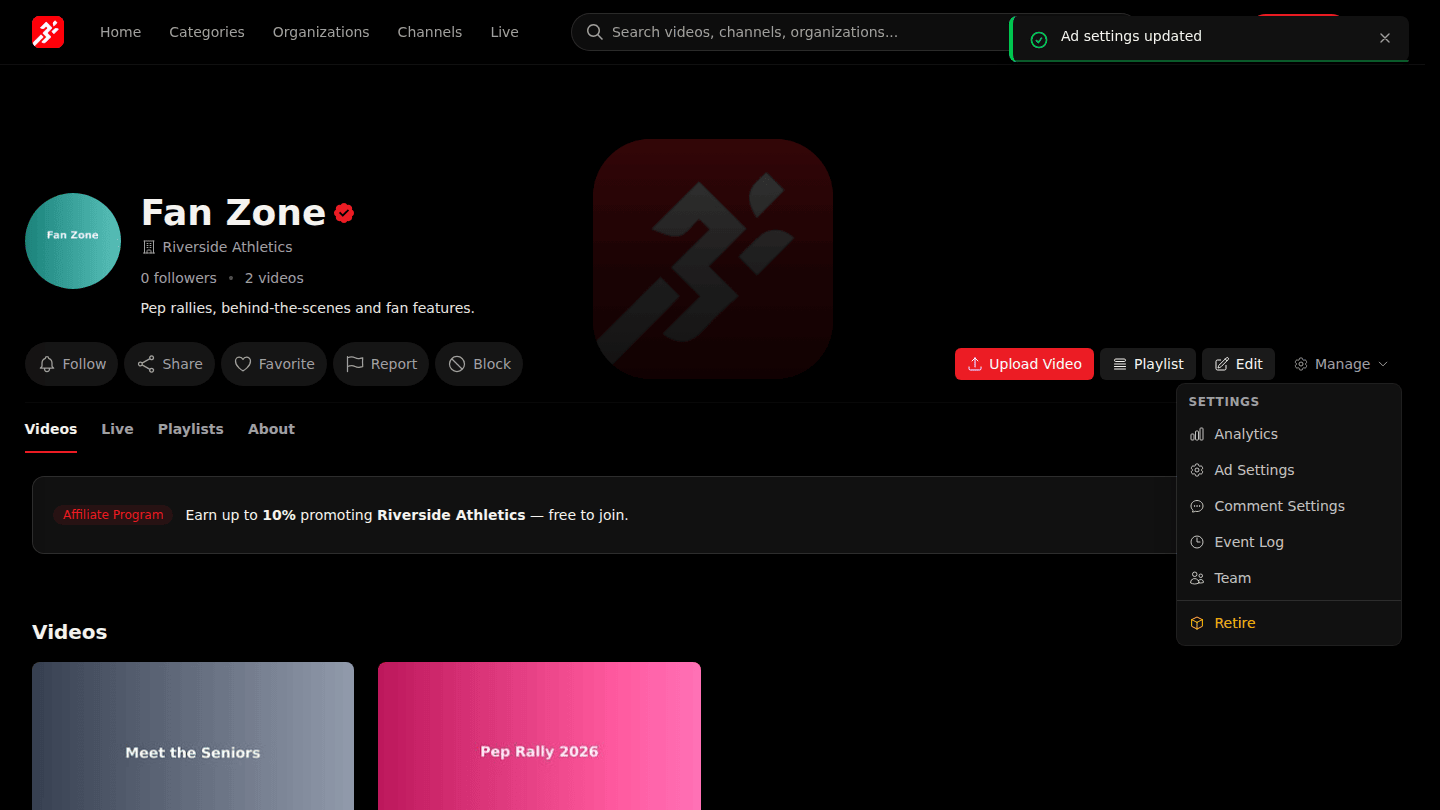
Ad settings updated.