
Comments, chat, ads and analytics
Read video analytics
See views, watch time, retention and where viewers come from.
For creators
Roles: Owner, Channel manager, Analytics specialist
By the end you know how a video, channel or organization performed for any period.
Before you start
- You are an owner, channel manager or analytics specialist.
Steps
Step 1: Choose Manage → Analytics
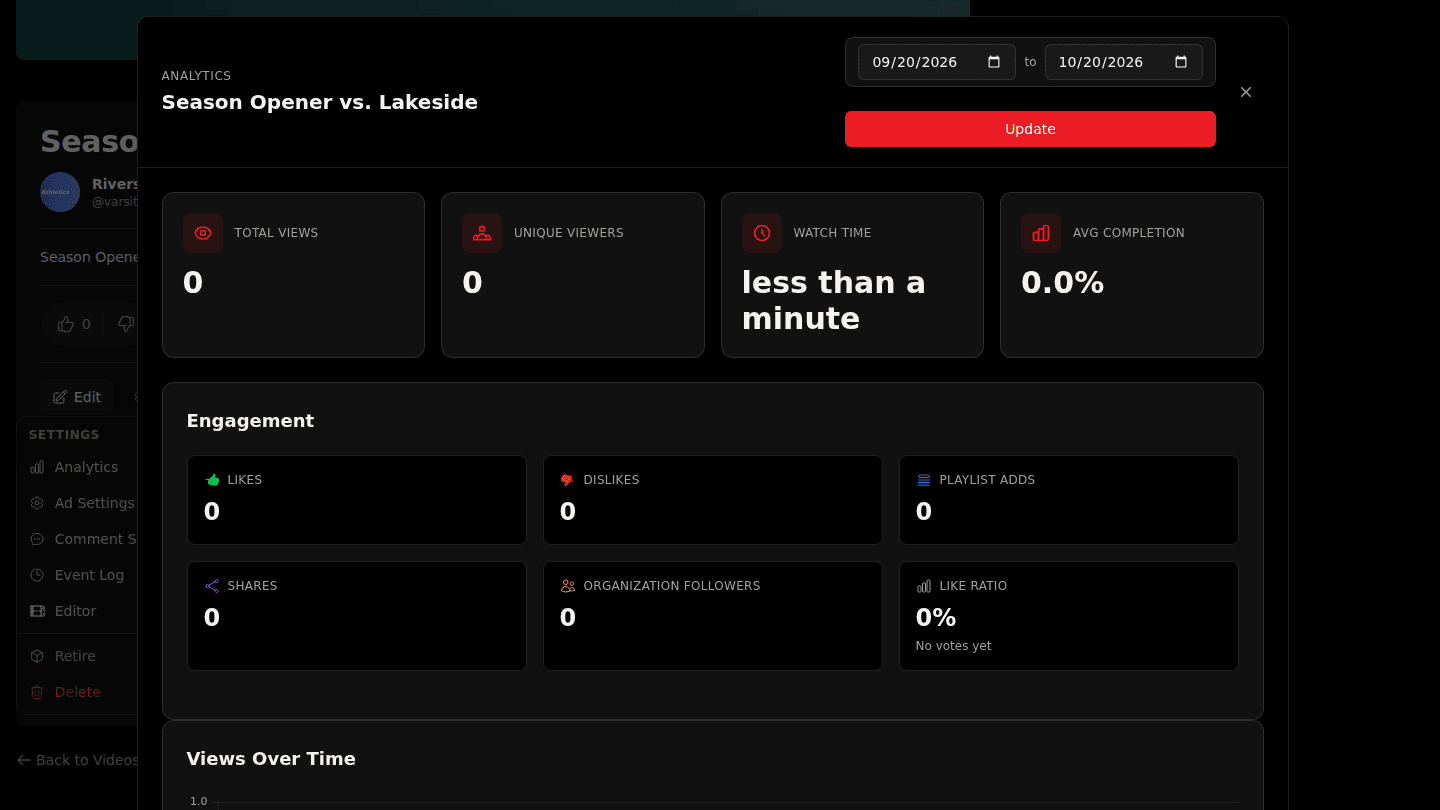
On a video, channel or organization page choose Manage → Analytics. The dashboard shows Total Views, Unique Viewers, Watch Time and Avg Completion for the period; change the dates and choose Update.
Step 2: Scroll for retention, devices, countries and thumbnails
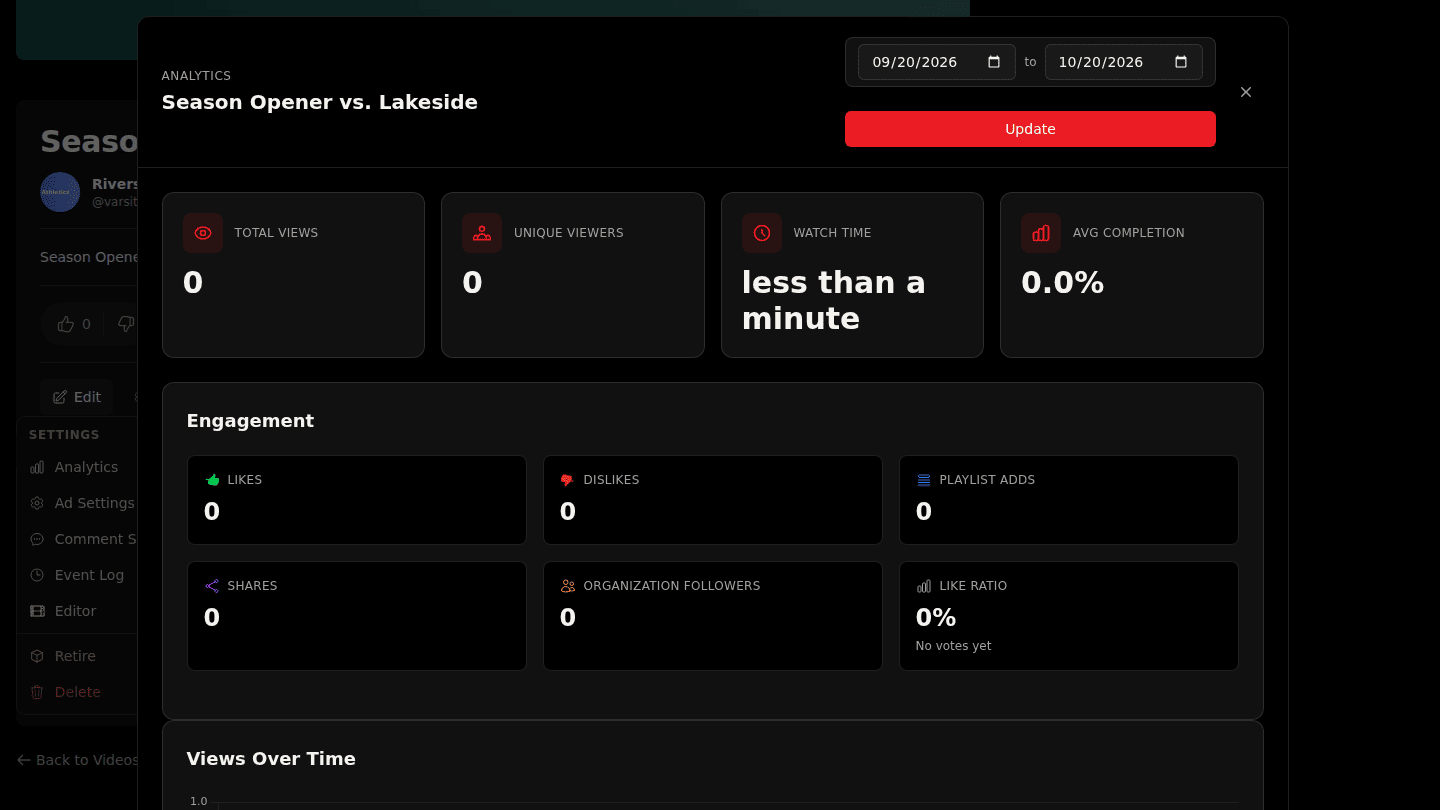
Scroll down for Retention Curve (where viewers drop off), Completion Funnel, Devices, Top Countries, Traffic Sources and, on videos, Thumbnail Performance. Sections fill in as data arrives.
You should see
The numbers for the period you chose; sections say so when there is no data yet.