
Finances and payouts
See revenue by content
Find out which videos, channels and offer types earn the most.
For creators
Roles: Owner, Accounting manager
Before you start
By the end you know what sells and what to make more of.
Before you start
- You are an owner or accounting manager.
Steps
Step 1: Open the Revenue tab
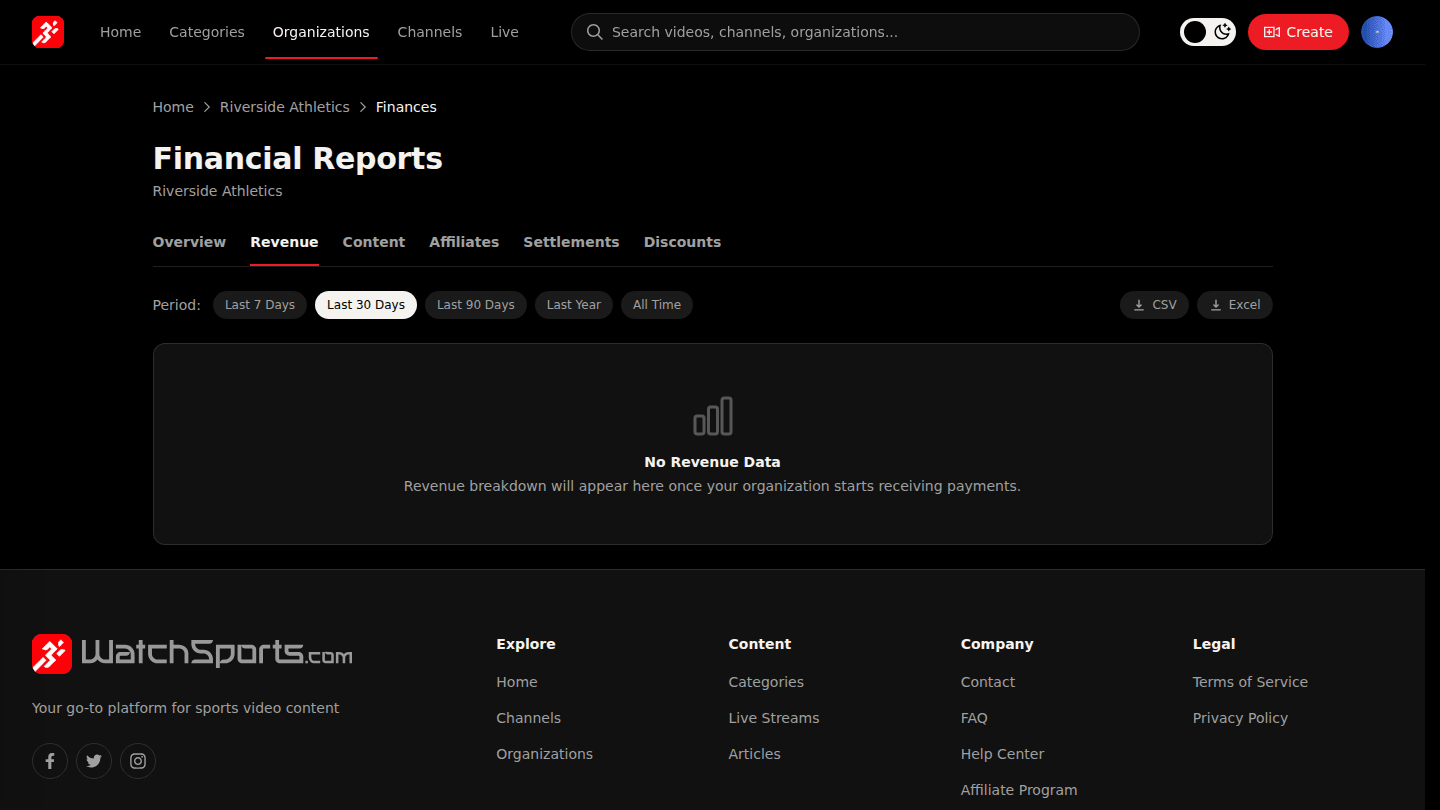
In Manage → Finances open Revenue to see sales by offer type (buy, rental, subscription) and over time.
Step 2: Open the Content tab
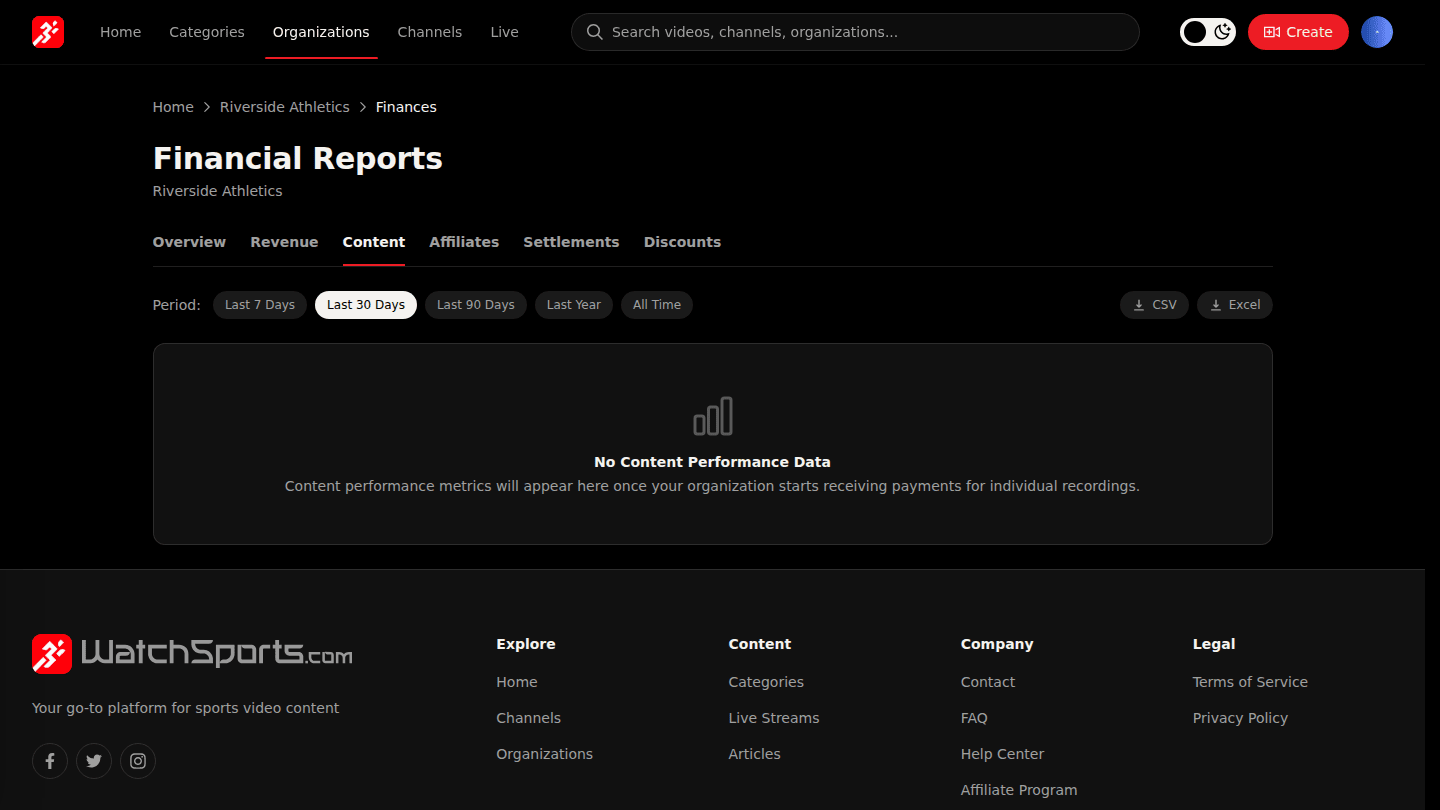
Content ranks your videos, channels and playlists by what they earned in the period, so you can see what to make more of.
You should see
Revenue split by offer type on Revenue, and your content ranked by earnings on Content.