
Finances and payouts
Read your finances overview
See what you earned, your share and platform fees for any period.
For creators
Roles: Owner, Accounting manager
Before you start
By the end you can answer "what did we earn this month?" in one screen.
Before you start
- You are an owner or accounting manager.
Steps
Step 1: Open your organization and choose Manage → Finances
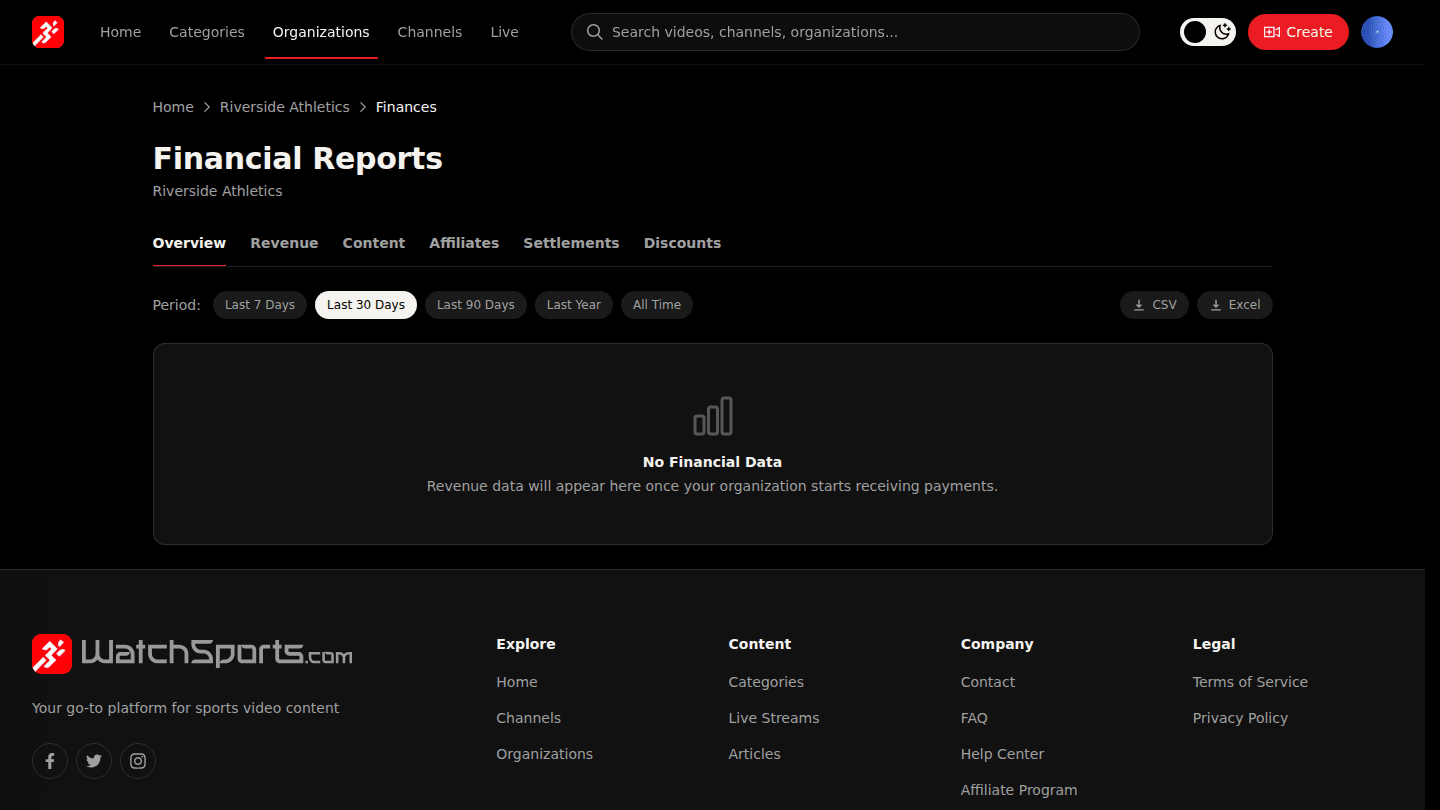
Open your organization page and choose Manage → Finances. Overview sums gross revenue, your share and platform fees for the period, with a chart over time.
Step 2: Change the period or export
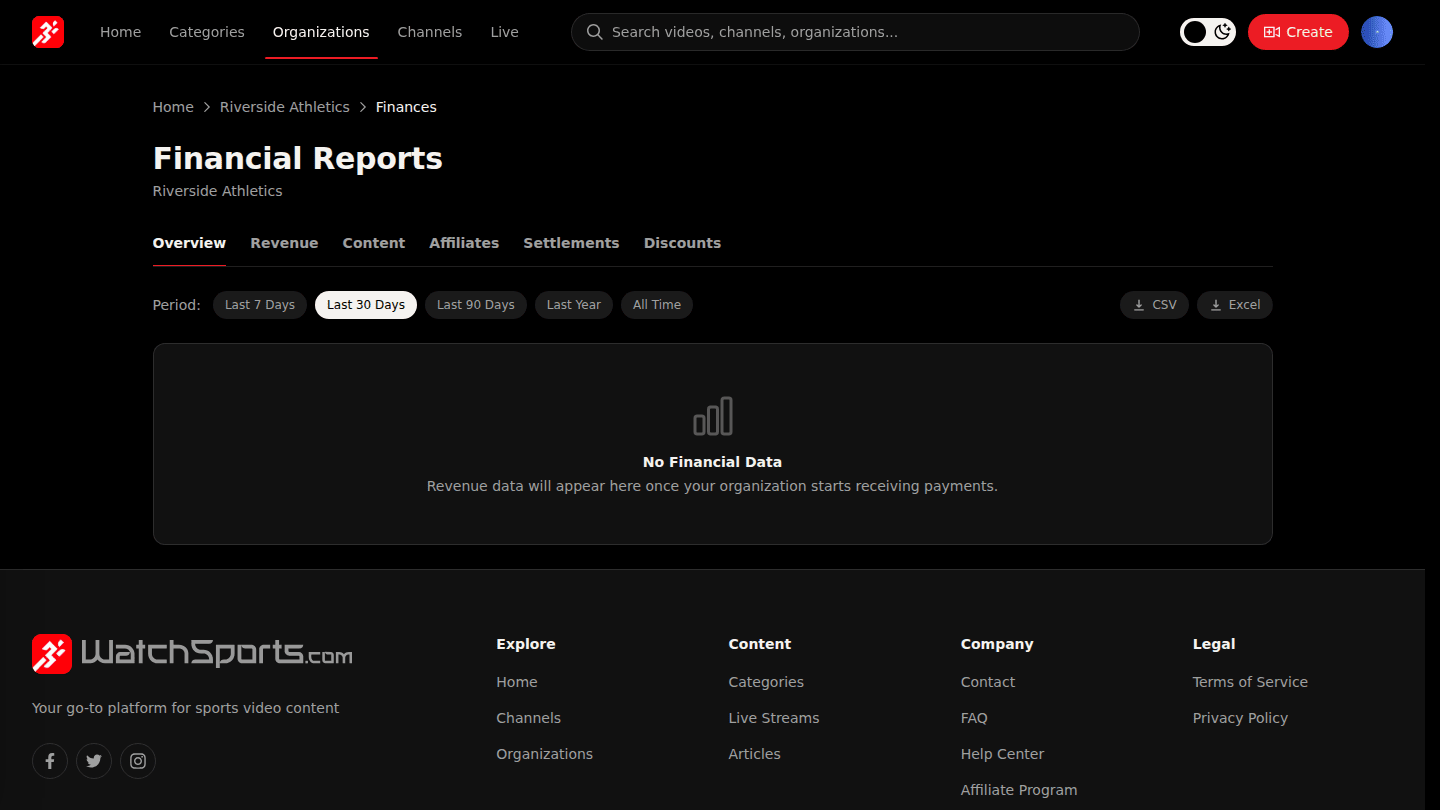
Use the period pills (Last 7 Days to All Time) to change the range, and CSV or Excel to export the same numbers for your accountant.
You should see
Totals for the period, a chart over time, and a CSV or Excel file if you exported.