
Finances and payouts
Track settlements and payouts
Follow each sale from purchase to the money arriving in your bank.
Before you start
By the end you know where each sale is on its way to your bank account.
Before you start
- You are an owner or accounting manager.
Steps
Step 1: Open the Settlements tab
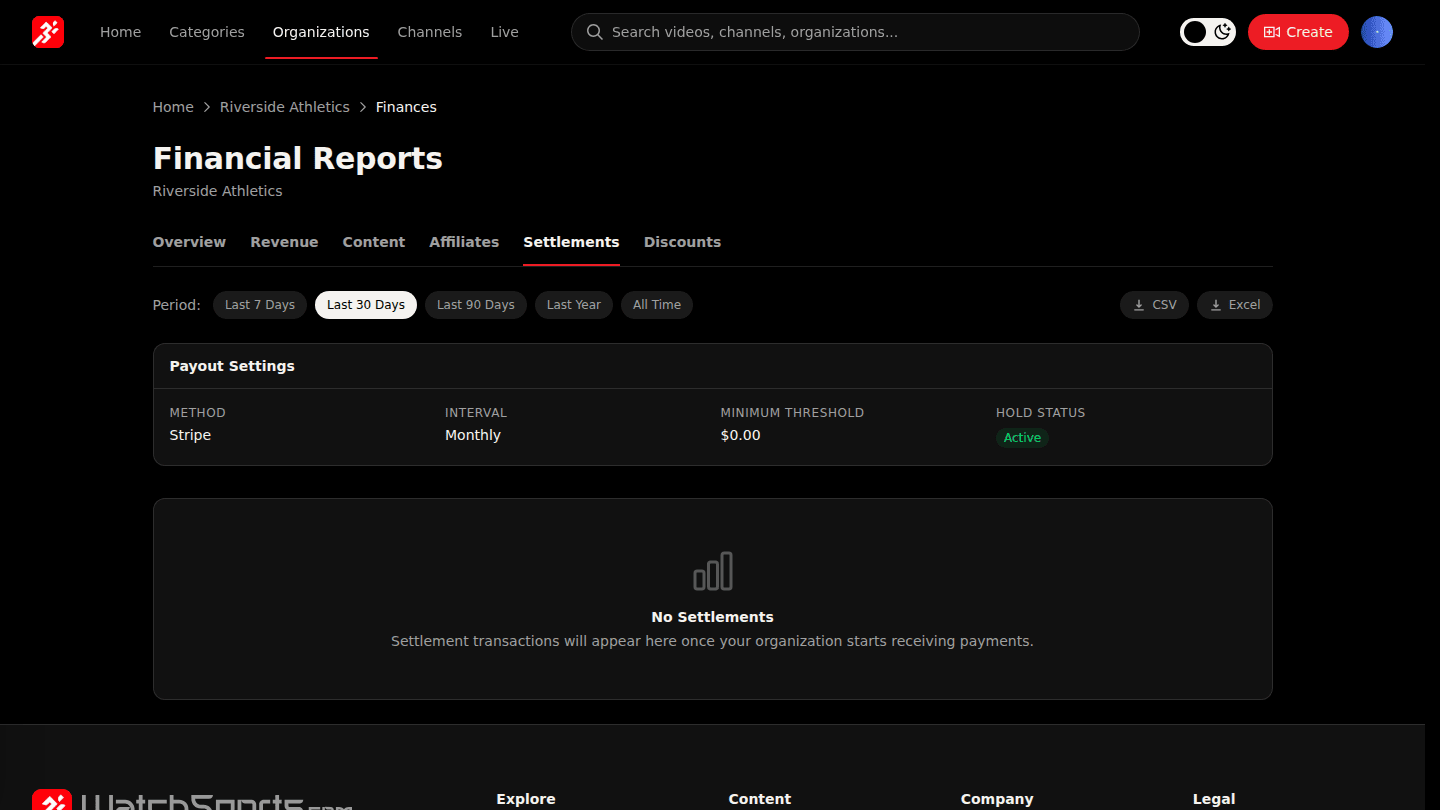
In Manage → Finances open Settlements. Payout Settings shows your payout method, interval, minimum amount and hold status. Below it, every sale's split is listed with whether it has been paid out yet.
Step 2: Open the Stripe Dashboard for bank-level detail
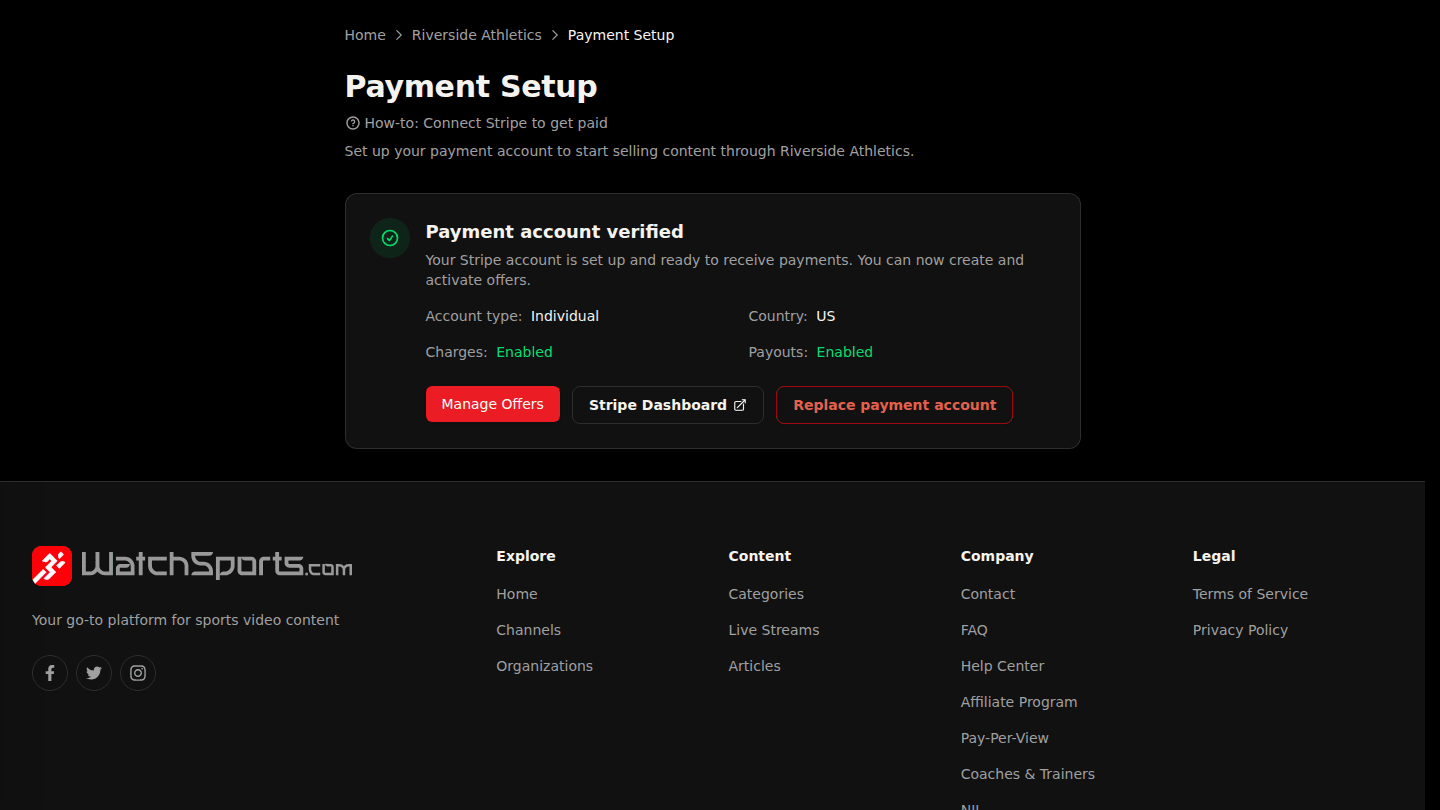
For transfers to your bank, open Manage → Payments and choose Stripe Dashboard. Sales become payable after a 30-day hold, and are paid out on your interval once they pass your minimum.
You should see
Each sale's split under Settlements, and transfers to your bank in the Stripe Dashboard.
How it works
Each sale sits for 30 days (chargeback protection), then becomes payable. On your payout interval, payable amounts above your minimum are transferred to your Stripe account. Hold Status shows if payouts are paused, for example during probation.