
Live streaming
Get your stream key
Find the server URL and stream key your streaming software needs, and replace the key if it leaks.
For creators
Roles: Owner, Channel manager, Video editor
Before you start
By the end your streaming software is configured for this channel.
Before you start
- Streaming is set up for the channel. If the page says Streaming has not been set up for this channel yet, choose Set Up Streaming first.
Steps
Step 1: Open the channel and choose Manage → Stream Key
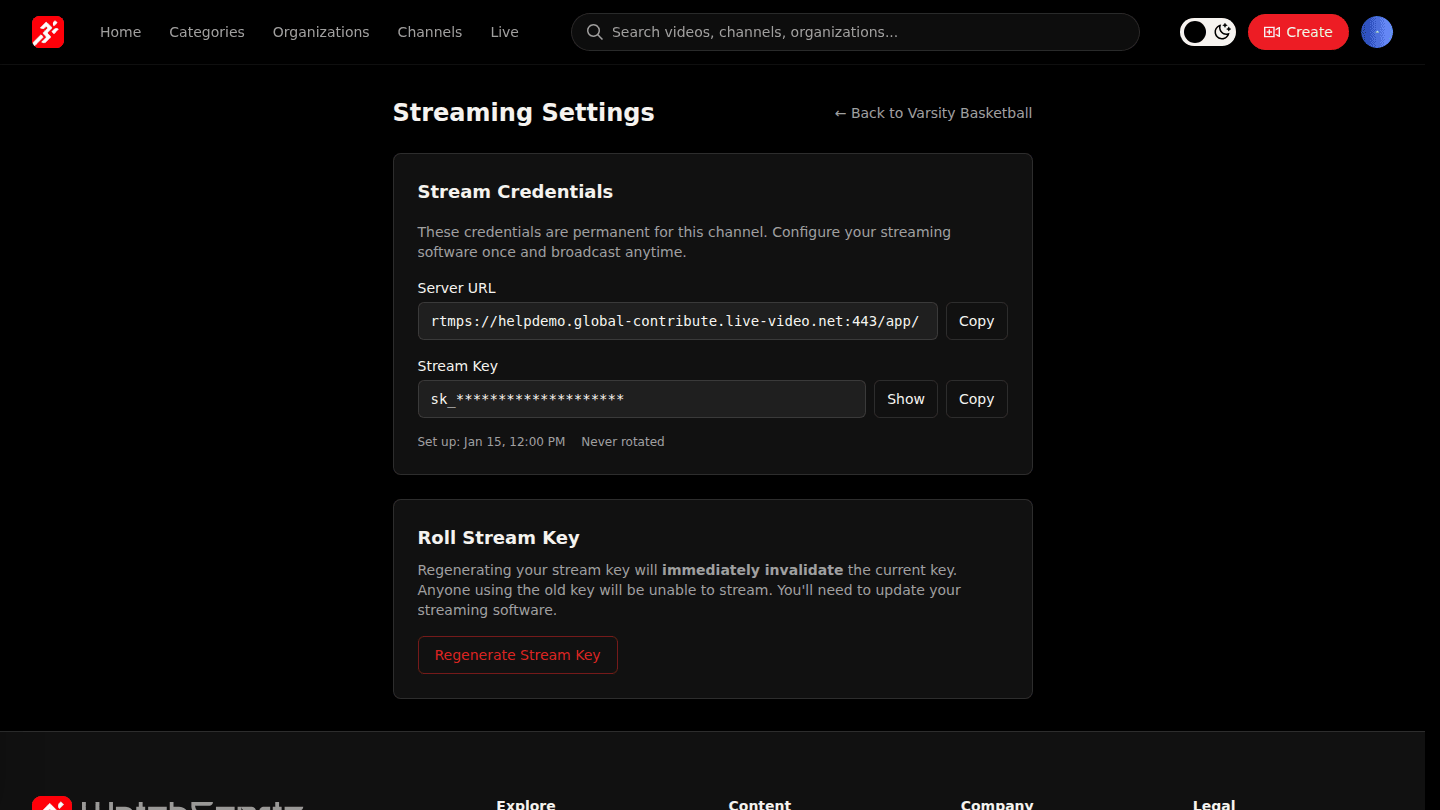
Open the channel page and choose Manage → Stream Key. Copy the Server URL and the Stream Key (choose Show to reveal it) into your streaming software. The key is persistent: it works for every stream on this channel.
Step 2: Regenerate the key if it leaks
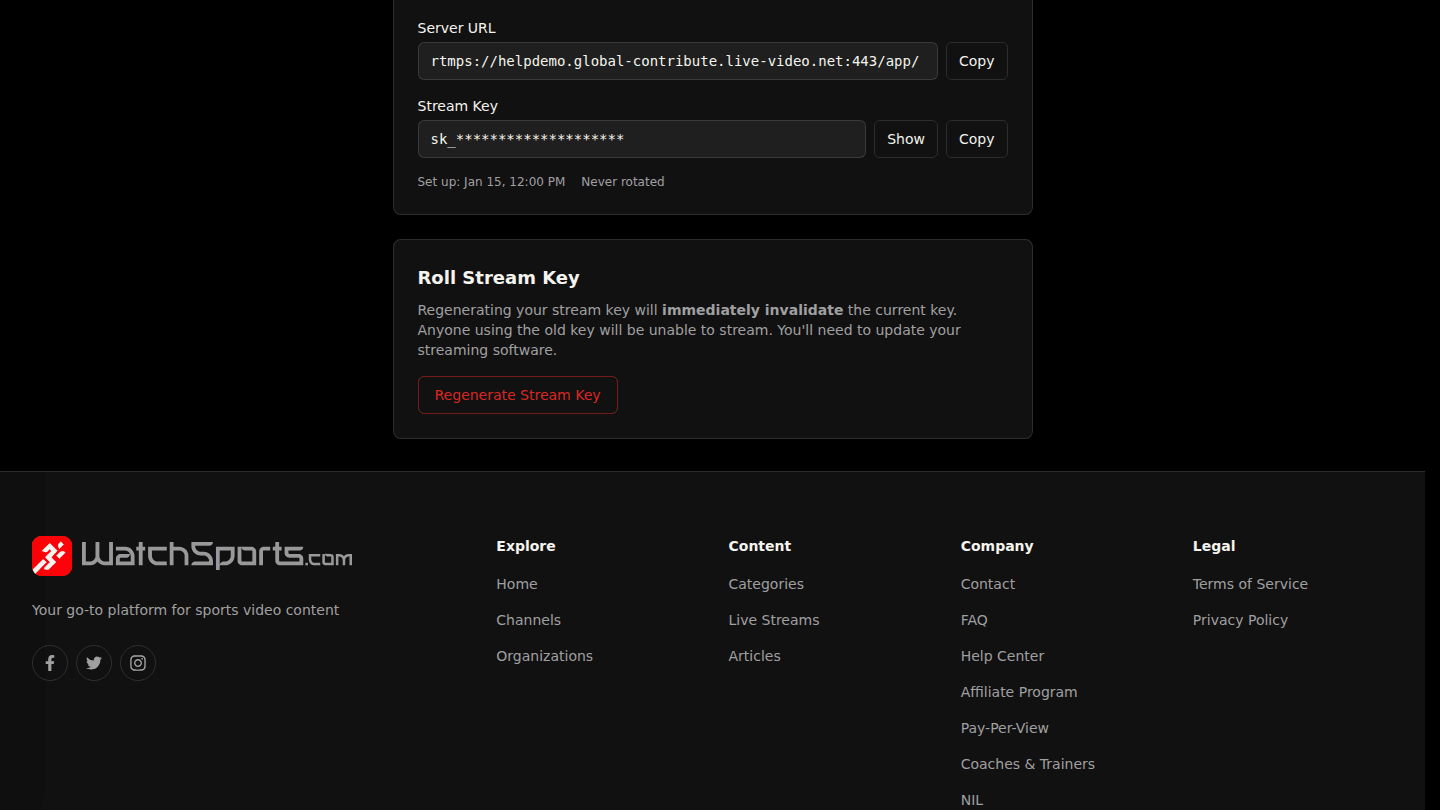
If the key is ever shared by mistake, choose Regenerate Stream Key. The old key stops working immediately, so update your streaming software before you next go live.
You should see
A Server URL and a Stream Key on the page, and a successful connection test in your streaming software.