
Your organization
Get your organization verified
What probation limits, and how verification lifts them.
Before you start
By the end you know what the probation banner means and what changes when you are verified.
Before you start
- Nothing to prepare: verification is about track record, not paperwork.
Steps
Step 1: Check your organization page for the probation banner
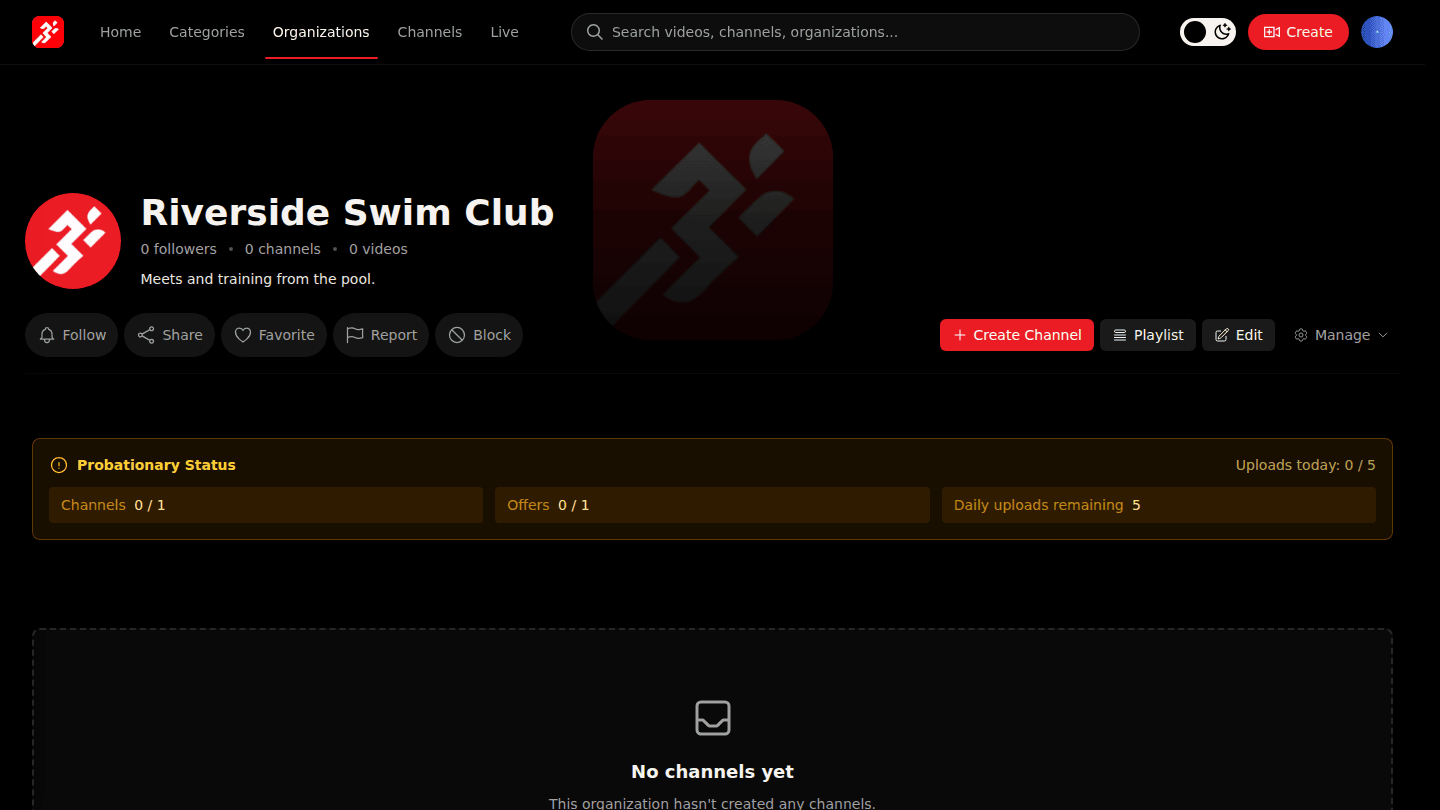
While your organization is on probation, its page shows Probationary Status with today's limits: channels, offers, daily uploads, and payouts on hold.
Step 2: After verification the limits disappear
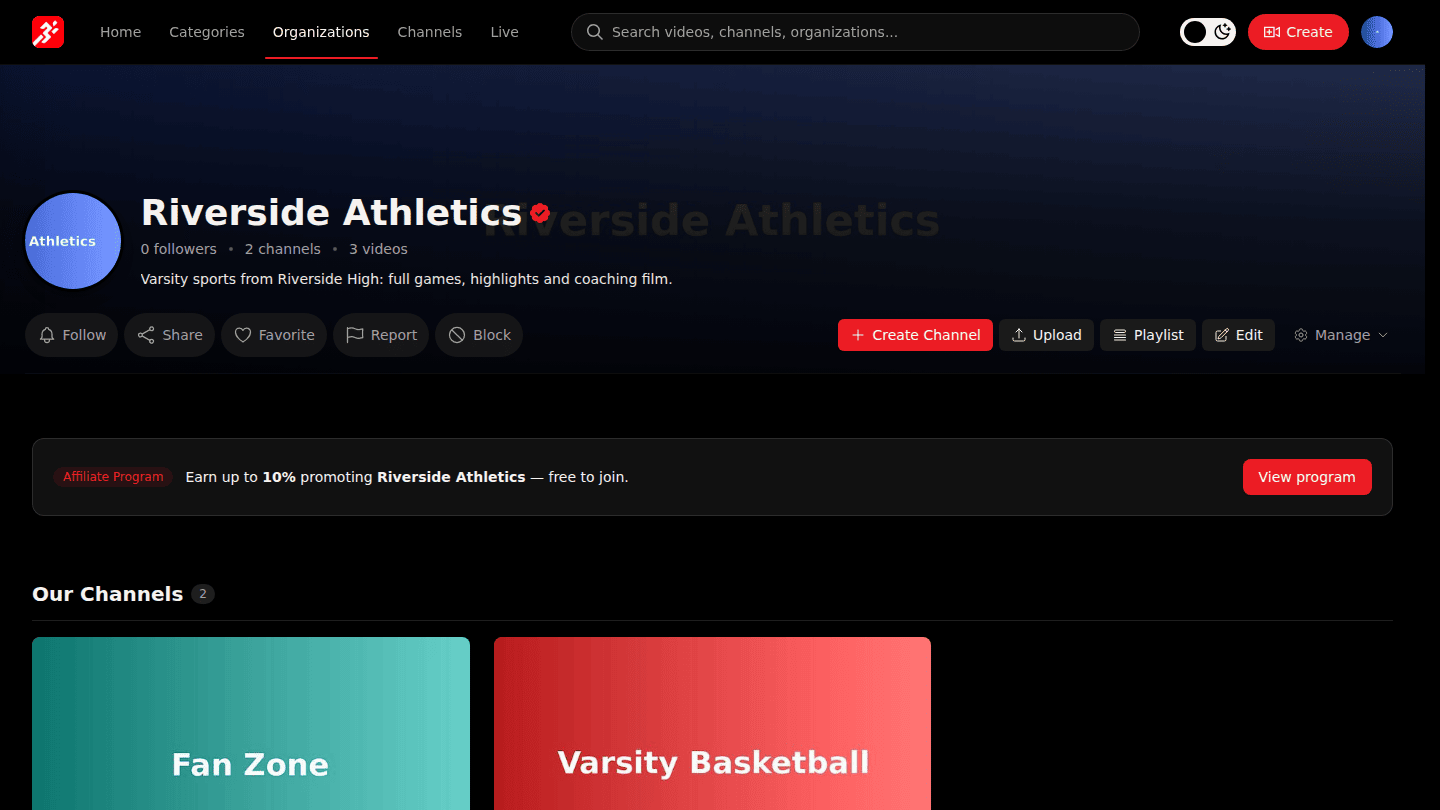
Verification happens automatically after a clean content record, or a platform administrator verifies you sooner. The banner disappears, limits lift and payouts start flowing to your Stripe account.
You should see
No banner on a verified organization, and no limits on channels, offers or uploads.
How it works
During probation uploads are reviewed automatically and payouts are held. Keep publishing clean content and the platform verifies you automatically; an administrator can also verify you after review.