
Organization playlists
Create an organization playlist
Make a playlist that can be shown in channels and sold.
For creators
Roles: Owner, Channel manager, Video editor
By the end you have an empty organization playlist ready for videos.
Before you start
- You have a content role on the organization.
Steps
Step 1: On your organization page choose Playlist and name it
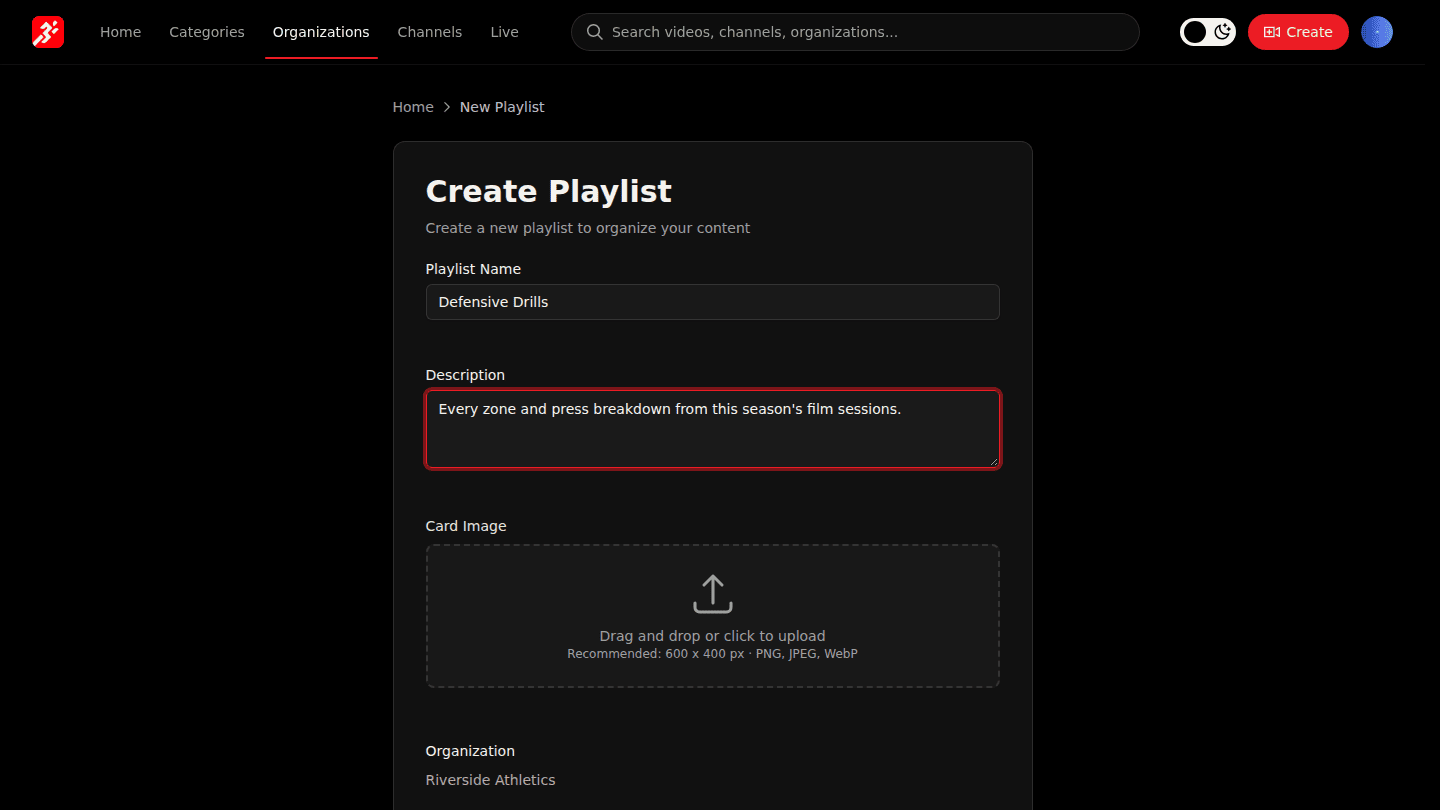
Open your organization page and choose Playlist. Enter a Playlist Name and Description, and add a card image if you have one.
Step 2: Choose Create Playlist
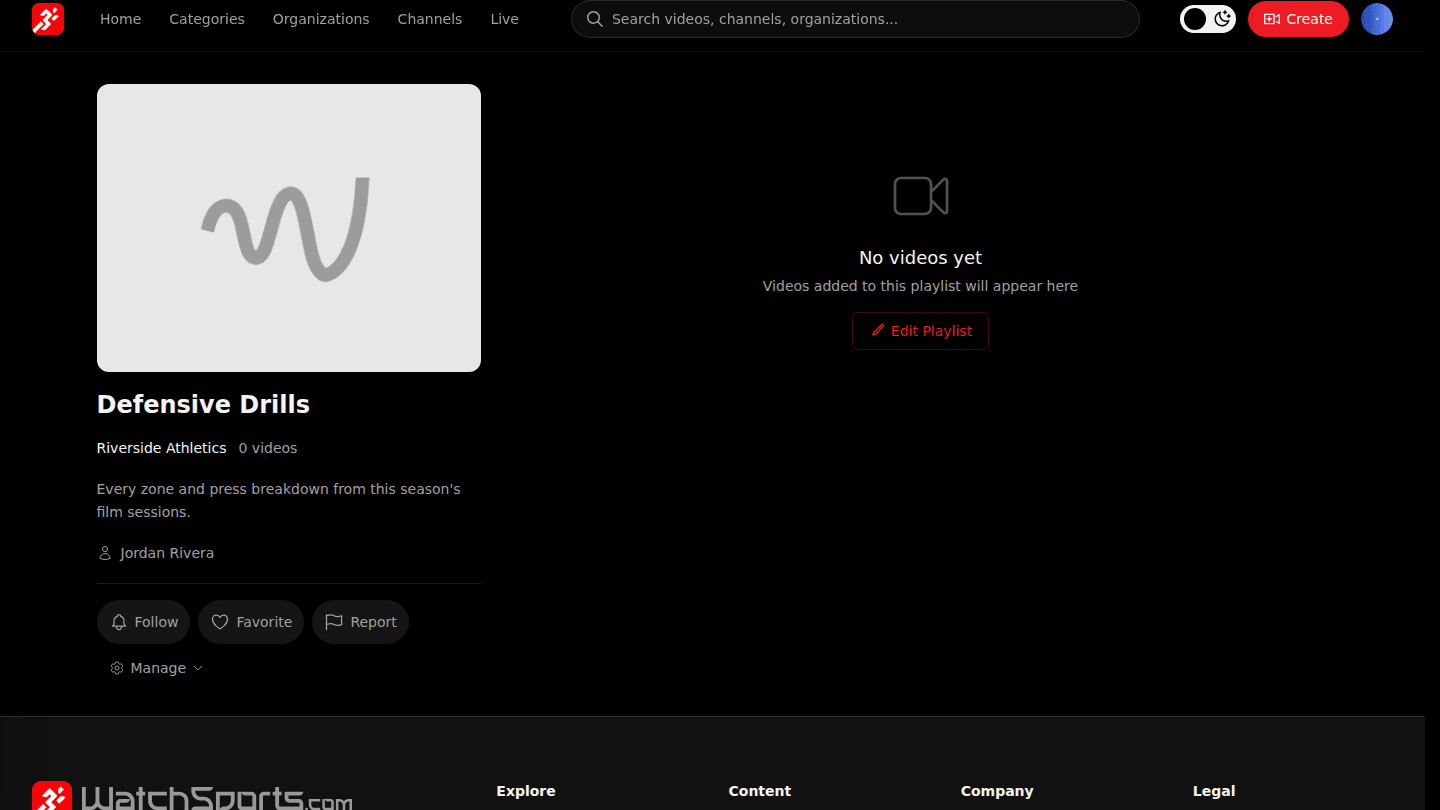
Choose Create Playlist. Because it belongs to your organization it can be shown in channels and sold; a personal playlist (no organization) is only for you.
You should see
The new playlist page with no videos yet.
How it works
Organization playlists hold only your organization's videos and can be sold. Personal playlists (created with no organization) can hold any video on the platform but are only for you.