
Channels
Show a playlist in a channel
Place one of your organization's playlists on a channel page.
For creators
Roles: Owner, Channel manager
Before you start
By the end the playlist appears under Playlists on the channel page.
Before you start
- The playlist belongs to your organization.
Steps
Step 1: Open the channel's Playlists tab and choose Add Existing
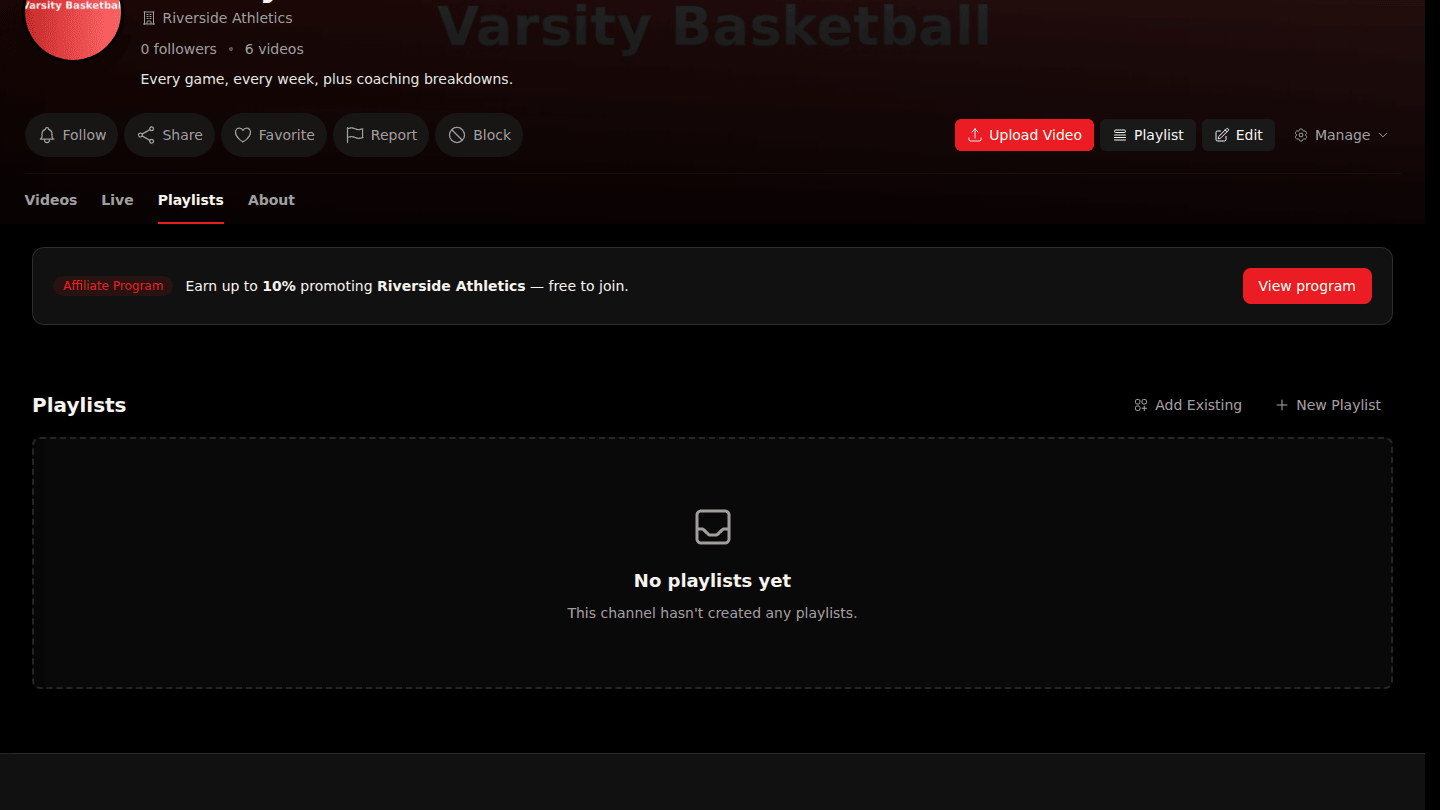
Open the channel page, open the Playlists tab and choose Add Existing. (New Playlist creates one from here instead.)
Step 2: Choose Add next to the playlist
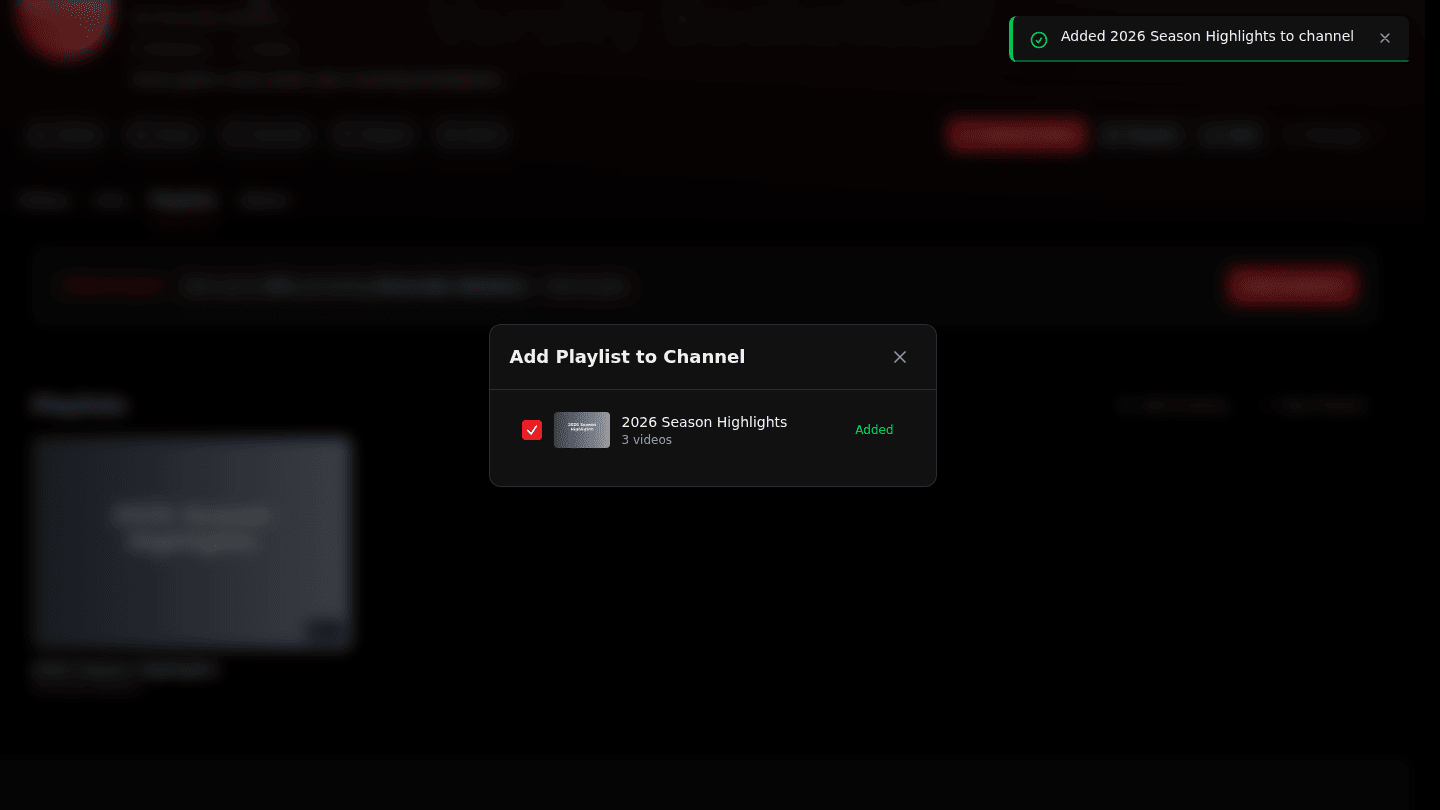
Choose Add next to the playlist. It now appears on the channel page; hover the row and choose Remove to take it off again.
You should see
Added … to channel and the playlist in the channel's Playlists tab.