
Affiliates for your organization
Create an affiliate bounty
Pay affiliates a share of each sale they bring you.
Before you start
By the end affiliates can join your program and earn on the sales they send you.
Before you start
- You are an owner or accounting manager.
- At least one offer is active, so there is something to sell.
Steps
Step 1: Choose Manage → Affiliates, then New Bounty
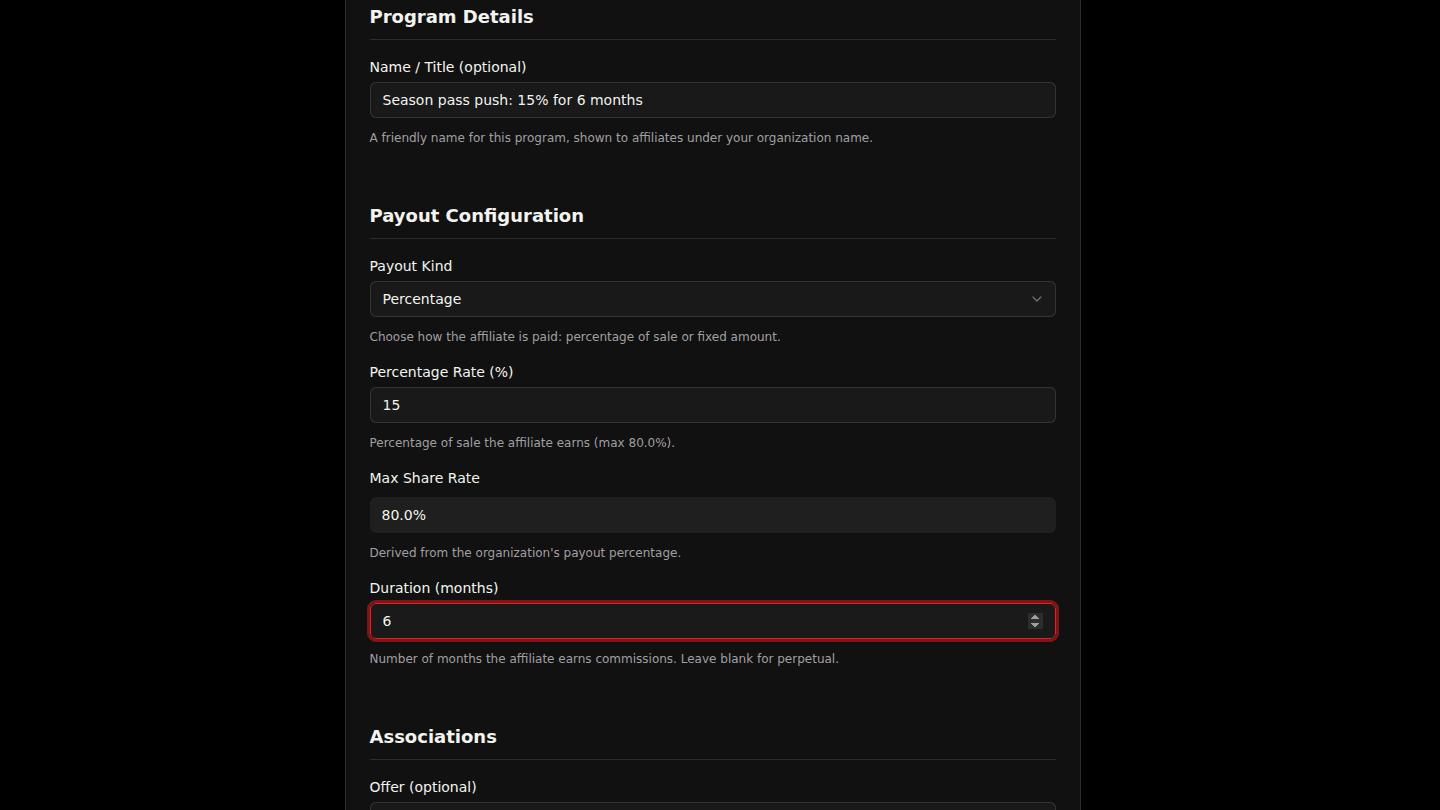
Open your organization page, choose Manage → Affiliates, then New Bounty. Give it a Name and set the Percentage Rate affiliates earn on each sale they bring (or a Fixed Amount).
Step 2: Read and accept the affiliate agreement
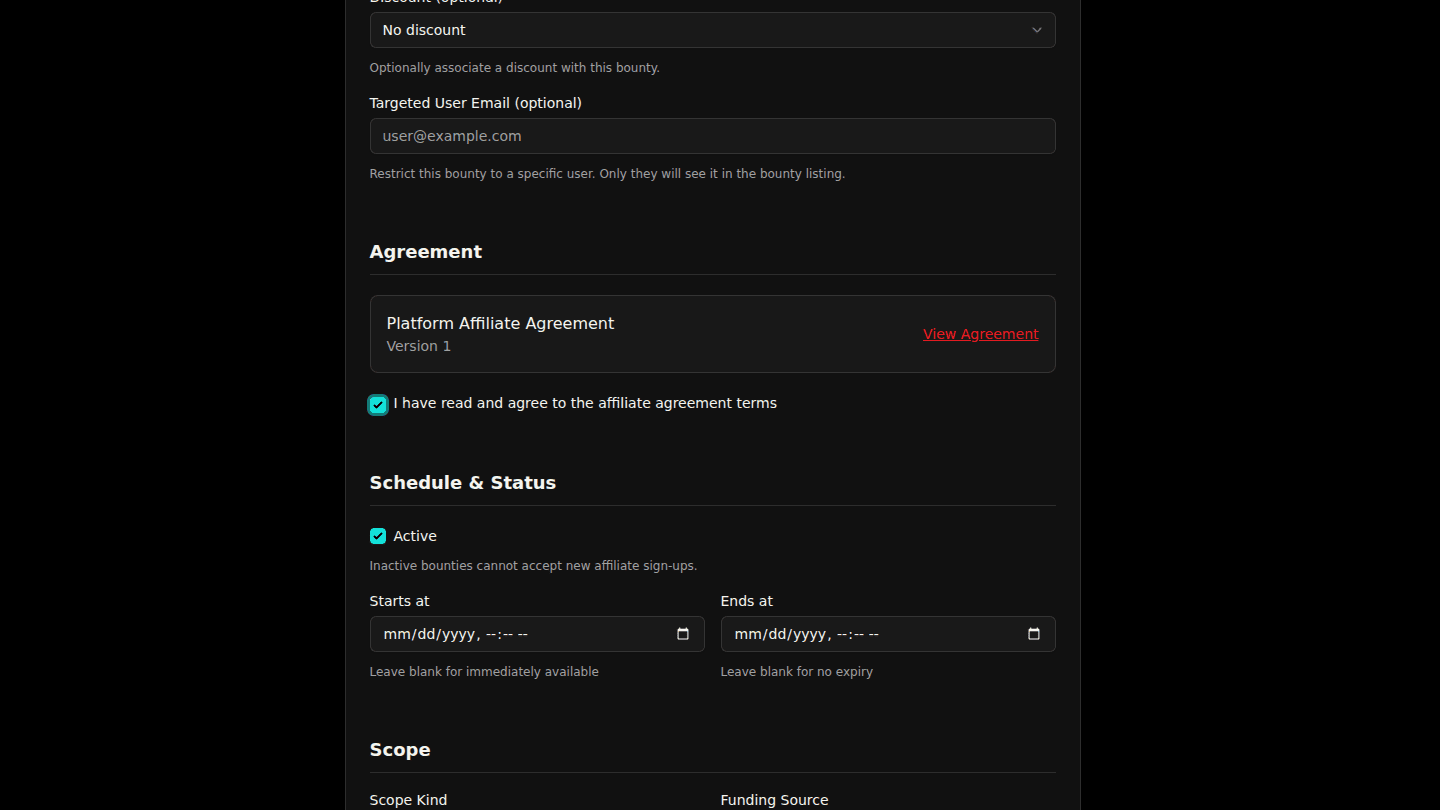
Optionally restrict it to one Offer or a Discount. Read the agreement with View Agreement, tick I have read and agree to the affiliate agreement terms, then choose Create Bounty.
Step 3: The bounty is live for affiliates to join
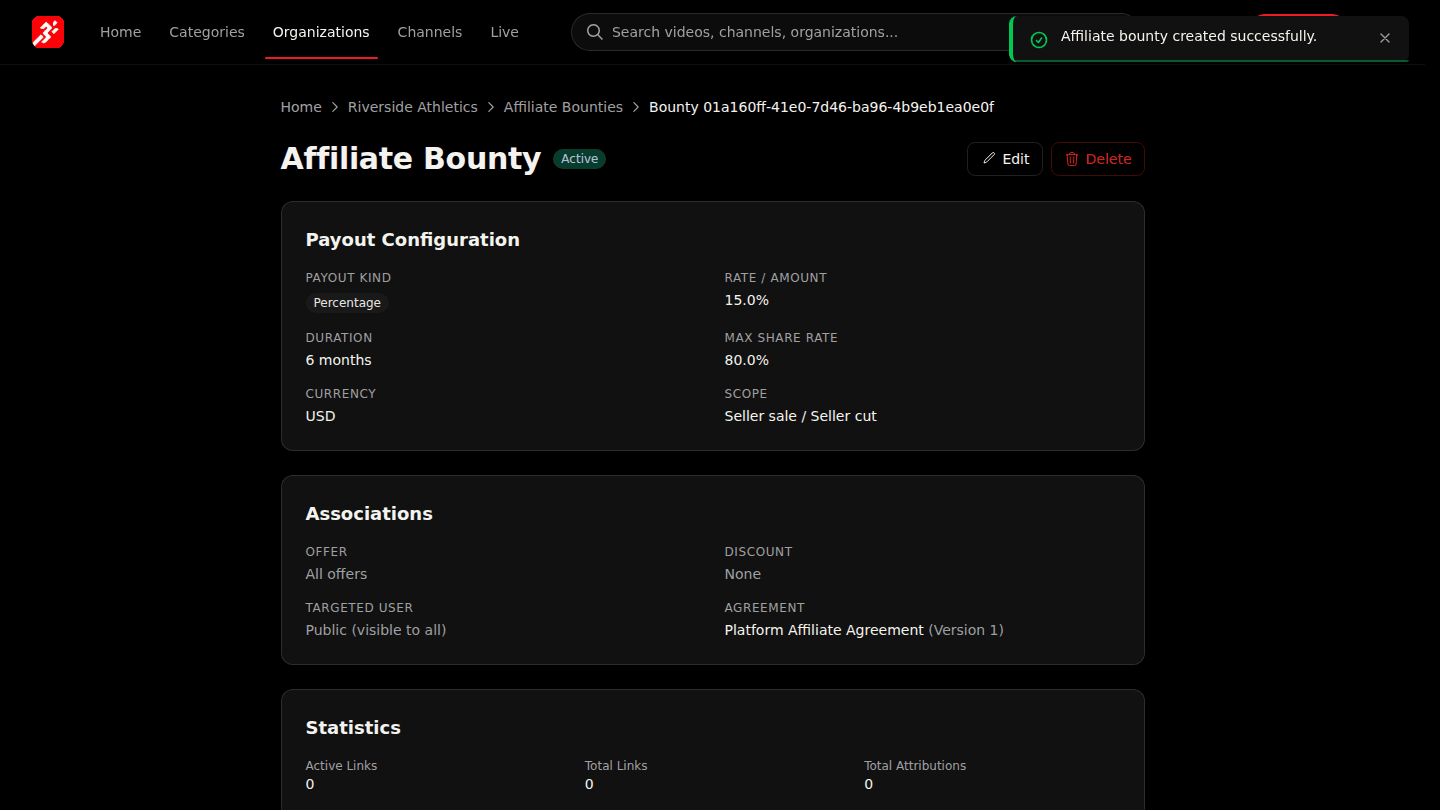
The bounty page shows its terms and, over time, Statistics: links, clicks and attributed sales. Affiliates find it under Browse Bounties and start sharing their links.
You should see
Affiliate bounty created successfully and the bounty page.
How it works
The affiliate's share comes out of your side of the sale, never the platform's. Duration (months) limits how long an affiliate earns on a subscriber they referred; leave it blank for as long as the subscription lasts.