
Affiliates for your organization
Track affiliate sales
See which affiliates send you sales and what you pay them.
For creators
Roles: Owner, Accounting manager
Before you start
By the end you know what each bounty and affiliate is bringing in.
Before you start
- A bounty exists (Create an affiliate bounty).
Steps
Step 1: Open the bounty from Manage → Affiliates
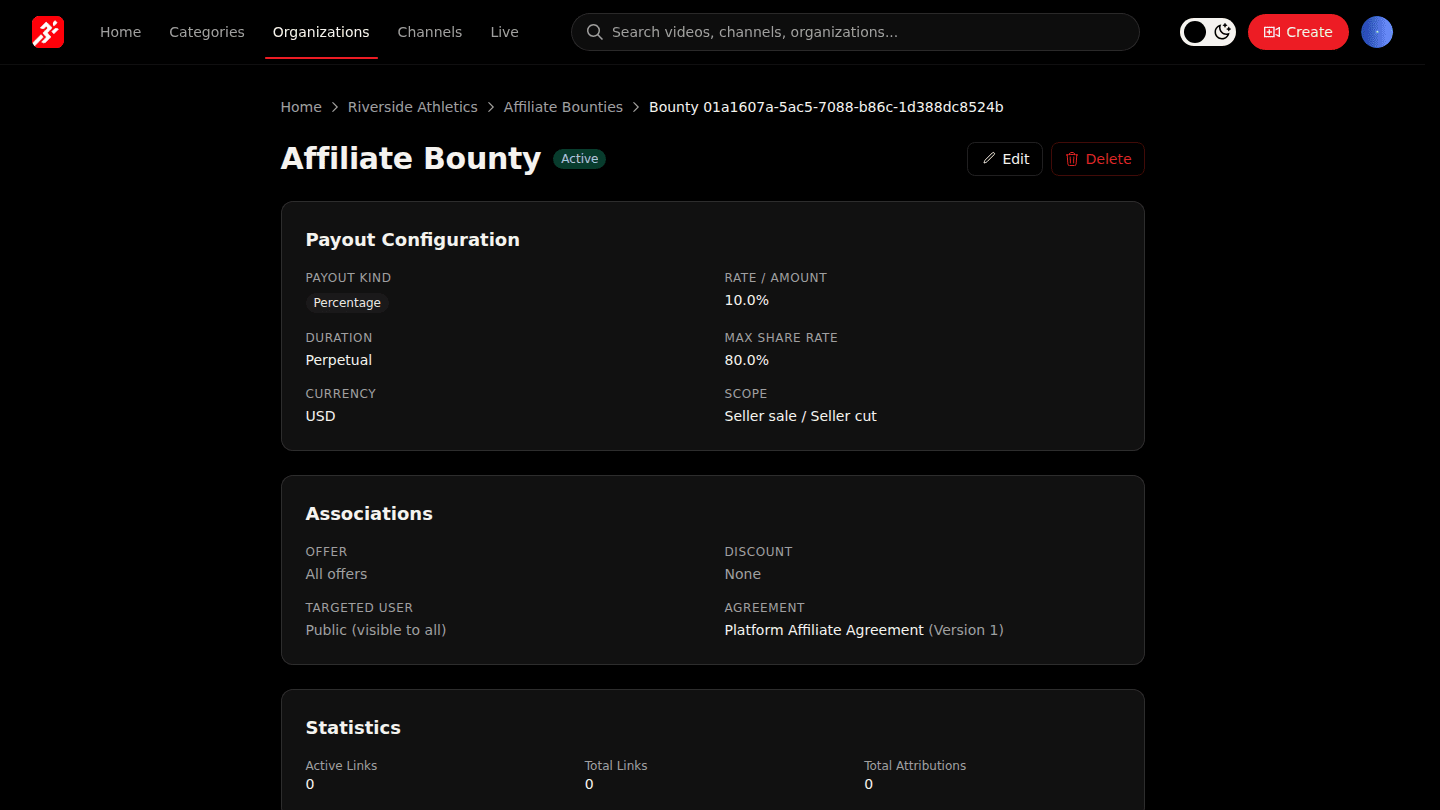
Open your organization page, choose Manage → Affiliates and open a bounty. Statistics shows active links, total links and attributed sales.
Step 2: Open Finances → Affiliates for commissions
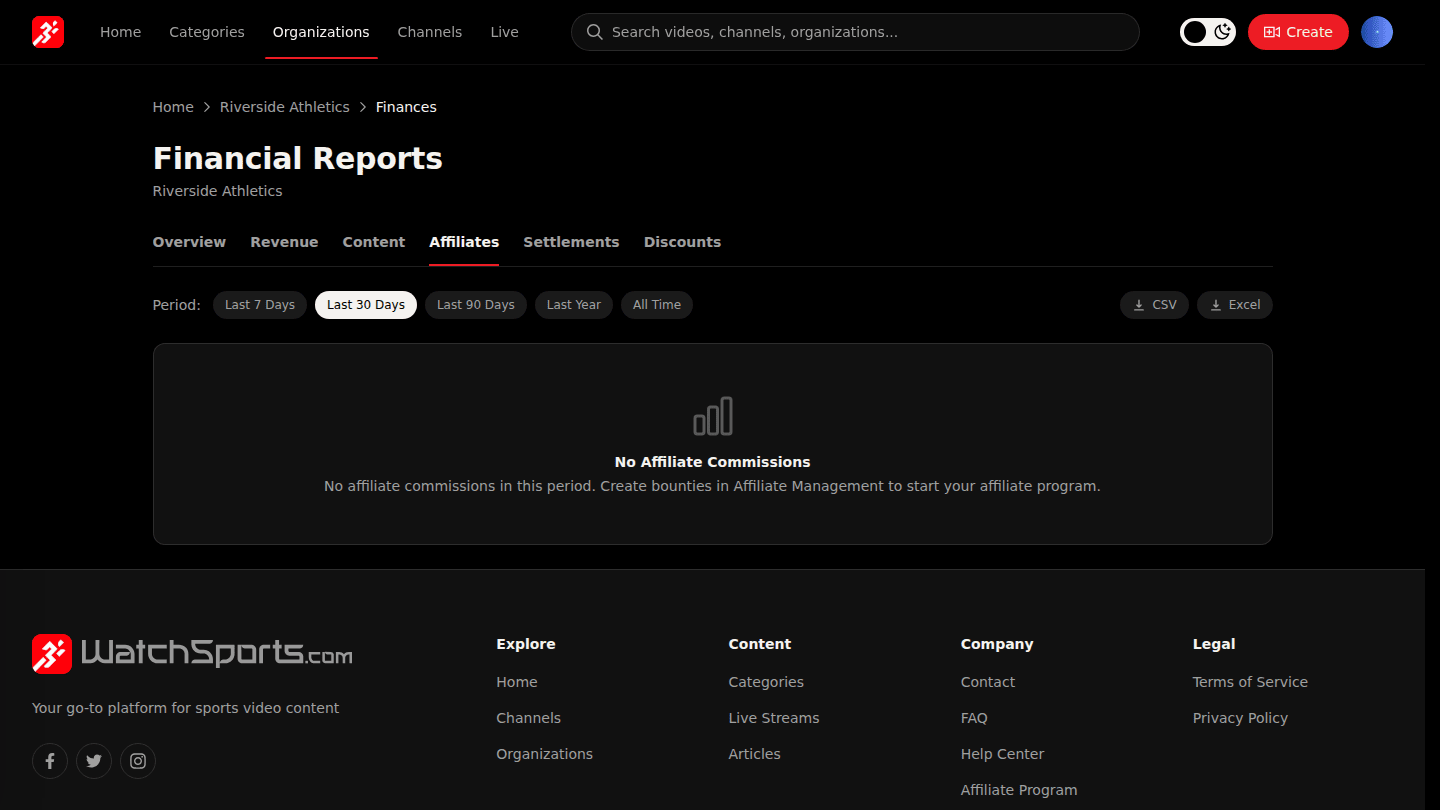
In Manage → Finances open Affiliates: every commission is listed by bounty and affiliate, with the share deducted from your side of the sale.
You should see
Link and sale counts on the bounty page, and each commission under Finances → Affiliates.