
Buying, renting and subscribing
Change your subscription plan
Switch billing cycle or move to a different access level.
For viewers
By the end you are on the plan you want, with the price difference handled for you.
Before you start
- An active subscription that is not set to cancel.
Steps
Step 1: Open the subscription and choose Change Plan
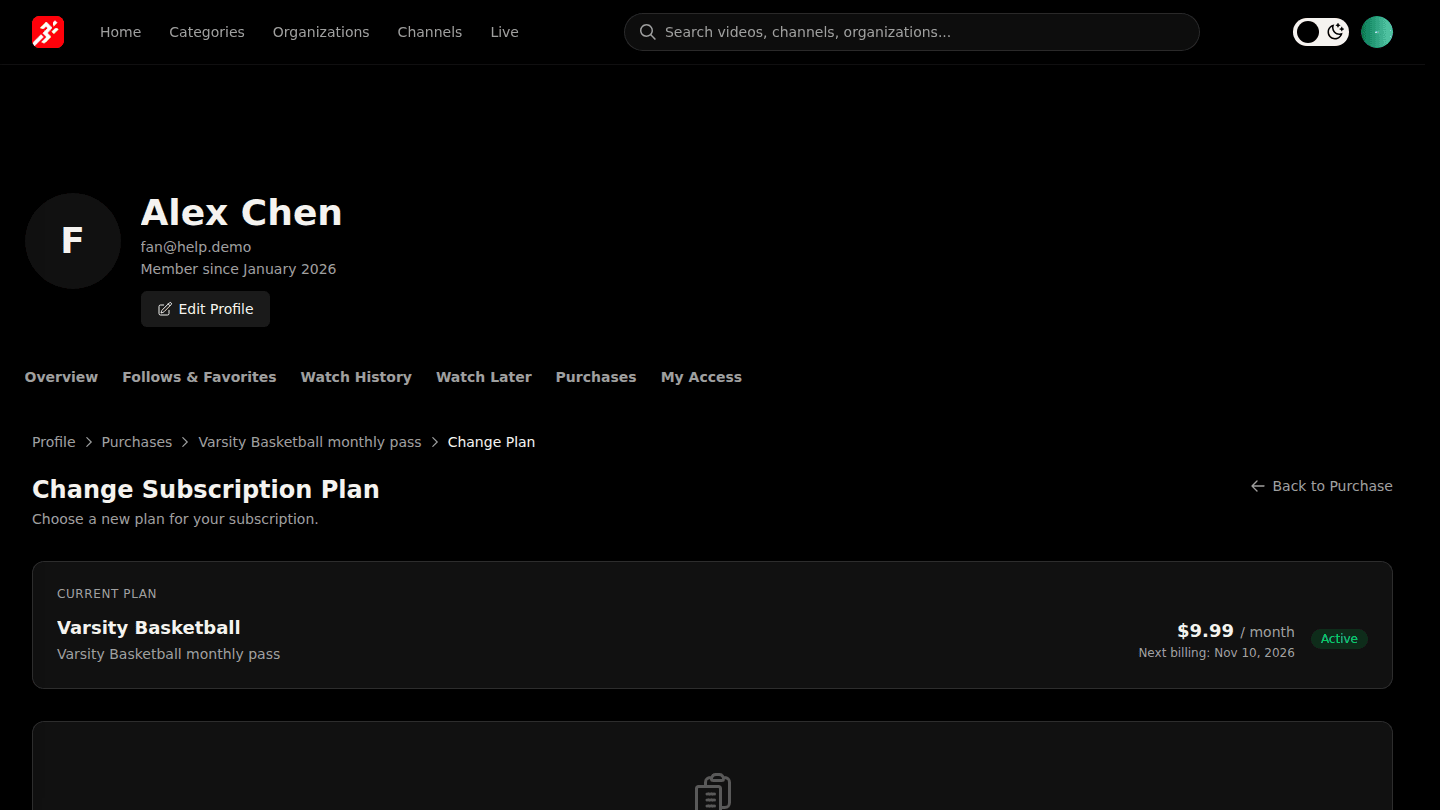
Open your profile, choose Purchases, View the subscription and choose Change Plan. Change Billing Cycle switches monthly and yearly; Upgrade Access and Downgrade Access list other subscriptions from the same organization.
You should see
Review Plan Change with the new price and when it takes effect; choose Confirm Change to apply it.
How it works
Upgrades take effect right away and charge the difference for the rest of the period. Downgrades and billing-cycle changes take effect at the next renewal.