
Buying, renting and subscribing
See your purchases
Find everything you bought, rented or subscribed to.
For viewers
By the end you know where every purchase and its access window is.
Before you start
- You are signed in.
Steps
Step 1: Open Purchases on your profile
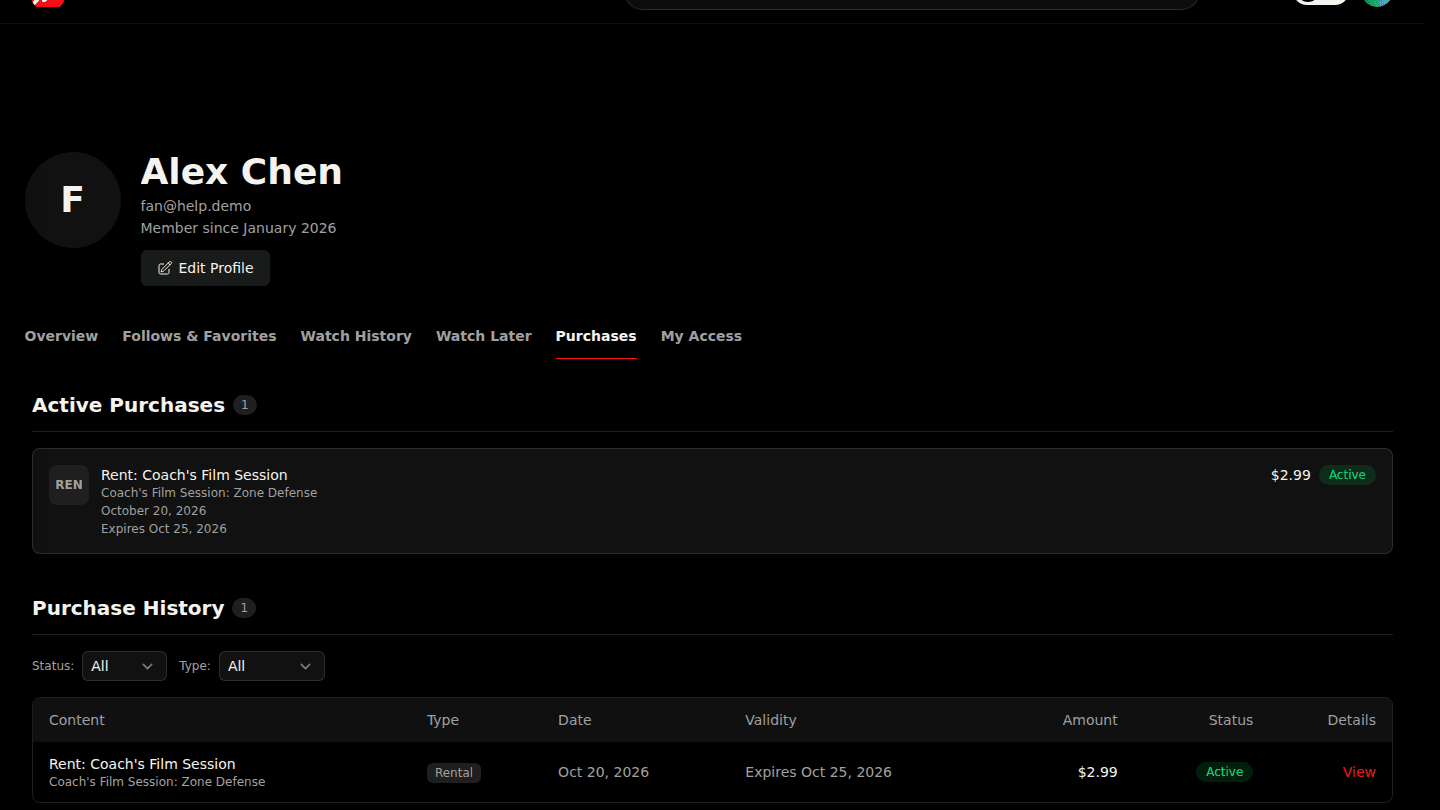
Open your profile and choose Purchases. Active Purchases shows what you can watch now; Purchase History lists every order. Filter by status or kind at the top.
Step 2: Open a purchase for its details
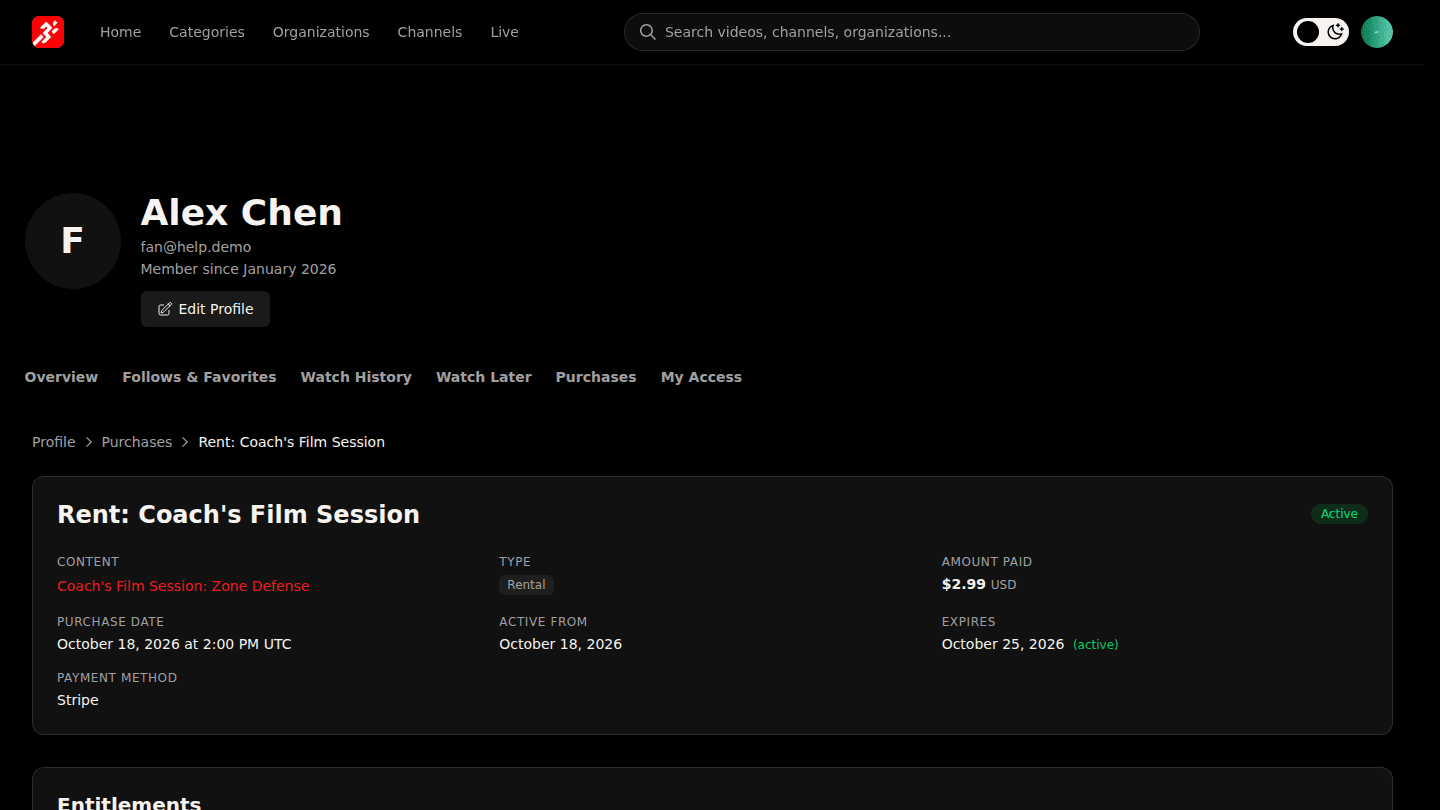
Choose View on a purchase to see what it unlocked under Entitlements, when access ends, and, for subscriptions, the cancel and change-plan controls. My Access on your profile lists everything you can watch, including what is expiring soon.
You should see
Your purchases listed with their status, and each one's details on its own page.