
Your organization
View the event log
See who changed what on your organization, channel or video.
For creators
Roles: Owner, Channel manager
By the end you can trace any change on your content back to a person and a time.
Before you start
- You are an owner or channel manager.
Steps
Step 1: Choose Manage → Event Log
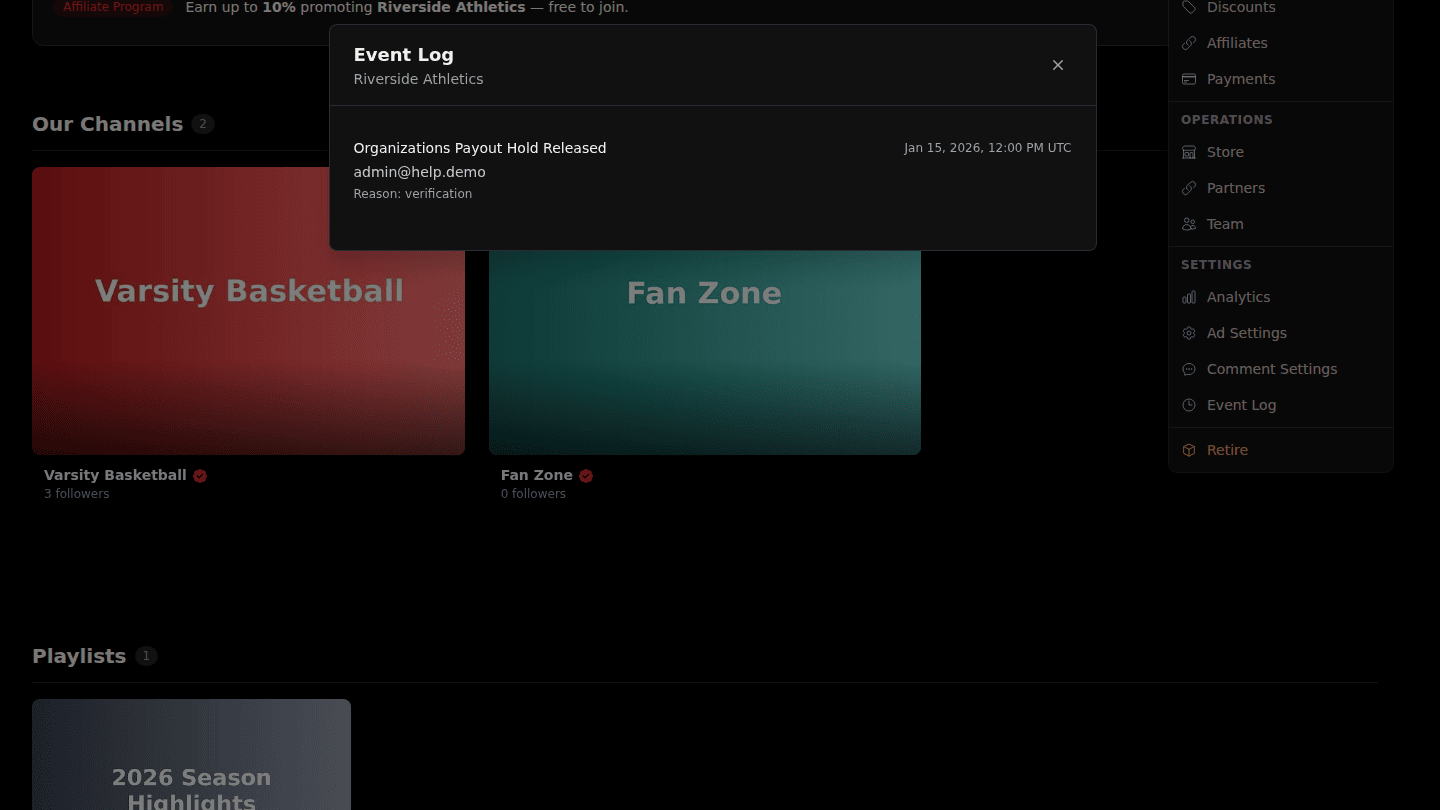
On your organization, a channel or a video page choose Manage → Event Log. It lists every change to the item: who made it, what changed and when, including changes made by platform administrators on your behalf.
You should see
The Event Log with the newest changes first; choose Load more for older ones.