
Videos
Retry a failed upload
What to do when a video shows Processing failed.
For creators
Roles: Owner, Channel manager, Video editor
Before you start
By the end the video is processing again.
Before you start
- The video page shows Processing failed rather than Processing video (which just means it is still in the queue).
Steps
Step 1: Open the video that failed
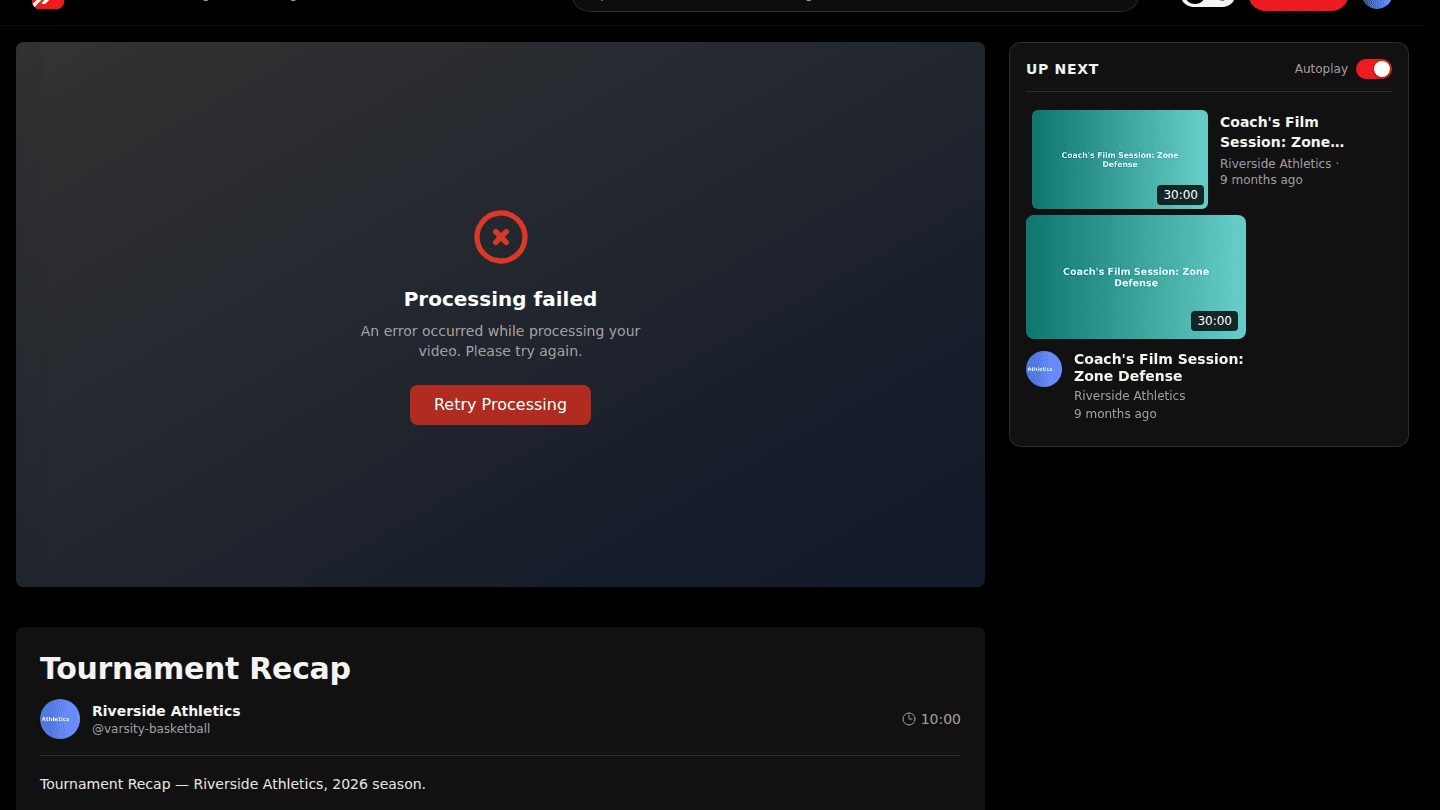
Open the video. Instead of the player it shows Processing failed with a Retry Processing button.
Step 2: Choose Retry Processing
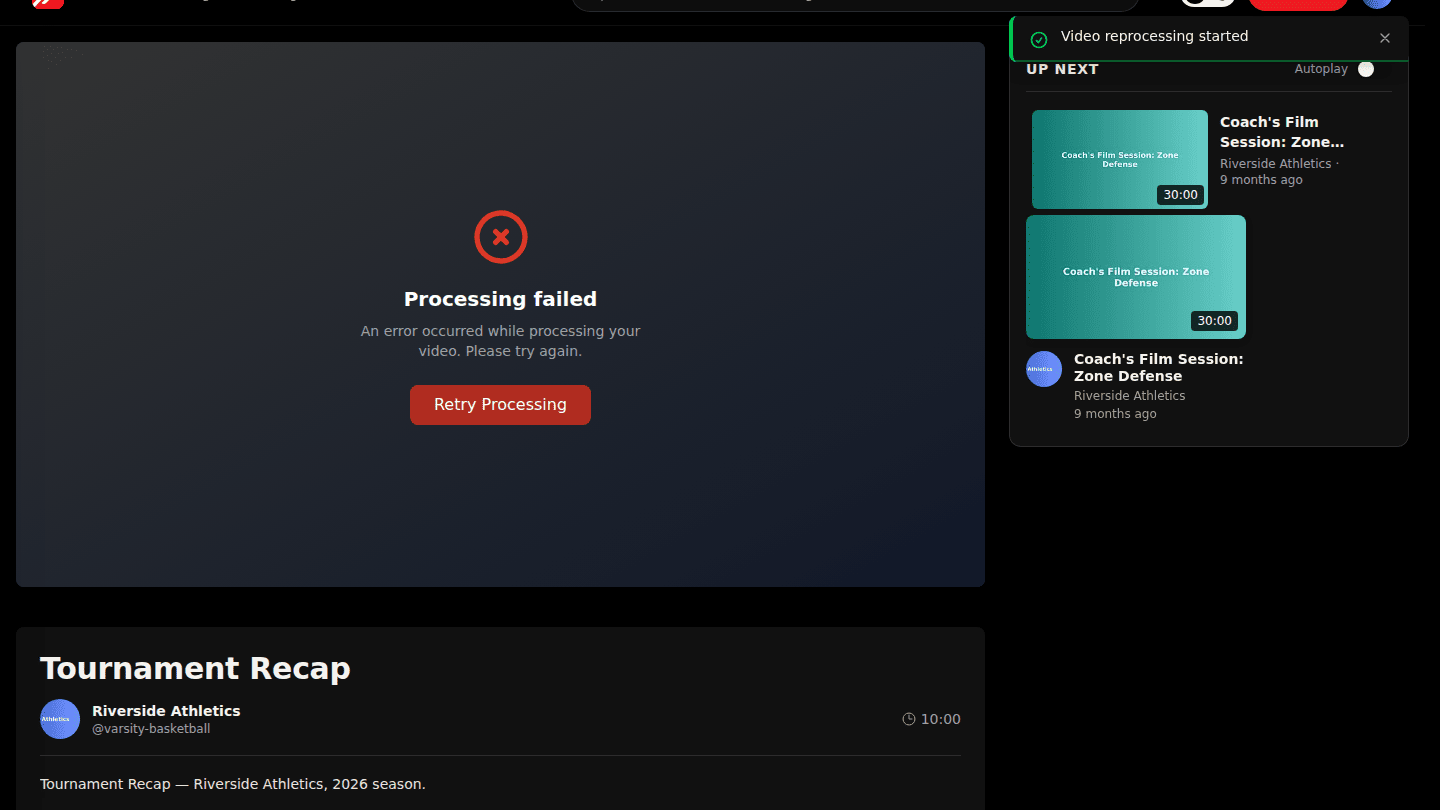
Choose Retry Processing. The video goes back into the processing queue. If it fails again, export the file afresh and replace it.
You should see
Video reprocessing started, then Processing video on the page. Most retries succeed; if it fails twice, the file itself is usually the problem.