
Watching and your library
Report content
Flag a video, channel, organization or comment for the moderation team.
For viewers
By the end the moderation team has your report.
Before you start
- You are signed in.
Steps
Step 1: Choose Report under the video
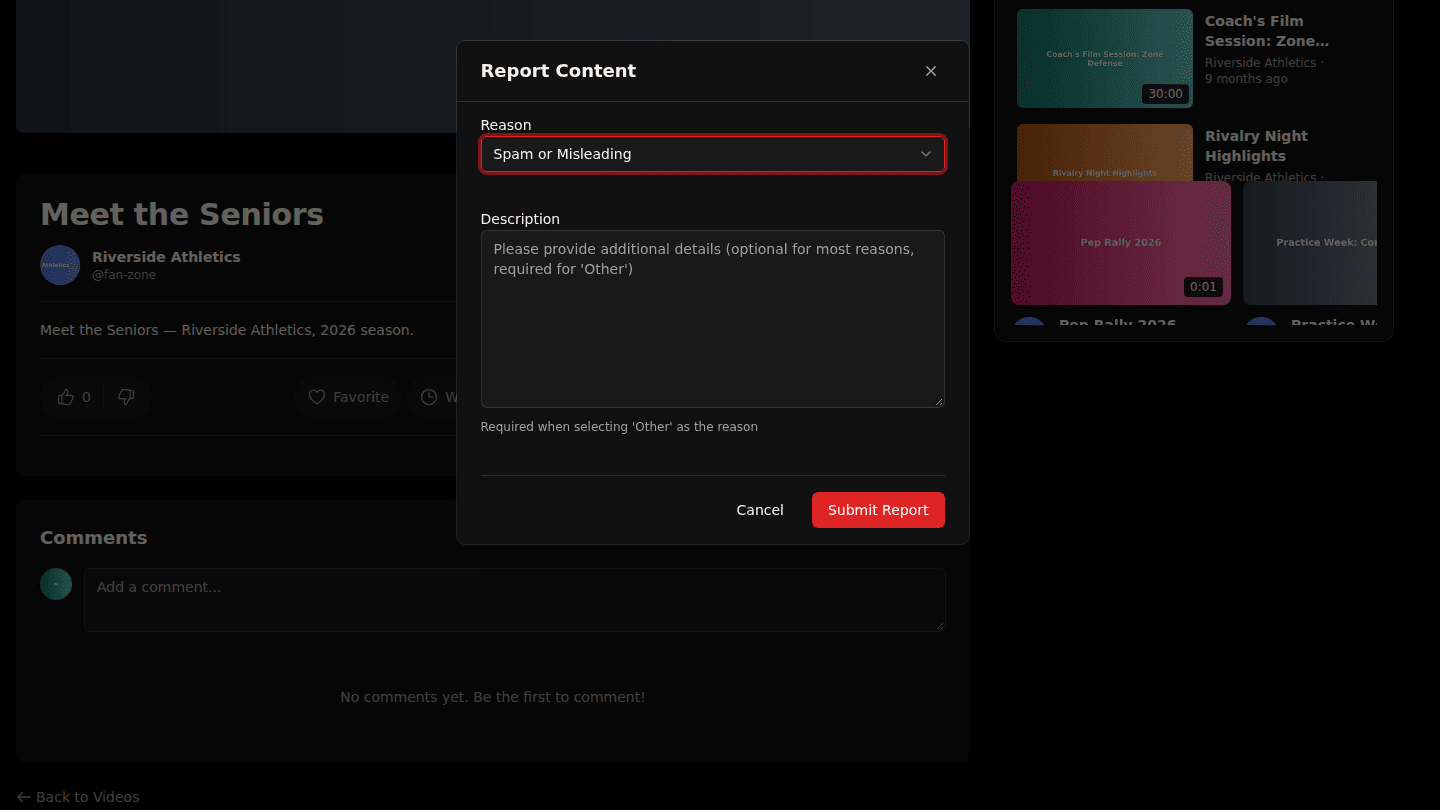
Under a video, or on a channel or organization page, choose Report. Pick a reason; add details, which are required for Other.
Step 2: Choose Submit Report
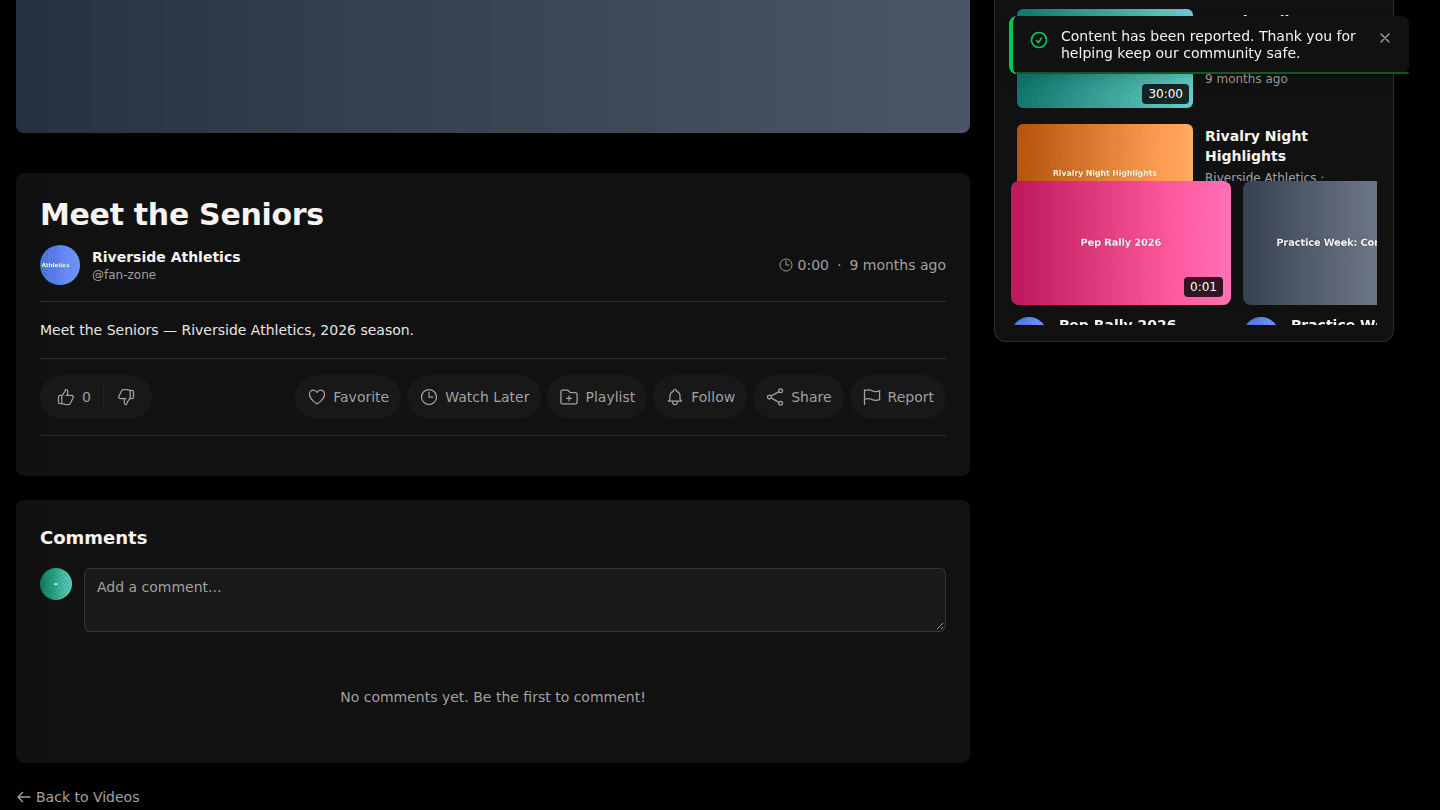
Choose Submit Report. The platform's moderation team reviews it. To stop seeing a channel altogether, use Block instead (Block a user or channel).
You should see
Content has been reported. Thank you for helping keep our community safe.