
Watching and your library
Block a channel or organization
Stop seeing content from a channel or organization.
For viewers
By the end their content is gone from your feeds and search.
Before you start
- You are signed in.
Steps
Step 1: Choose Block on the channel or organization page
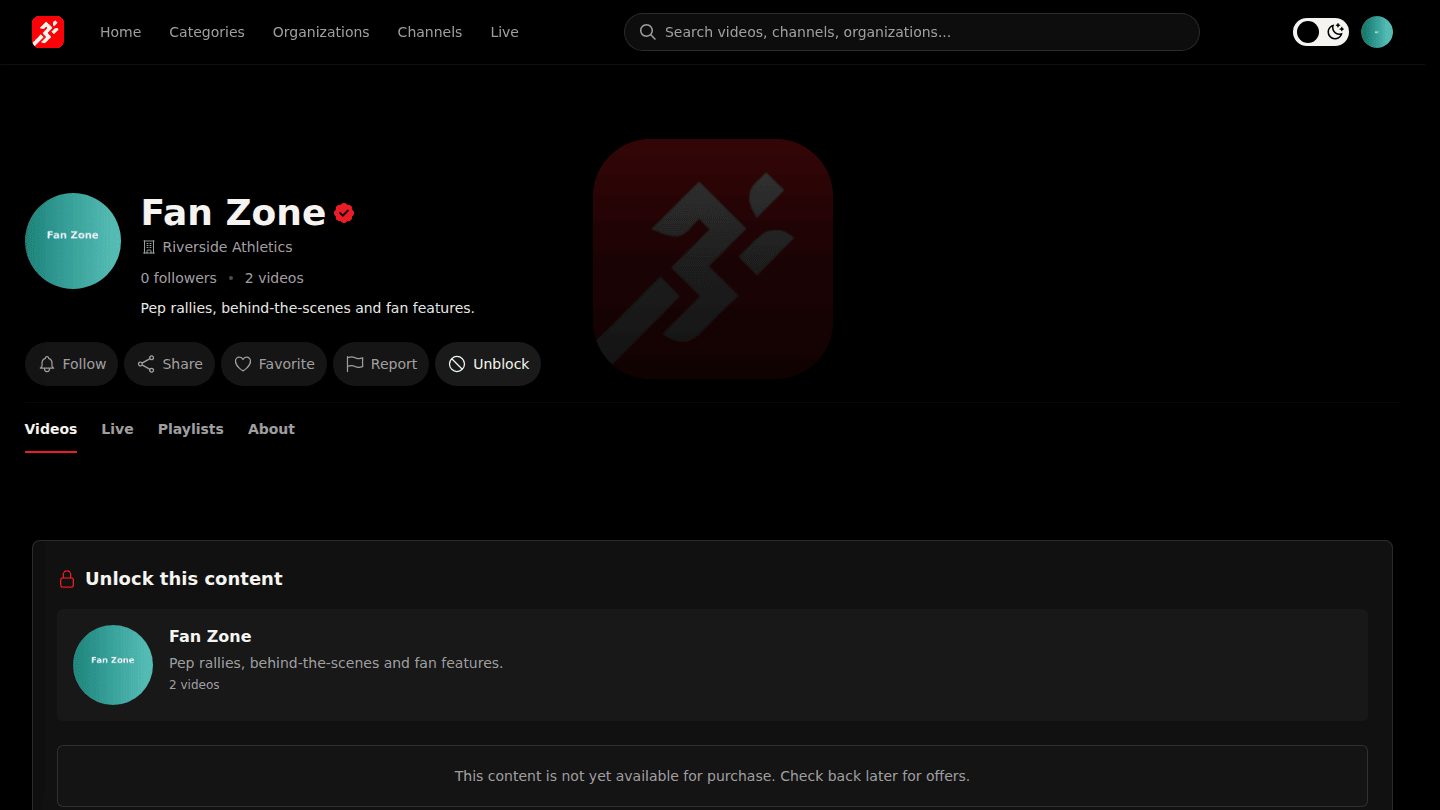
On a channel or organization page choose Block and confirm. Their videos and streams disappear from your home page, search and recommendations. Choose Unblock to undo it.
Step 2: Review blocks on the Blocked Content page
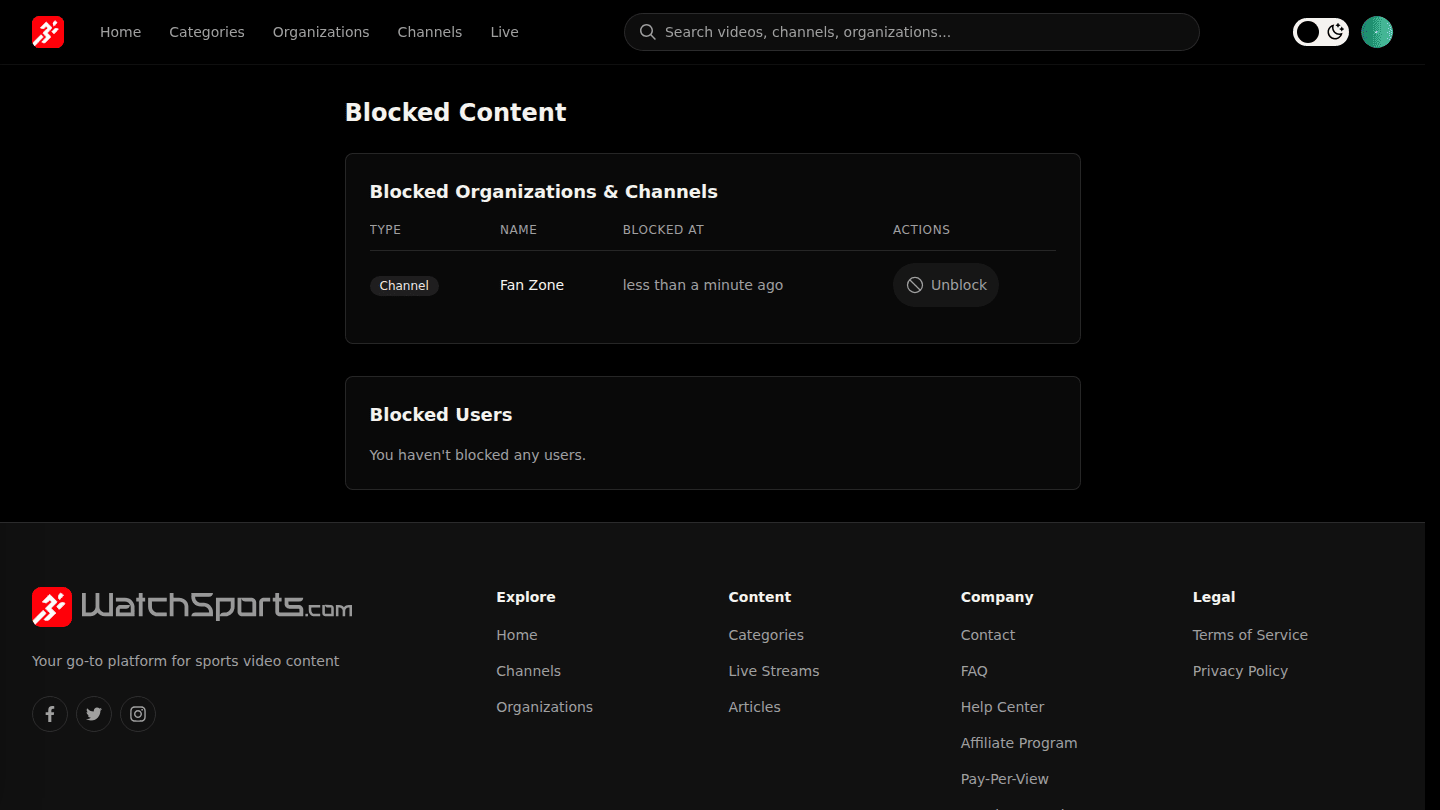
Open Blocked Content from your profile (under Purchases, Manage Blocked Content) to see and undo your blocks.
You should see
Unblock on their page, and the channel listed under Blocked Content.