
Watching and your library
Comment on a video
Join the conversation under a video.
For viewers
By the end your comment is live under the video.
Before you start
- You are signed in, and you can watch the video (free, or you have paid).
Steps
Step 1: Scroll to Comments and write your comment
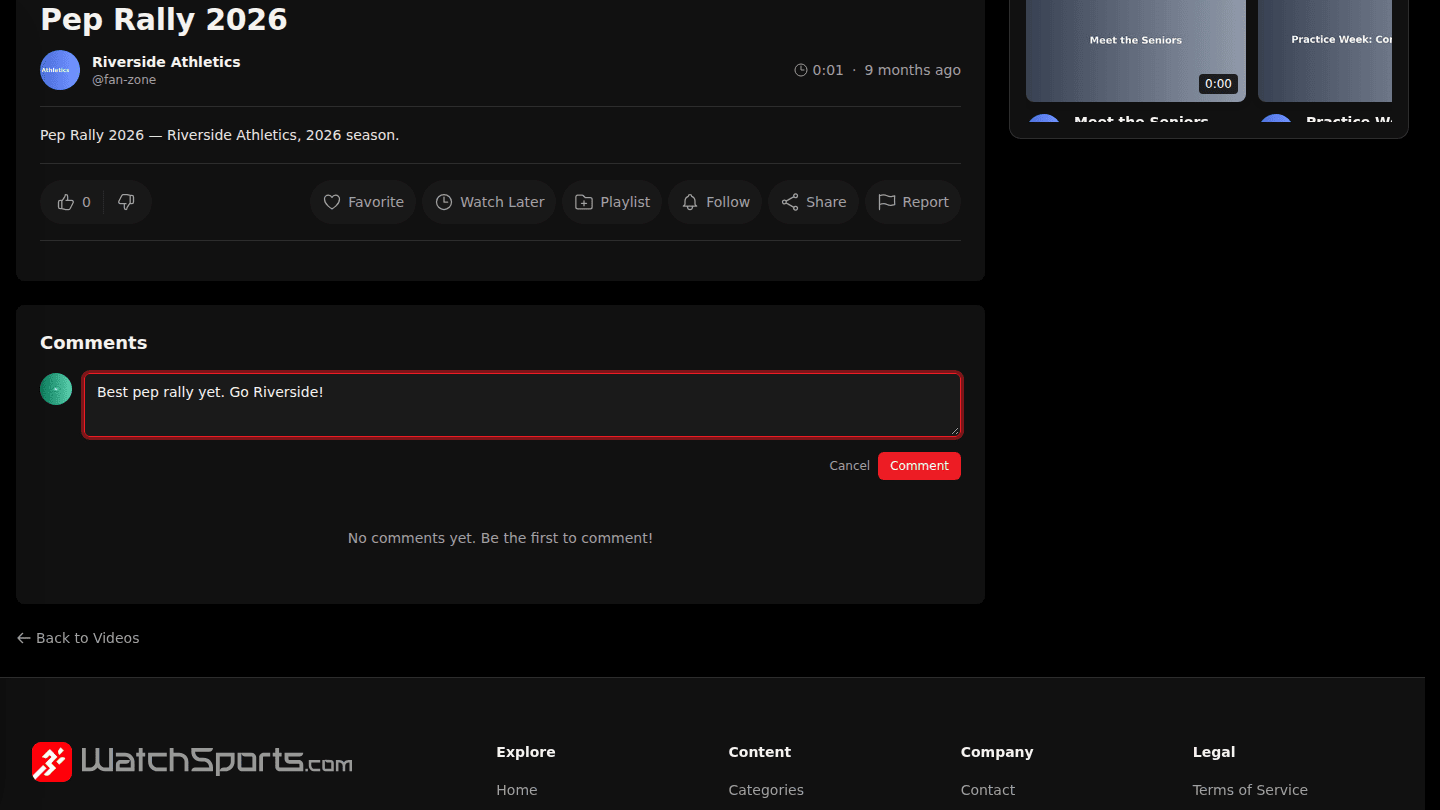
Below the video, type in Add a comment… and choose Comment. You need to be signed in and able to watch the video.
Step 2: Reply or react to other comments
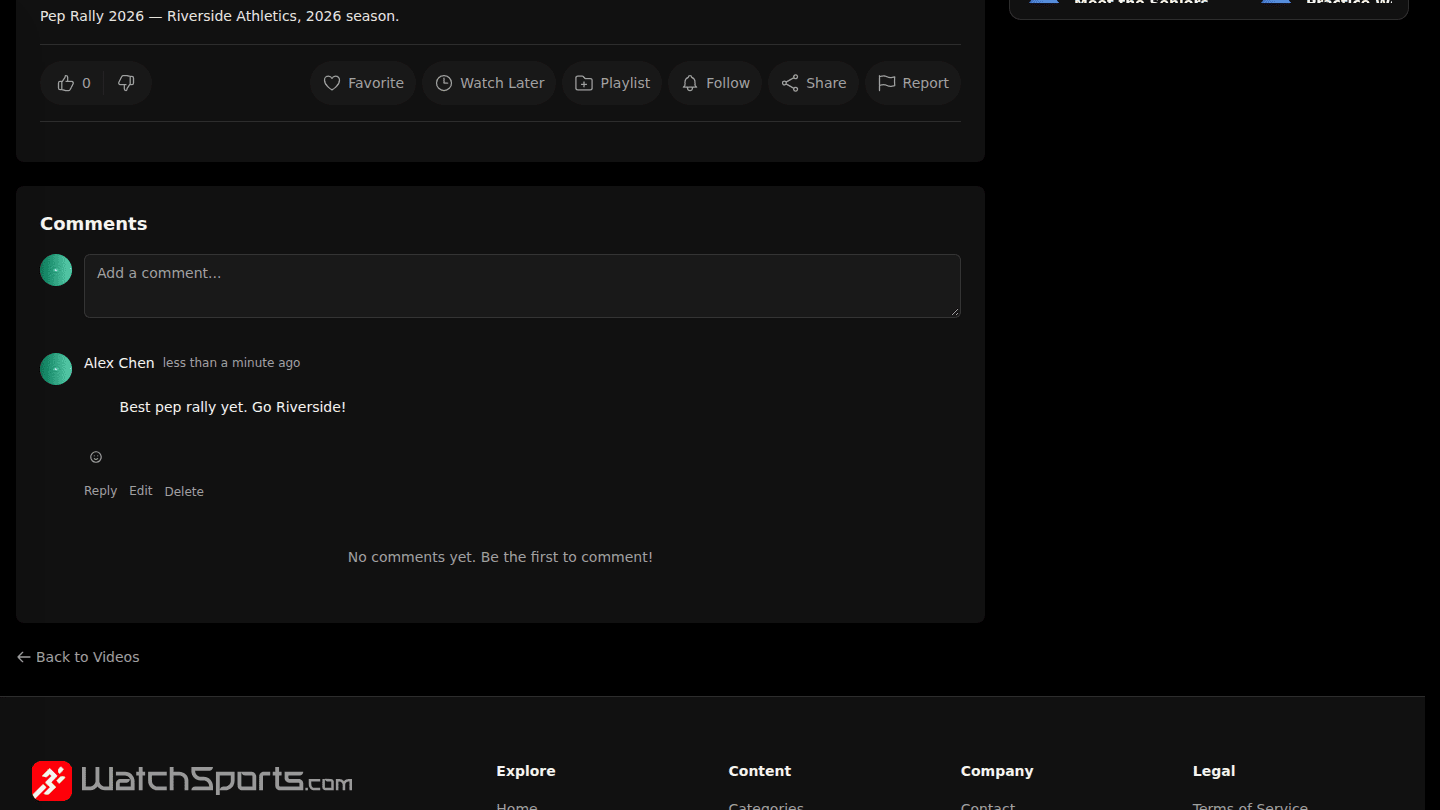
Your comment appears at once. Choose Reply under a comment to answer it and the emoji button to react. Comments marked Pinned or highlighted come from the channel's team.
You should see
Your comment at the top of the thread.