
Your organization
Partner with another organization
Link two organizations so they appear on each other's pages.
For creators
Roles: Owner
By the end the two organizations are partners, or a request is waiting for the other side.
Before you start
- You are the owner of your organization, and the other organization exists on the platform.
Steps
Step 1: Open Manage → Partners and search for the organization
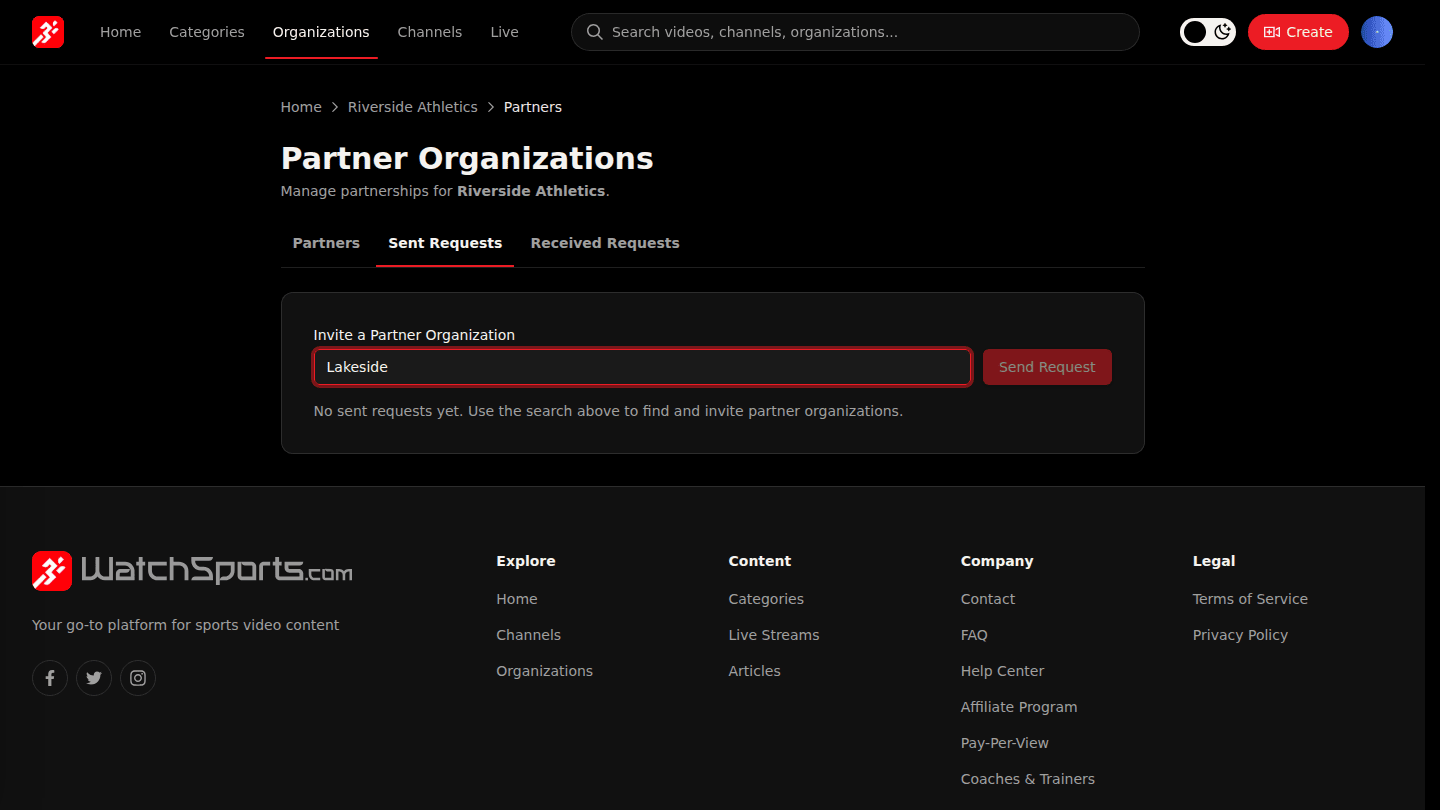
Open your organization page, choose Manage → Partners and the Sent Requests tab. Under Invite a Partner Organization search by name, pick the organization and choose Send Request.
Step 2: The other organization approves under Received Requests
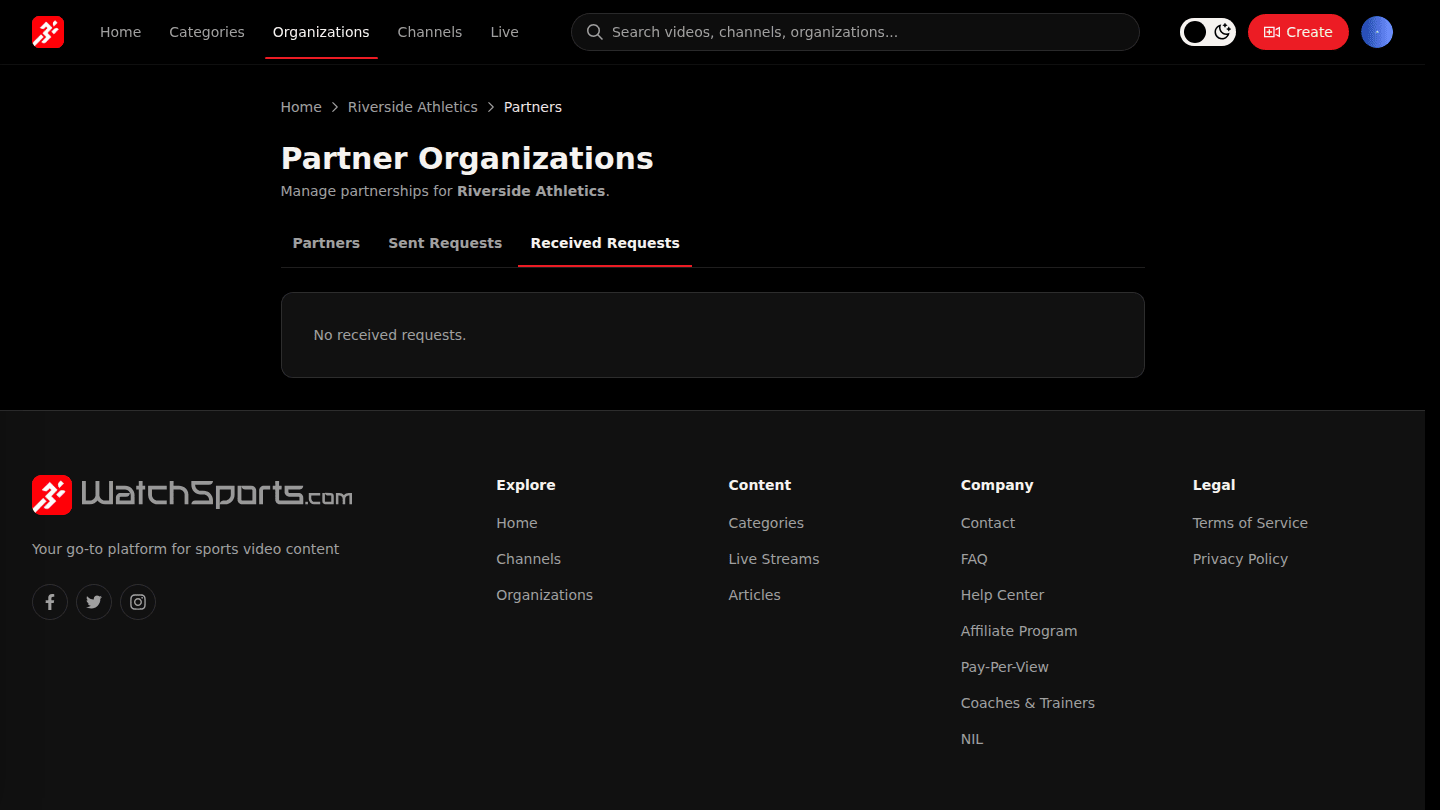
The other organization's owner gets an email and chooses Approve or Reject under Received Requests. Partners are listed on each other's organization pages; Remove Partnership ends it from either side.
You should see
Partnership request sent to the organization, then the partner on your Partners tab once they approve.