
Your organization
Edit your organization profile
Change your organization's name, description and images.
For creators
Roles: Owner
Before you start
By the end your organization page shows the new name, description and images.
Before you start
- You are the owner.
Steps
Step 1: Open your organization and choose Edit
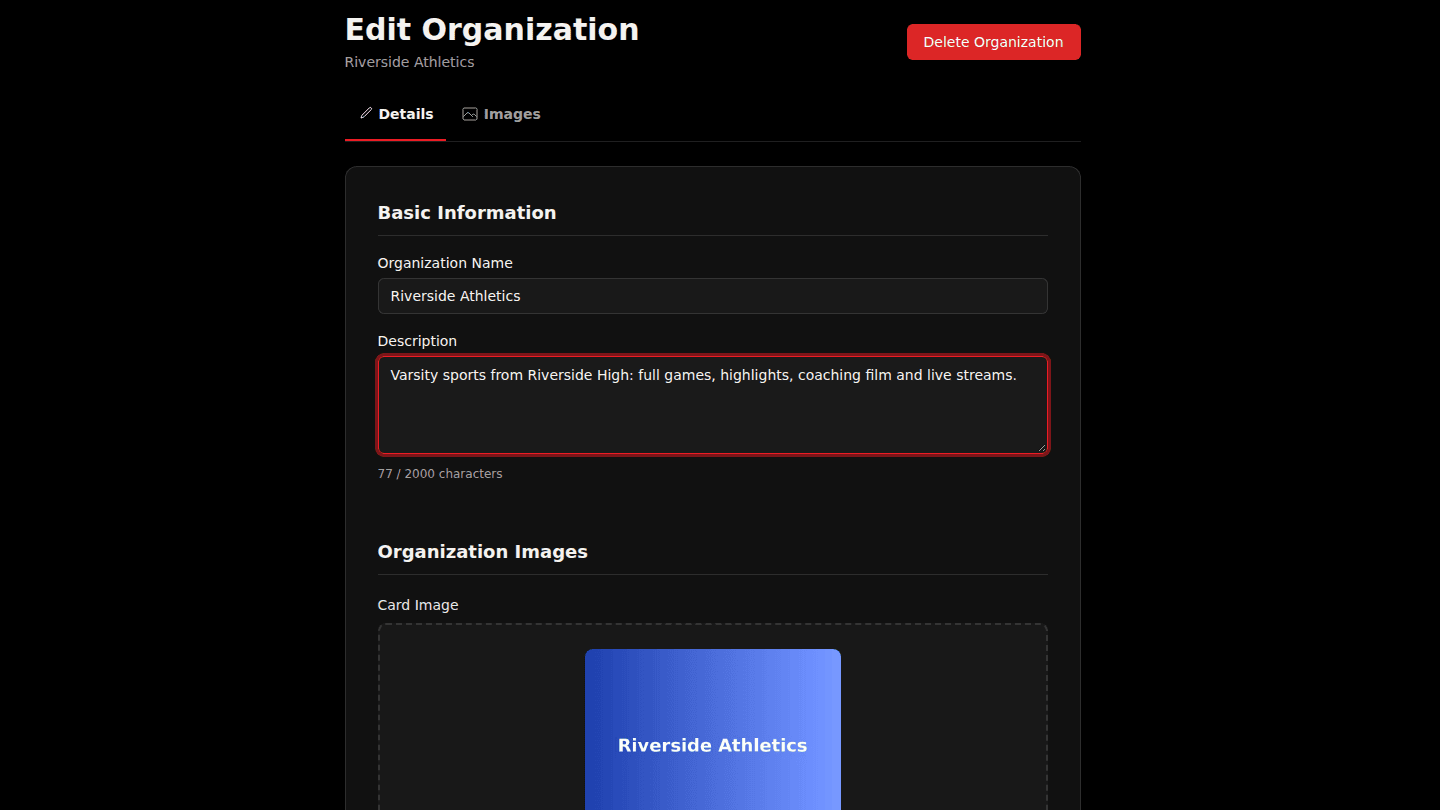
Open your organization page and choose Edit. The Details tab holds the Organization Name and Description viewers see.
Step 2: Use the Images tab for your card, banner and about images
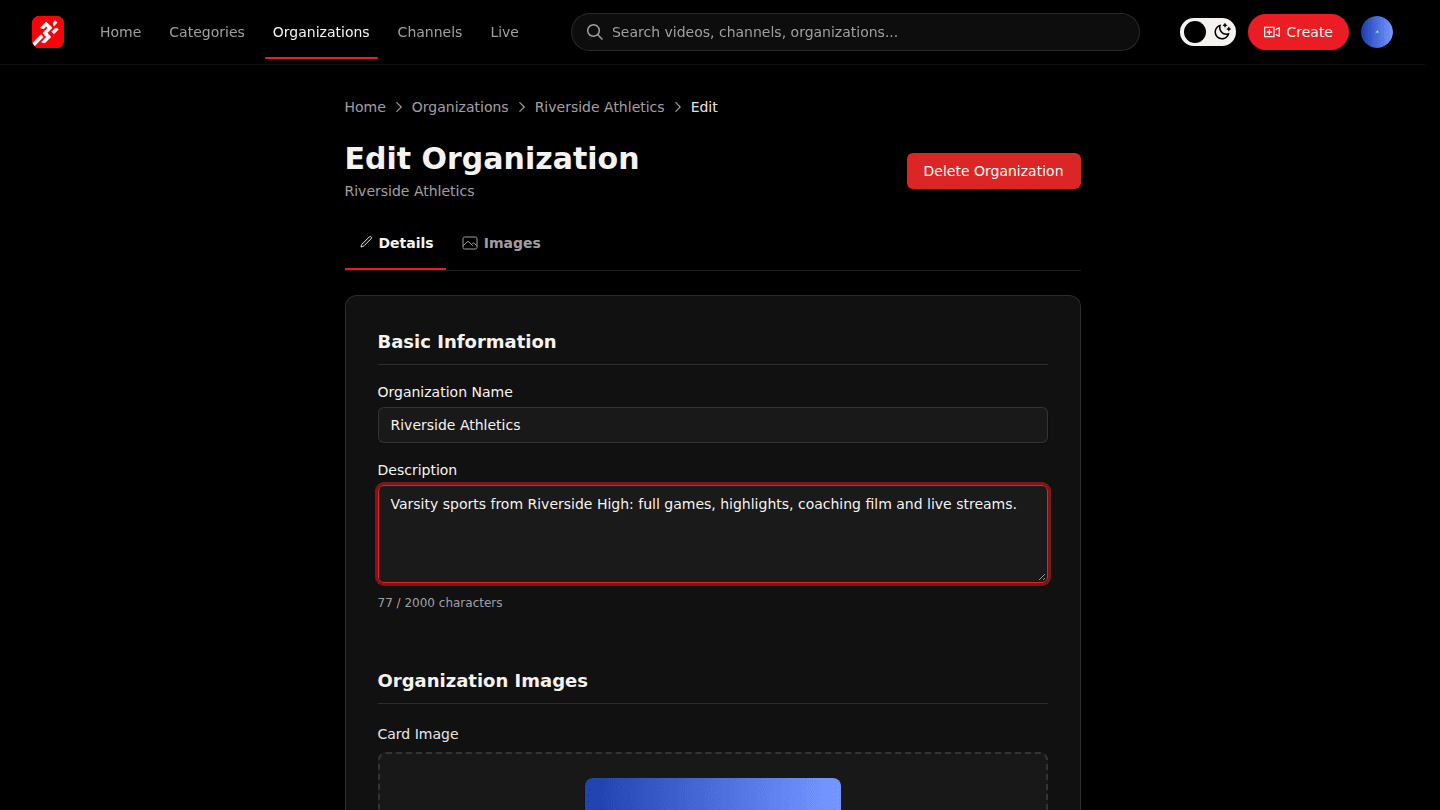
The Images tab holds the Card Image (400×300), Banner Image (1920×400) and About Image (800×600). Choose Update Images after uploading.
Step 3: Choose Update Organization
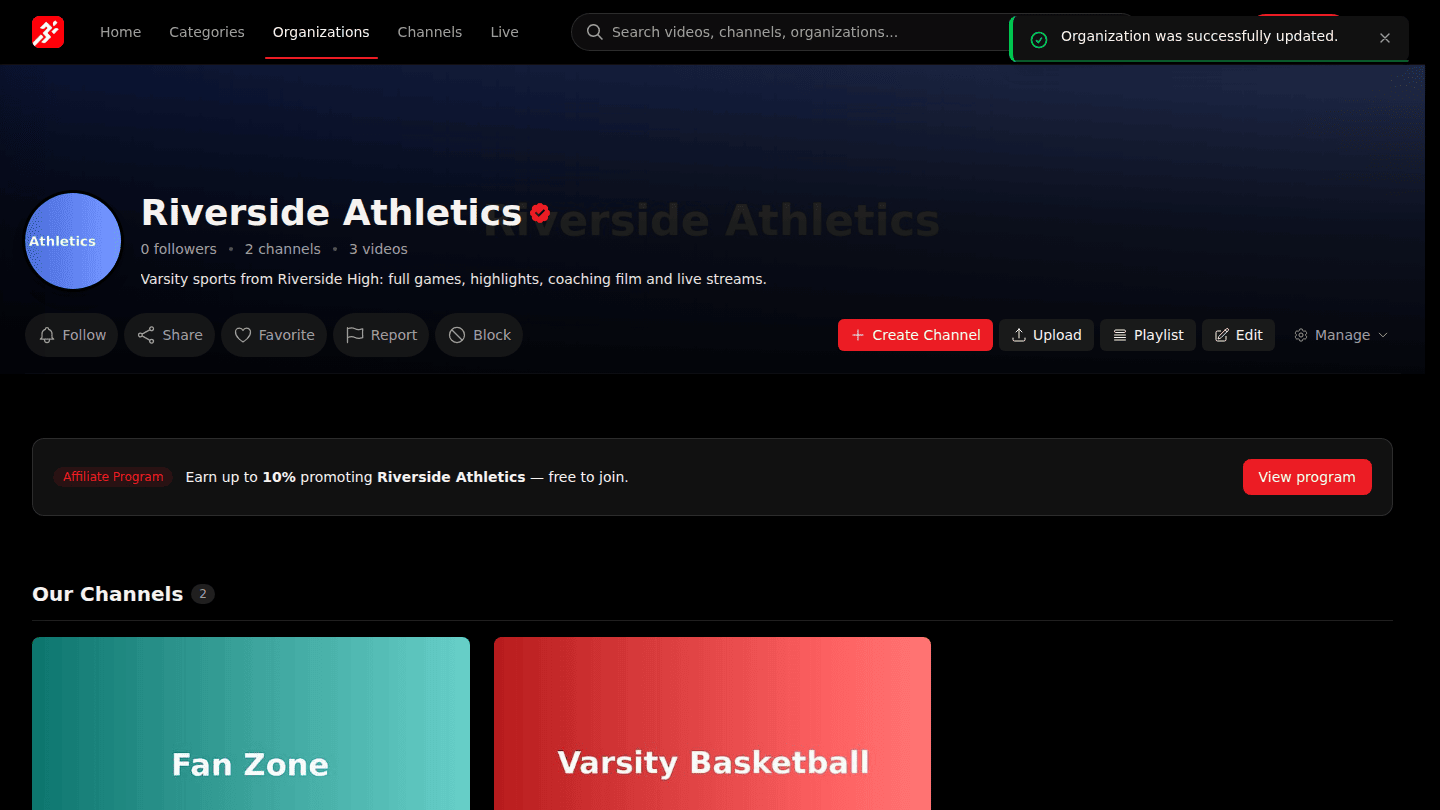
Choose Update Organization.
You should see
Organization was successfully updated. and the new details on your page.