
Comments, chat, ads and analytics
Moderate live chat
Delete messages, time out or ban people during a stream.
For creators
Roles: Owner, Channel manager, Community manager
By the end you can keep a live chat civil without leaving the stream page.
Before you start
- The stream is live and you are an owner, channel manager or community manager.
Steps
Step 1: Watch Stream Chat while you are live
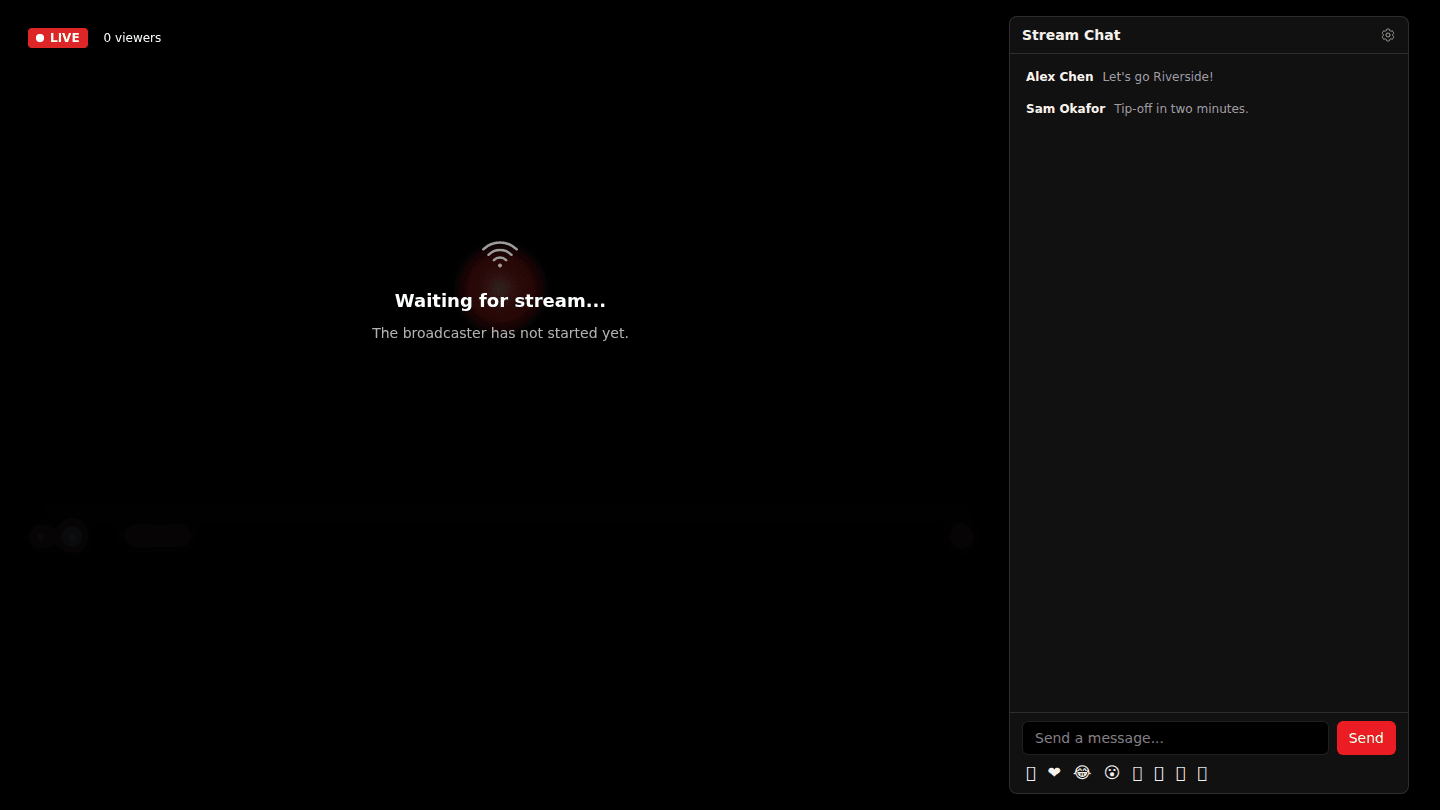
While a stream is live, hover a message in Stream Chat. Owners, channel managers and community managers see Delete, Highlight, Pin and Timeout user on each message.
Step 2: Delete, time out or ban
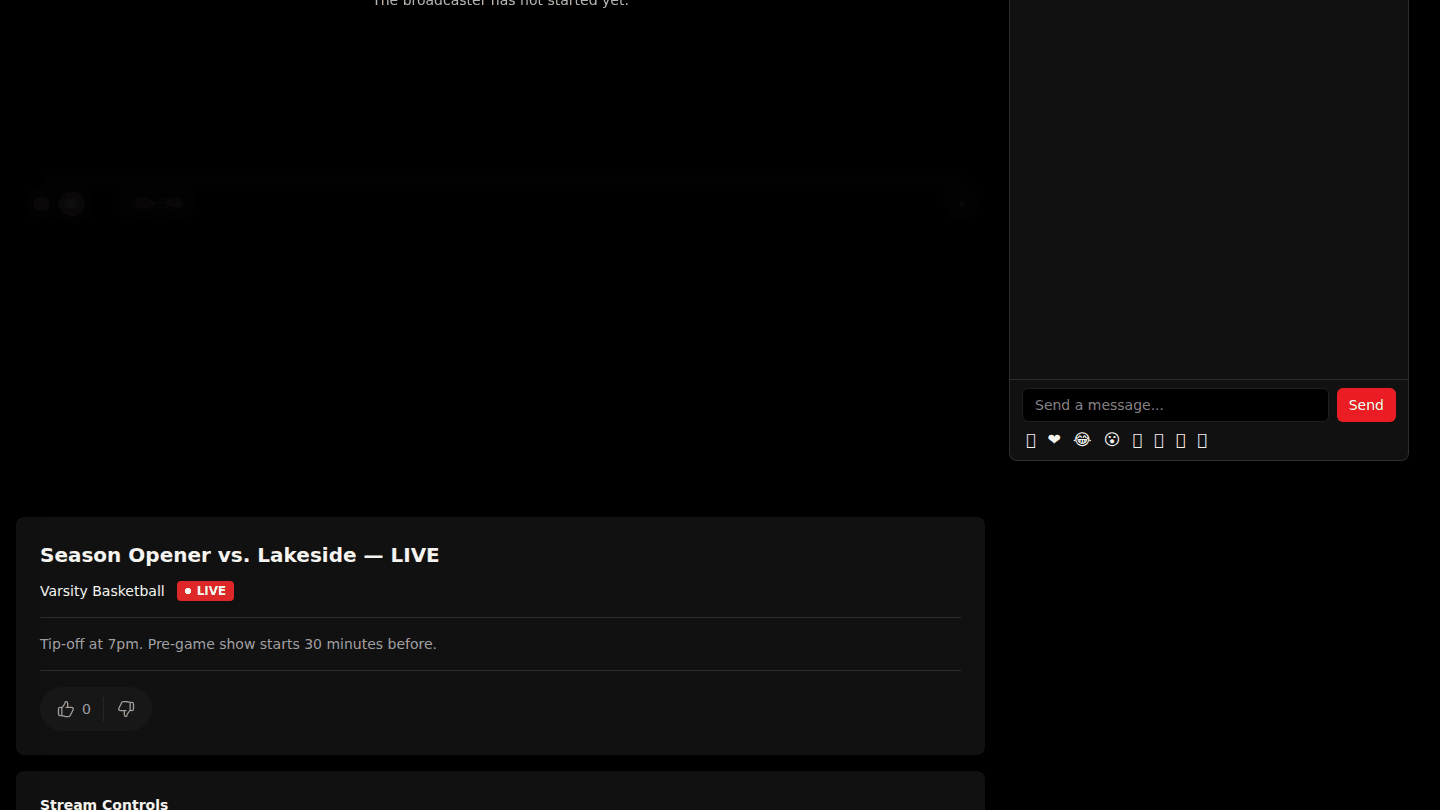
Delete removes a message for everyone. Timeout user silences someone for 1, 5, 10 or 30 minutes, or Ban permanently keeps them out of this chat. Pin and Highlight call attention to a message instead.
You should see
The message gone, or the person unable to post for the time you chose.