
Selling your content
Change or archive an offer
Edit an offer's price or details, or stop selling it.
For creators
Roles: Owner, Accounting manager
By the end the offer has the new details, or is archived and no longer for sale.
Before you start
- You are an owner or accounting manager.
Steps
Step 1: Open the offer under Manage → Offers and choose Edit
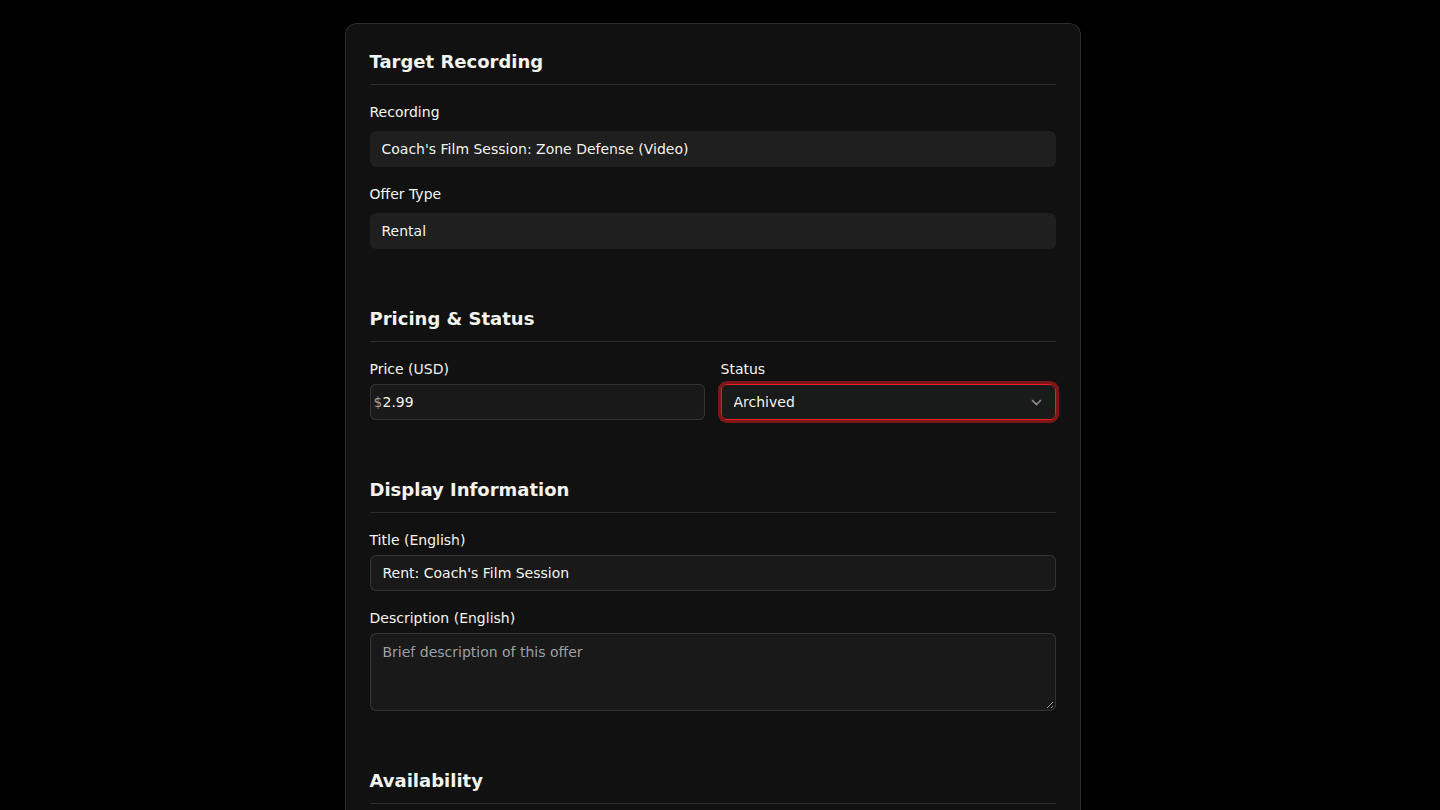
Open your organization page, choose Manage → Offers, then Edit on the offer. Change the Title, Description or Price. To stop selling it, set Status to Archived; people who already bought keep their access.
Step 2: Choose Update Offer
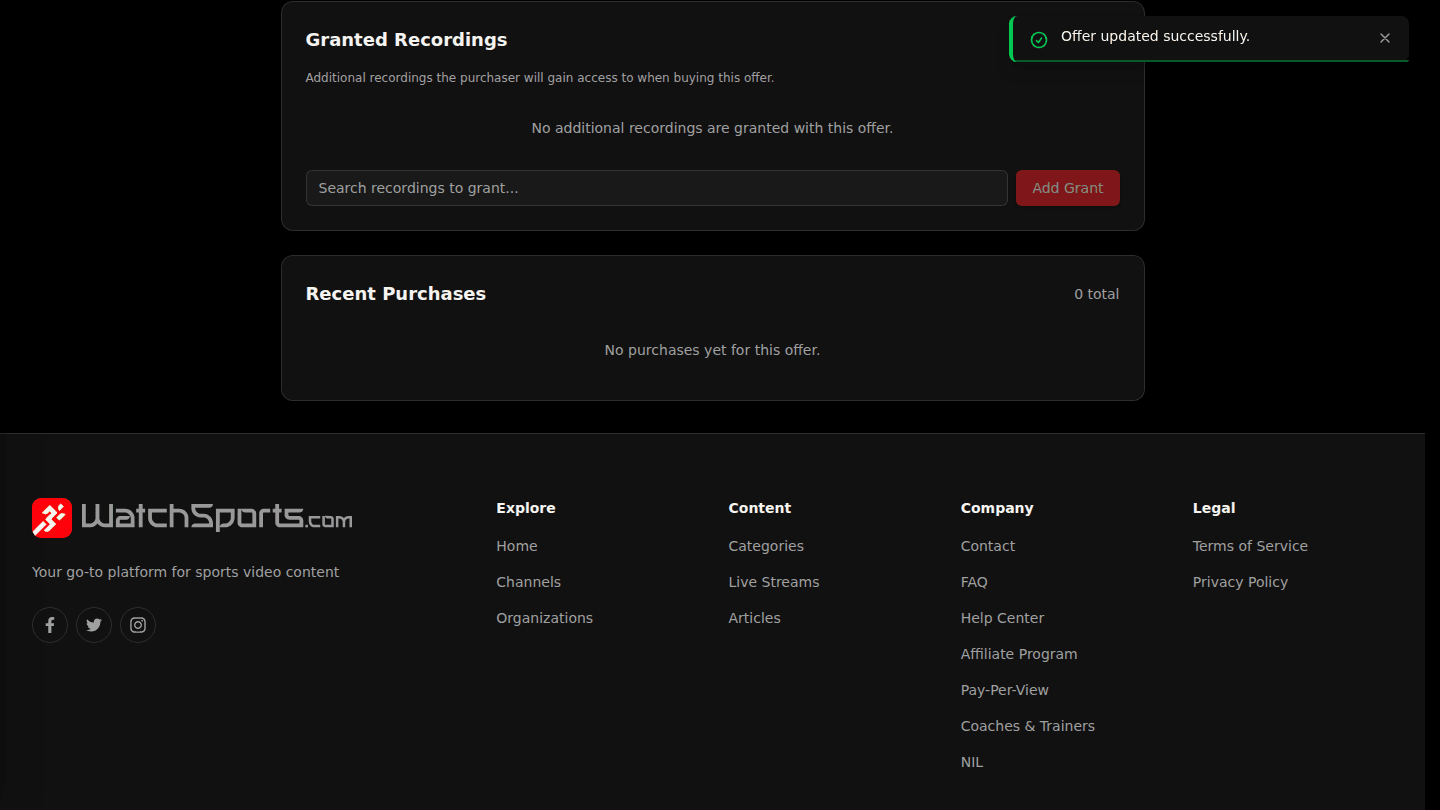
Choose Update Offer. A price change applies to new purchases only; existing subscribers keep their price until they change plan. A draft offer with no sales can be deleted from its page instead.
You should see
Offer was successfully updated. and the new status in the Offers list.