
Affiliate portal
Track your commissions
See what you earned, what is pending and what has been paid out.
For affiliates
By the end you can answer what each link has earned you.
Before you start
- You are an affiliate.
Steps
Step 1: Check the totals on your dashboard
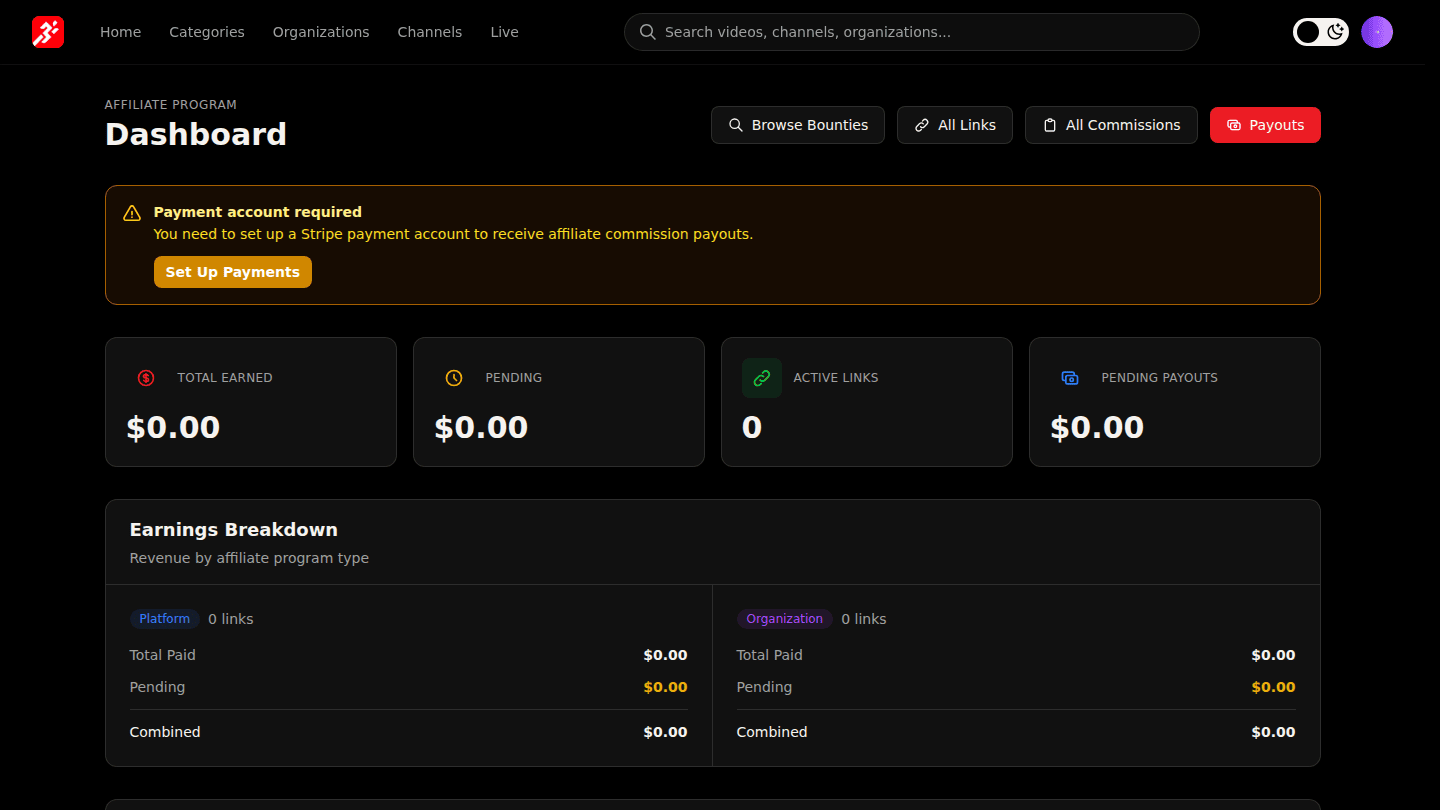
Your affiliate dashboard shows Total Earned, Pending and Pending Payouts, with your newest commissions underneath.
Step 2: Open Commission History and Payout History

All Commissions lists every sale with its state (Earned, Payable, Paid or Void after a refund). Payouts lists every transfer to your Stripe account.
You should see
Totals on the dashboard and every commission with its state.
How it works
A commission is earned at the sale, payable once the refund window passes, paid when a payout batch sends it to your Stripe account, and void if the sale is refunded.